

6 reviews for Lightroom and ACR Presets | Botanical Matte
Only logged in customers who have purchased this product may leave a review.
LIGHTROOM & ADOBE CAMERA RAW PRESETS
20 looks. Your own finish.
Hints of mint and citrus combine with the cool green of herbs with a few floral hues for good measure.
$75.00
THE COLLECTION
Choose a starting point, then make it your own.
Twig & Olive's Botanical Matte Lightroom and ACR Presets are one of the most versatile of our packs. A few go dark and moody, a few are more light and airy, all add a bit of depth and balance. You’ll find yourself reaching for these again and again for as your tried and true. As with all of our presets, these work best on images taken in open shade or during golden hour.
BEFORE & AFTER

 BeforeAfter
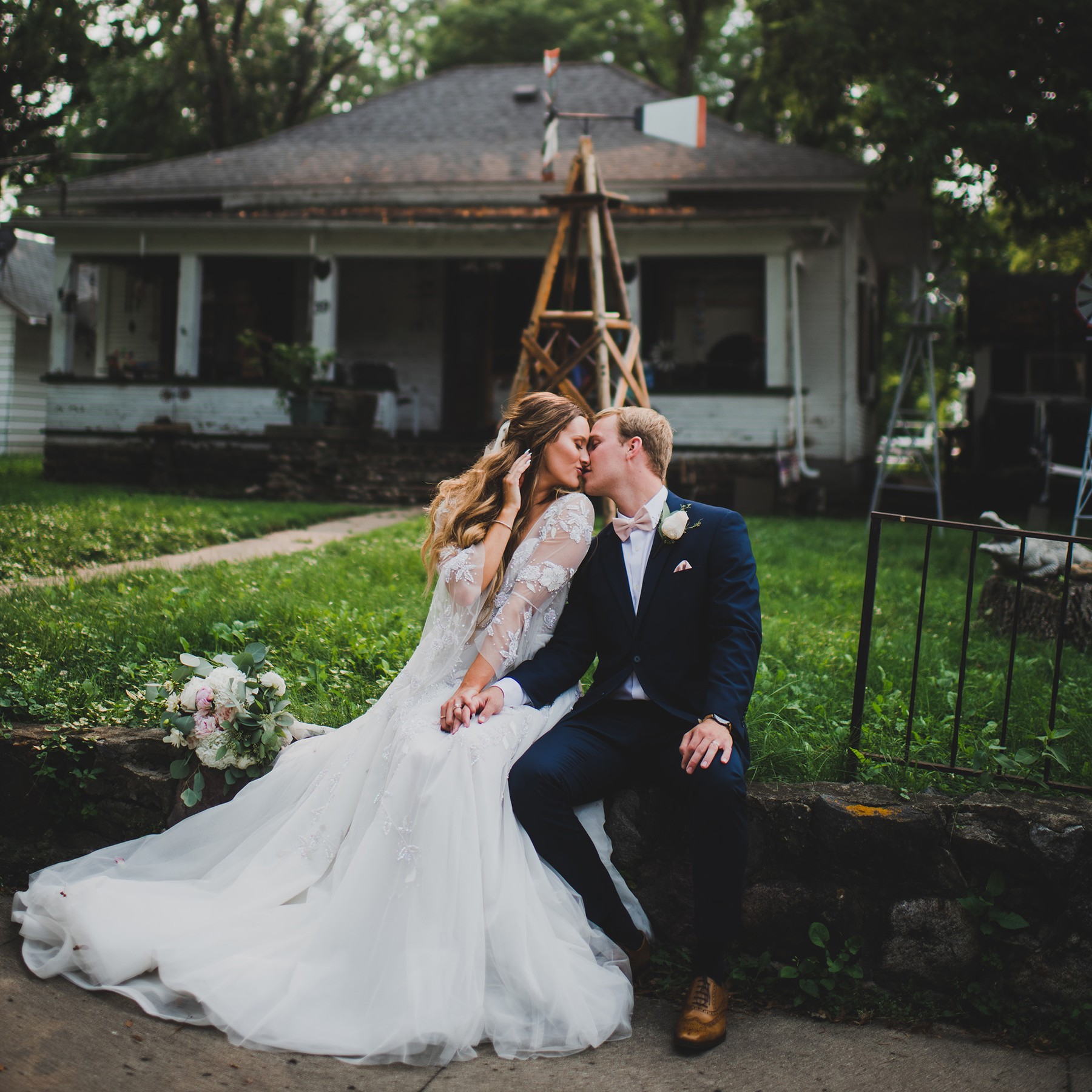
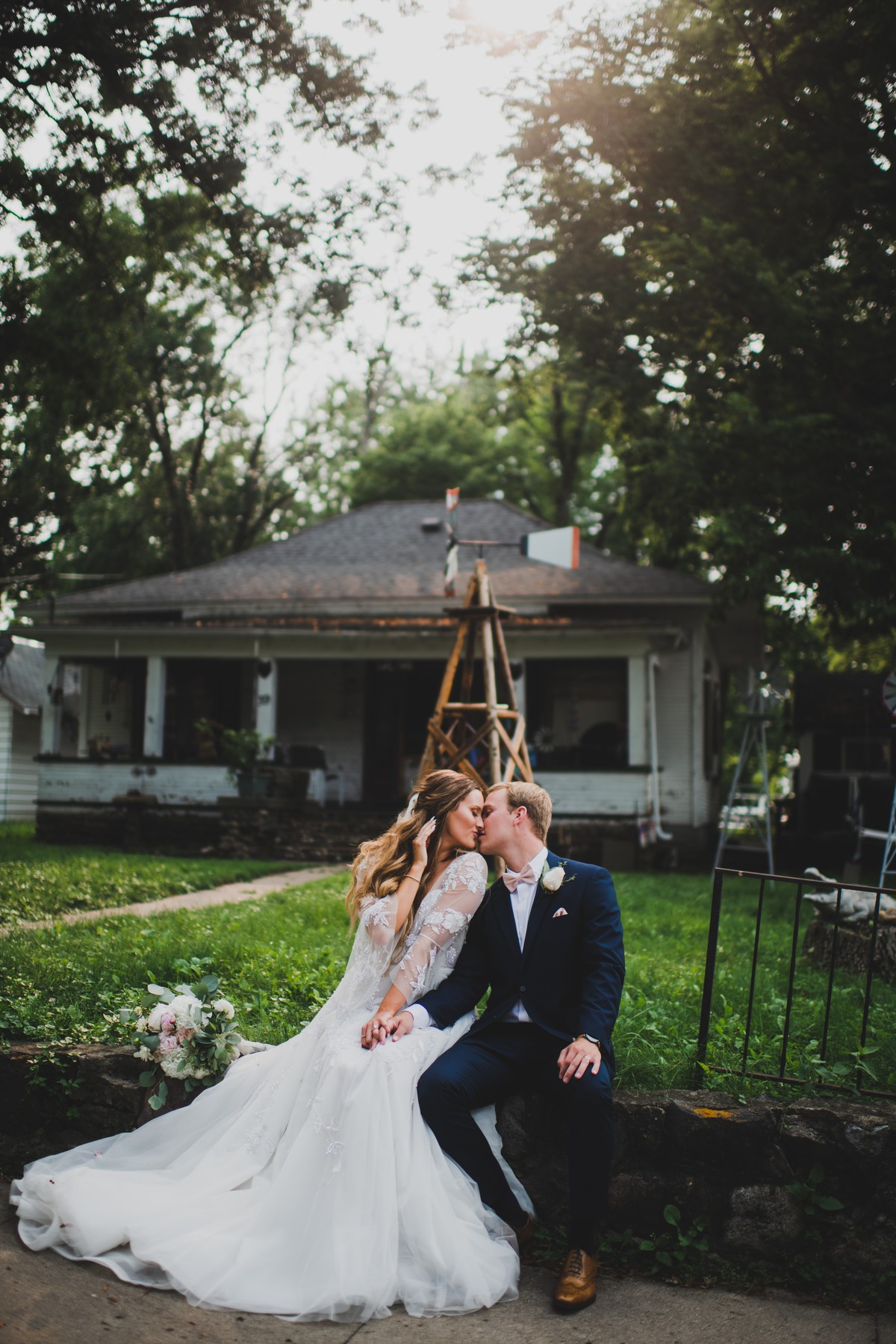
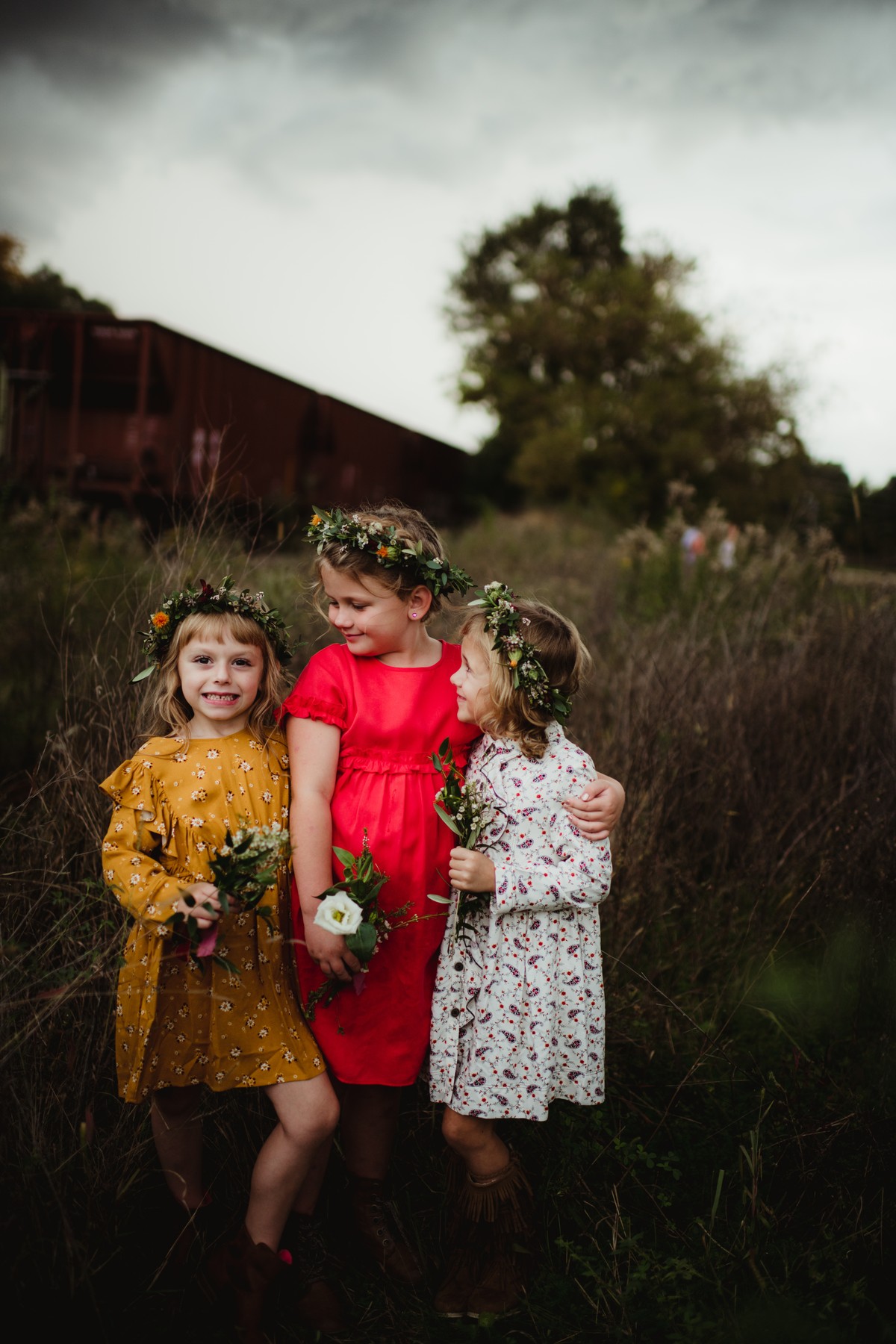
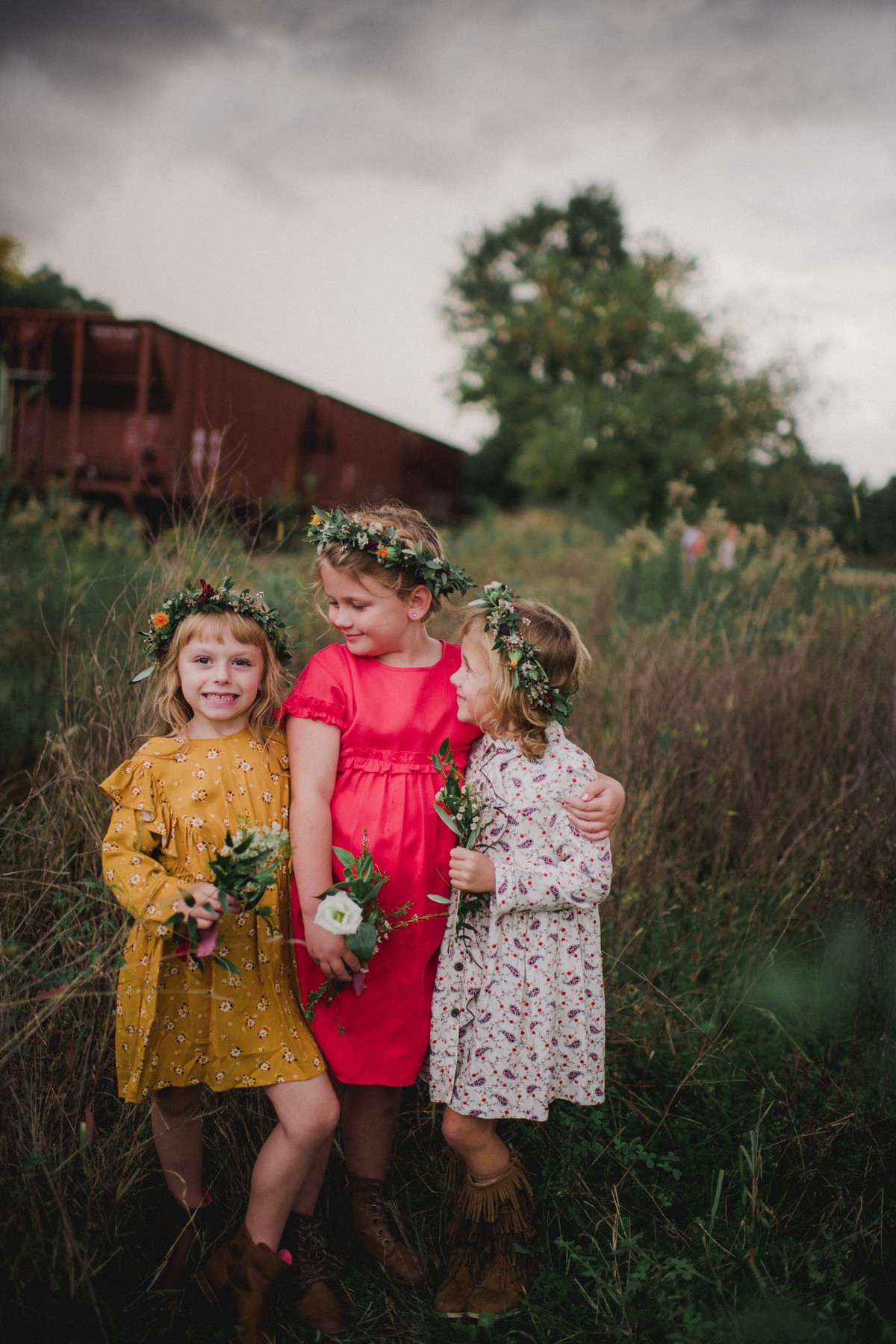
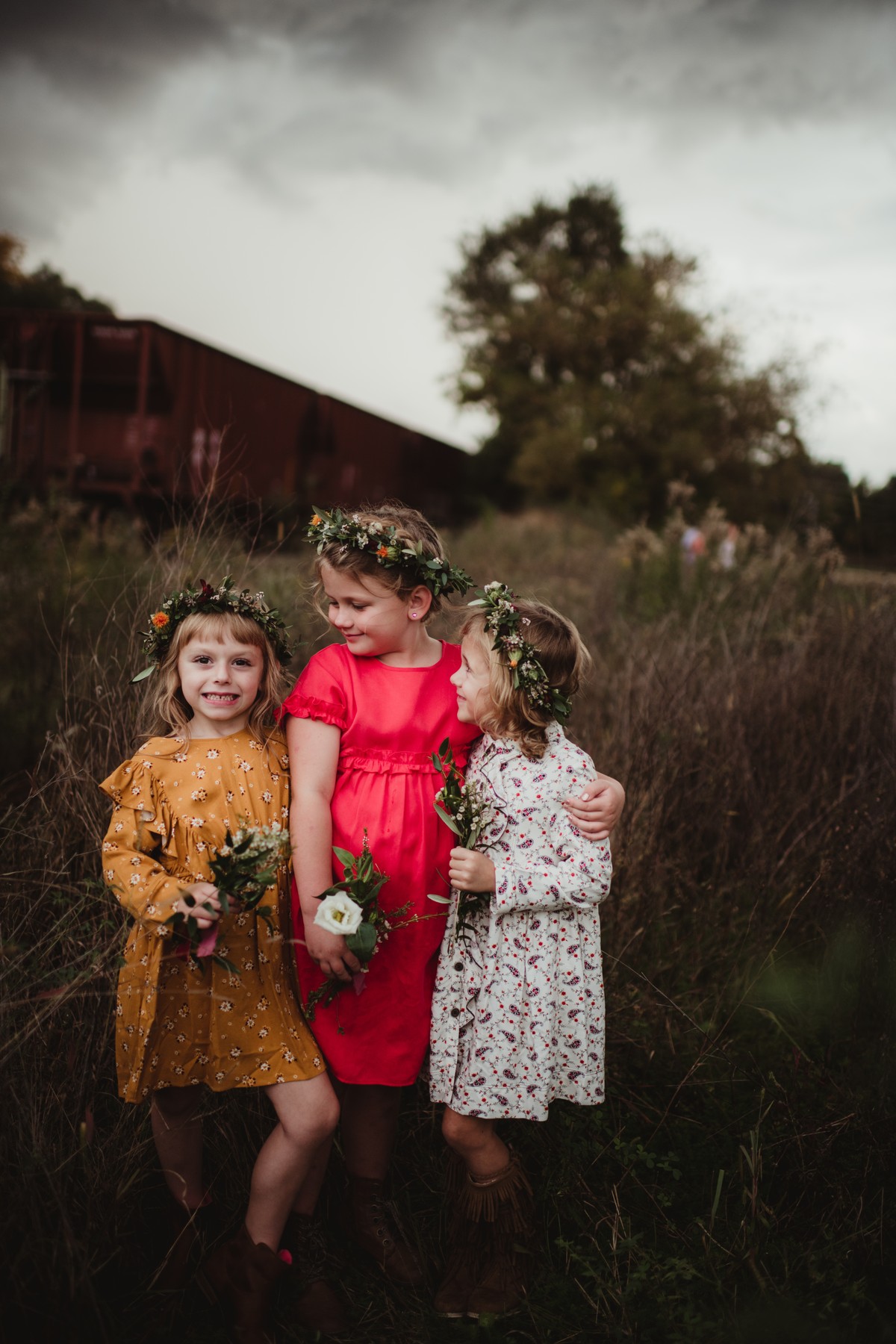
Celosia. Compare the starting photograph with the finished product example.


A CLOSER LOOK
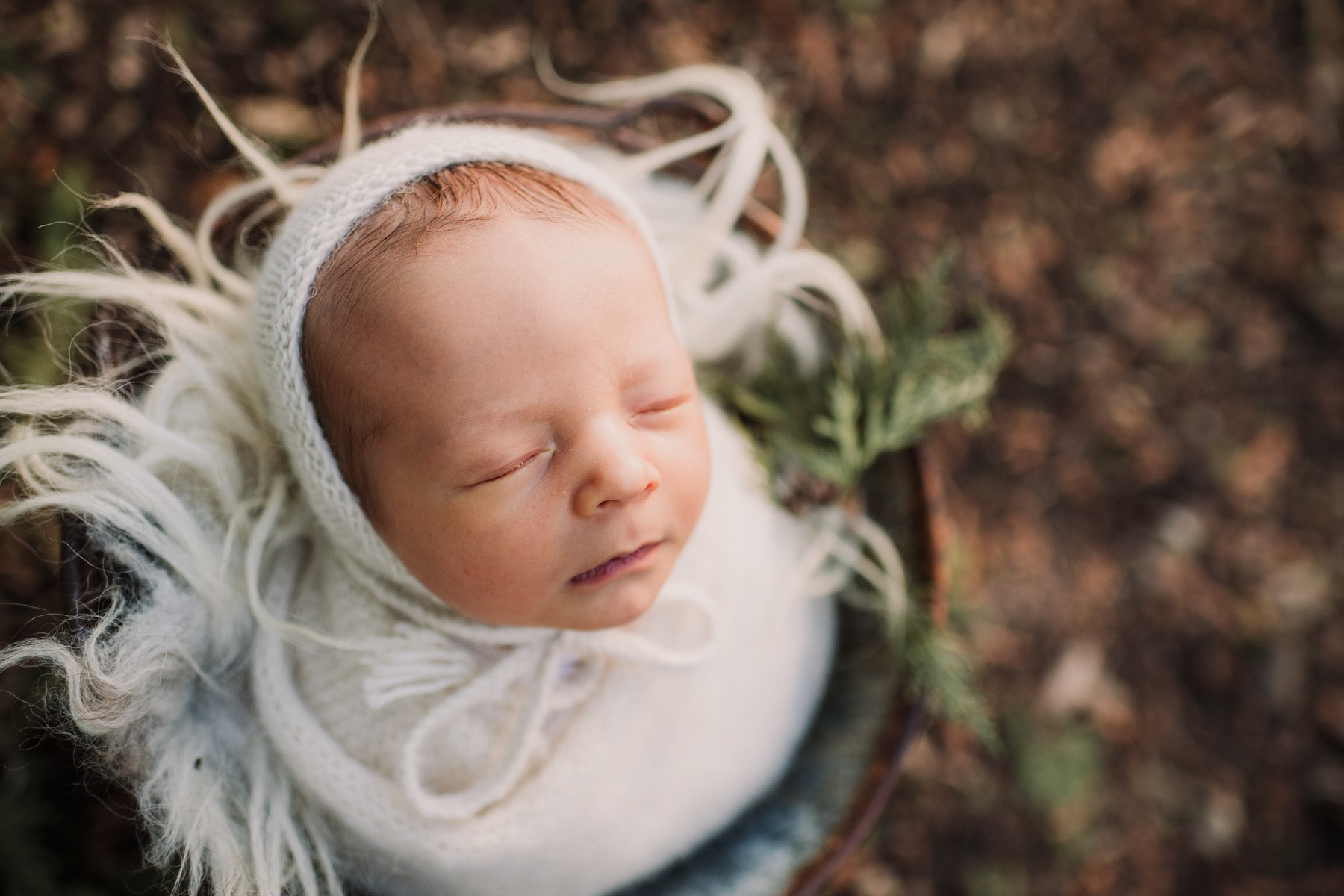
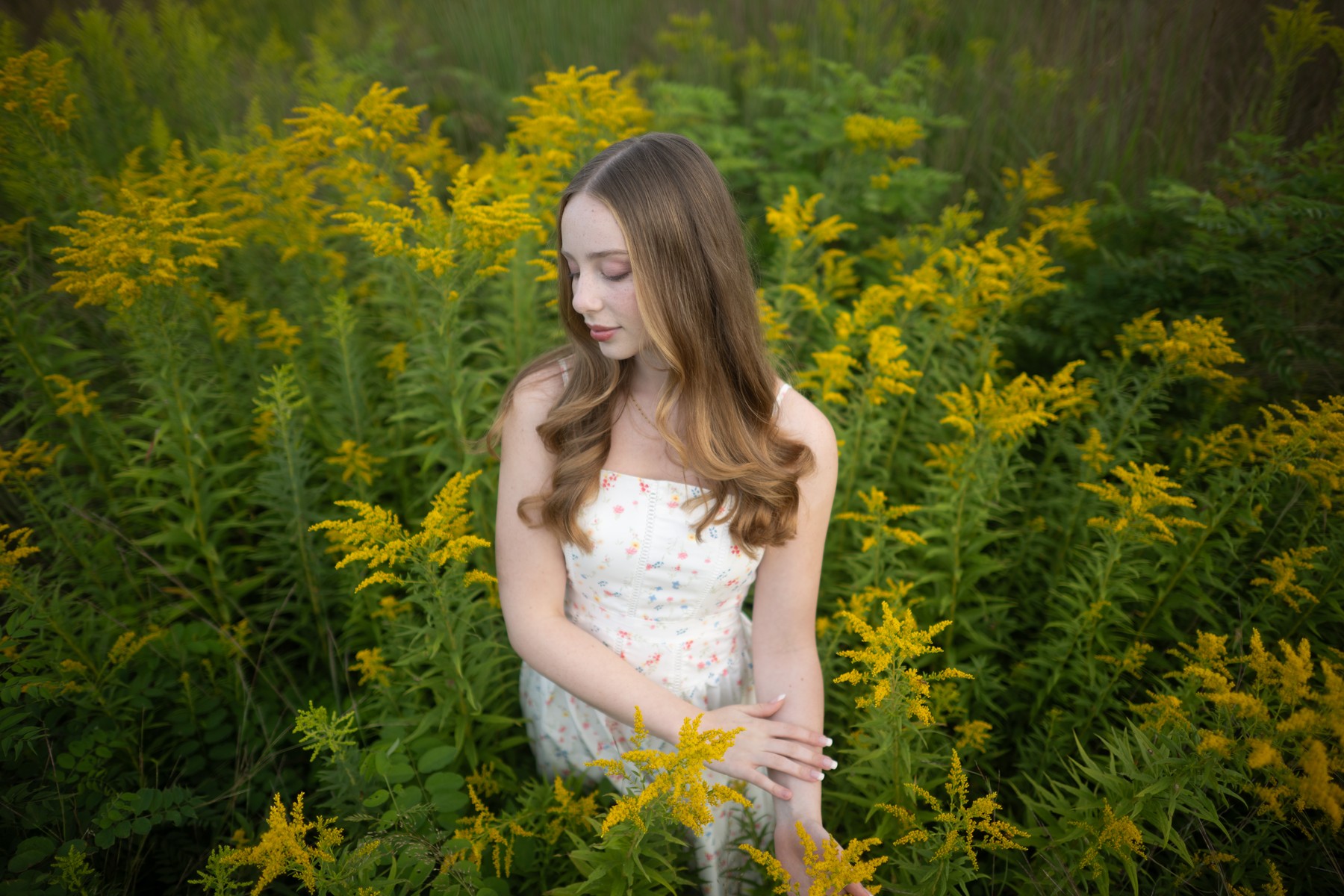
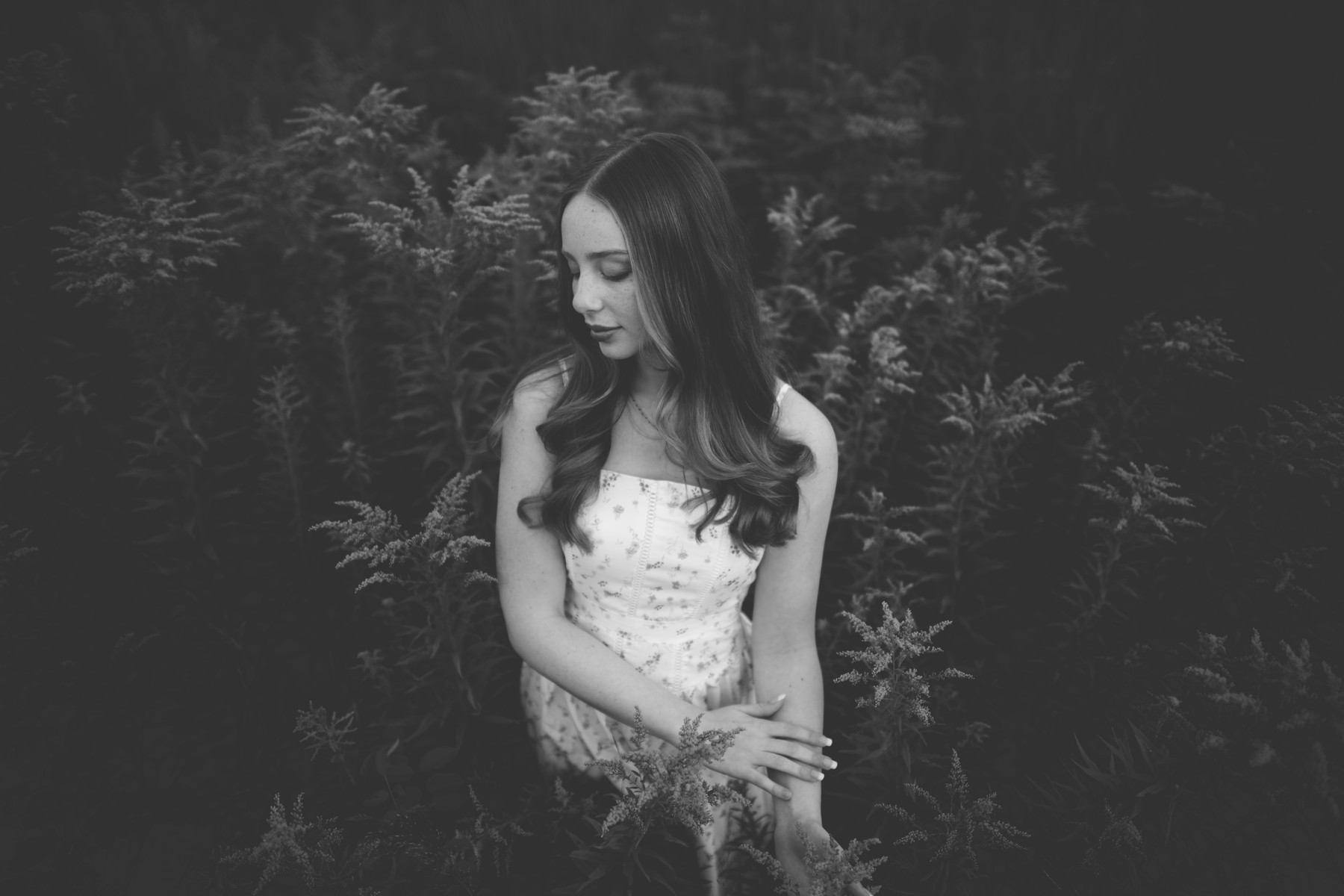
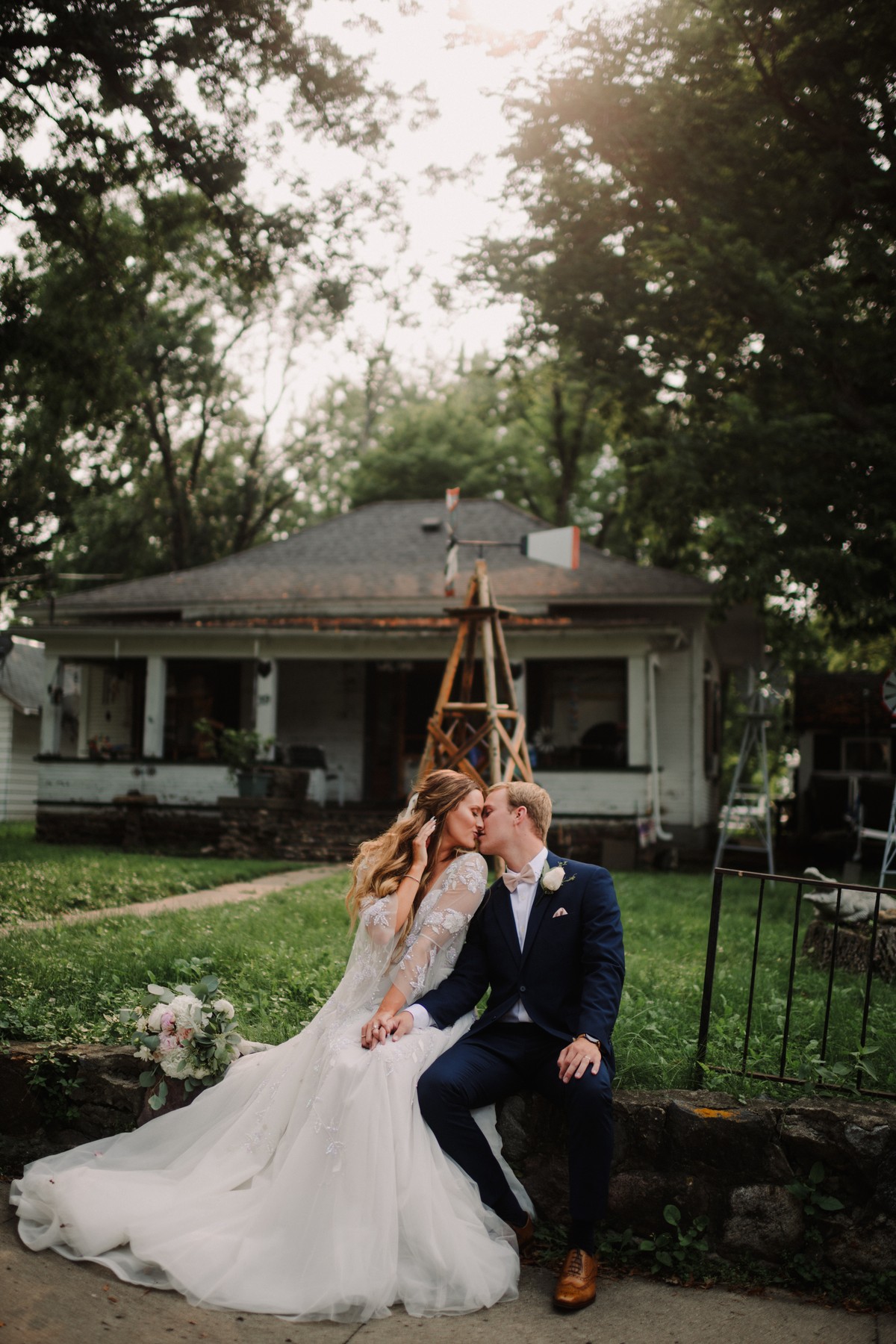
Selected product examples. Choose a photograph to see it larger.
View largerView largerView larger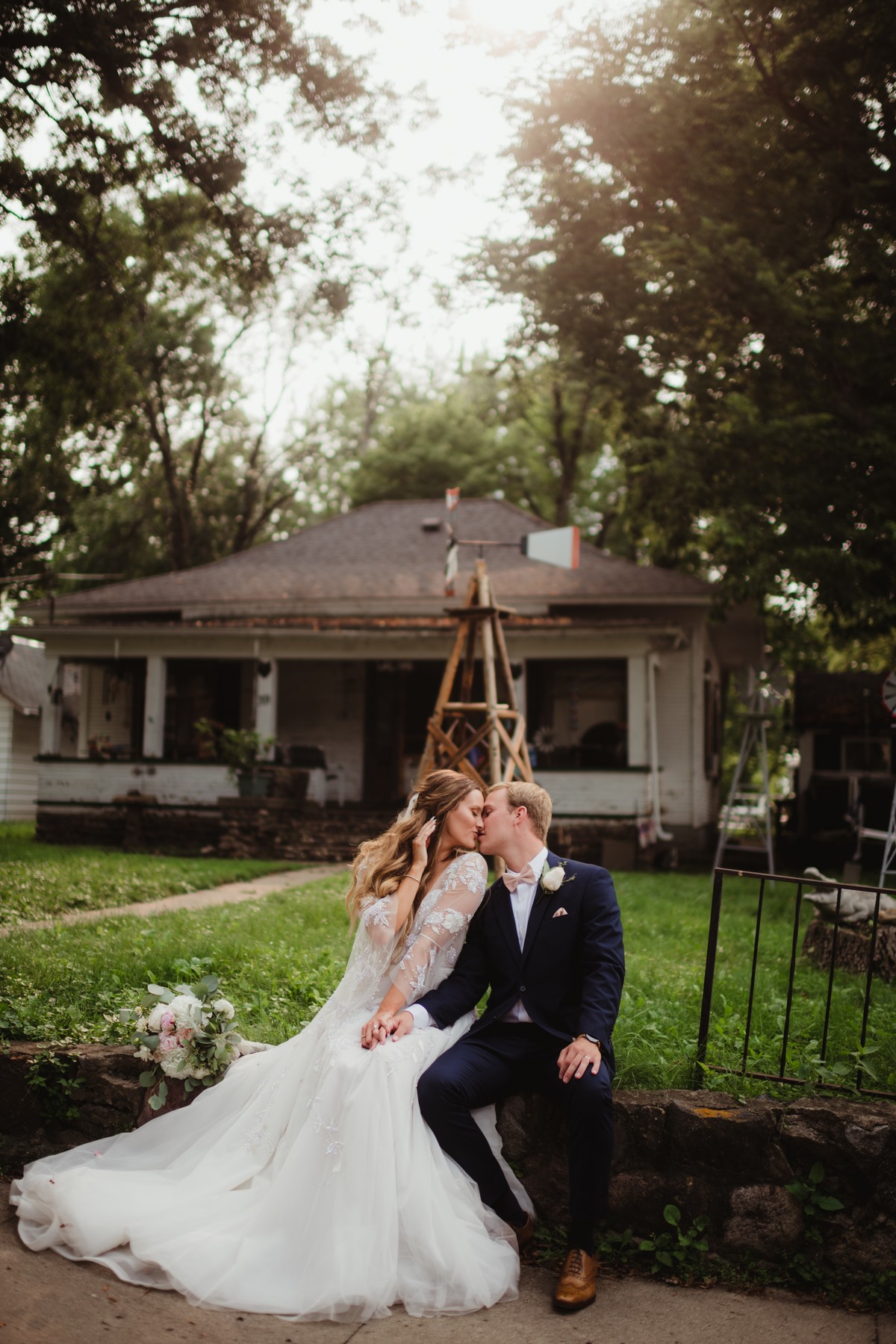 View larger
 View larger
 View larger
 View larger
 View larger
 View larger
 View larger
 View largerView larger
These are selected product examples. Use them to judge the visual direction, then refine the result for your own photograph.
WHAT YOU GET
Your download includes 20 named looks as XMP presets for current Adobe apps, with 20 matching LRTemplate copies for older Lightroom. Two guides and the license are included.
20 XMP presets and 20 LRTemplate files. Use the supplied installation guide for your Adobe app.
Step-by-step installation, first-use, and troubleshooting guidance.
Also included: Getting the Most from Your Presets. Practical guidance for applying a look and refining the result for your photograph.
Plain-language terms for personal and client work, and how digital purchases work at Twig & Olive.
YOUR PALETTE
BEFORE YOU CHOOSE
Check the included files and your Adobe app before you order.
Use the supplied preset format in Lightroom Classic, Lightroom, Adobe Camera Raw, Lightroom mobile (XMP import or cloud sync). Adobe software is purchased separately.
Apply one look, then check Exposure, white balance, highlights, shadows, and important detail for that photograph.
RAW files, such as Nikon NEF and Canon CR3, provide the most editing latitude. Existing JPEG and HEIC photographs can be edited, but their result and recovery latitude differ.
These XMP files use Adobe Standard. Adobe Standard is a RAW profile; JPEG and HEIC files cannot receive that full profile treatment.
These XMP presets do not support the Amount slider. Refine the individual editing controls after applying a look.
The named set includes 2 black-and-white looks.
One license covers the person or business named on the order, including client photographs. Keep the preset files within that licensed person or business.
IN YOUR EDITING WORKFLOW
Apply one Botanical Matte preset to a representative photograph.
Adjust Exposure, Temperature, and Tint for the subject and light, then inspect highlights, shadows, and important detail.
Copy the edit to photographs made in similar light, then check each image and adjust the exceptions.
FROM PHOTOGRAPHERS
Only logged in customers who have purchased this product may leave a review.
This product is a digital download and is therefore non-refundable. Once purchased, you will immediately gain access to the product, making refunds or exchanges unavailable under any circumstances.
To ensure you select the correct product, we strongly encourage you to review the product details carefully before purchasing. If you have any questions or concerns about the product, please contact us before buying, and we’ll be happy to assist you in making the right choice.
By completing your purchase, you acknowledge and agree to these terms.
A FEW USEFUL ANSWERS
The answers most people ask for before they order.
Hints of mint and citrus combine with the cool green of herbs with a few floral hues for good measure.
You get 20 presets in XMP and legacy LRTemplate formats, installation and editing guides, and the license.
Light, camera, subject, file type, and starting exposure all affect the result. Check Exposure, Temperature, and Tint after applying a look.
Existing JPEG and HEIC photographs can be edited, but their result and recovery latitude differ from RAW files. They cannot use the Adobe Standard RAW profile in these presets. Start with a RAW photograph for the full profile treatment.
Yes. The license covers personal and commercial work for the person or business named on the order, including photographs delivered or sold to clients. Twig & Olive claims no rights in those photographs. Keep the preset files within the licensed person or business.
Extract the ZIP you downloaded.
Lightroom Classic: in Develop, open the Presets panel plus menu, choose Import Presets, and select 03 Presets/Botanical_Matte_XMP.zip.
Lightroom desktop: choose File > Import Profiles & Presets, open 03 Presets/XMP, select the loose .xmp files, and choose Import.
Lightroom mobile: extract the package, open a photograph and Presets, then choose Import Presets from the menu and select the loose .xmp files in 03 Presets/XMP.
Adobe Camera Raw: open Presets, choose Import Profiles & Presets, and select the included XMP preset ZIP.
Older Lightroom: in Develop, right-click User Presets (Control-click on Mac), choose Import, and select the .lrtemplate files in 04 Legacy Lightroom. Restart Lightroom if they do not appear.
Except where required by law, digital sales are final when payment is completed. We do not offer refunds or exchanges for a change of mind, choosing the wrong collection, or buying this product when you needed Photoshop actions. Please check the product type and software requirements before you buy.
If you accidentally purchase the same collection twice, email us with both order numbers. We review confirmed duplicate purchases individually and may make an exception.
If a download is missing, damaged, or does not match its description, contact us so we can help with the correct working files. This policy does not limit consumer rights or remedies that apply by law. Email [email protected].
LIGHTROOM & ADOBE CAMERA RAW PRESETS
Choose a look, then shape it around your photograph. 20 named looks in one digital collection.


leyla (verified owner) –
Just purchased my first set of Twig and Olive. I was looking for something that was versatile enough to be “classic” but still have an edge that would make it “unique”. I also didn’t want to have to do a million tweaks in order to achieve the look I was going for. So grateful to have found these! YAY!
Amanda Rice (verified owner) –
I purchased this collection back in June and fell in love with how little I had to do to tweak to my liking! Any other brand of presets I’ve bought I’ve needed to tweak well beyond more than I should. These give me the moody, bright, matte looks I love. So versatile.
LJones (verified owner) –
These presets are Beautiful! I highly recommend, they have grown my business tremendously!
m32rosa (verified owner) –
There’s a variety of options in this pack that allows you to see what works best for a specific session. These are beautiful! Love that I have these!
Kikiuimoo (verified owner) –
I just bought this set, and it is amazing so far! I live in michigan, we had our first snow today, and the Brambleberry preset is perfect for the white snow while making my kids pop! I own 2 other sets, and I haven’t really found it to be consistent with my style without tweets until this set! I love it!
Emily Knoelke (verified owner) –
Love this set of presets! Use them all the time and they work beautifully!