

For editing in Lightroom and Camera Raw
Lightroom & Camera Raw Presets
Our Lightroom tools come in two kinds. Develop presets set the color and mood of the whole photograph. Finishing tools work on one part at a time, like skin, light, or color. Start with what you want to change.
Find what you need
Search by collection name or by what you want to fix, like skin or color.
In this guide
Search opens the full product results page. You can also browse the topics below.
Find your look
Develop Presets
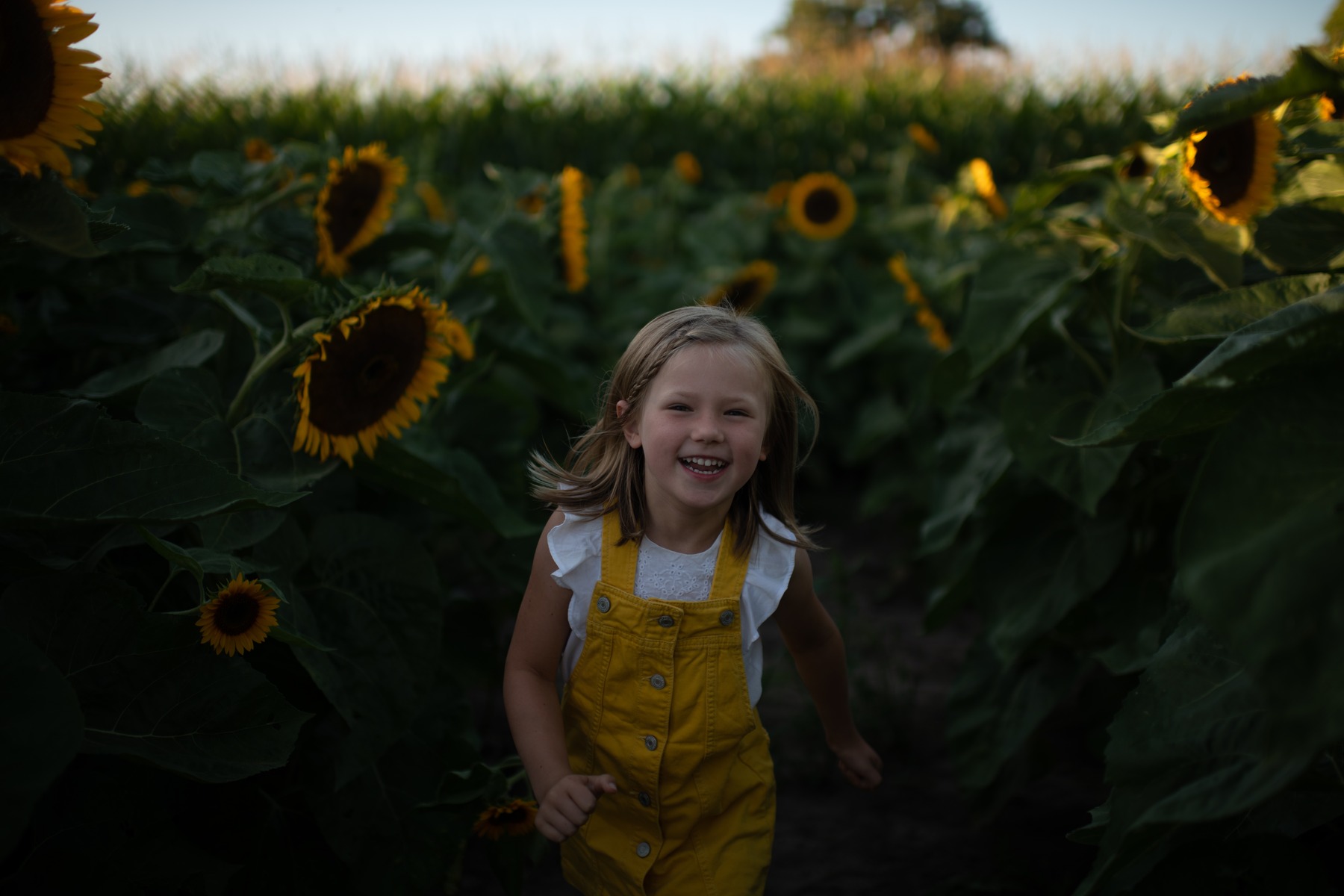
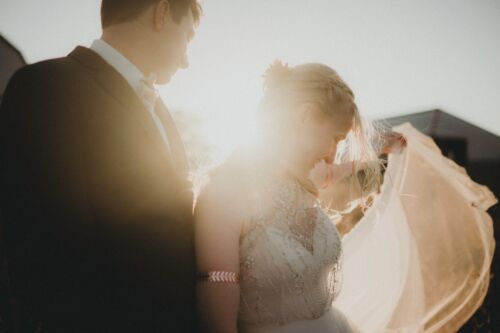
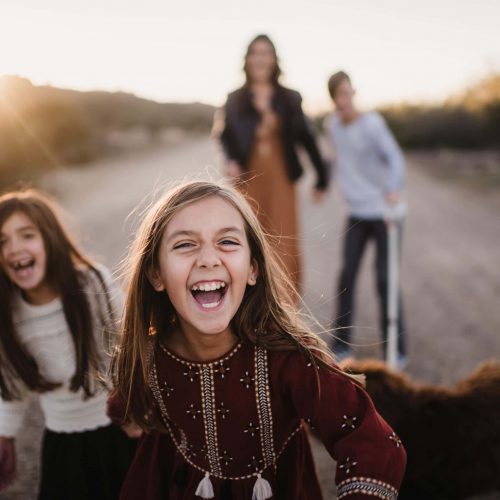
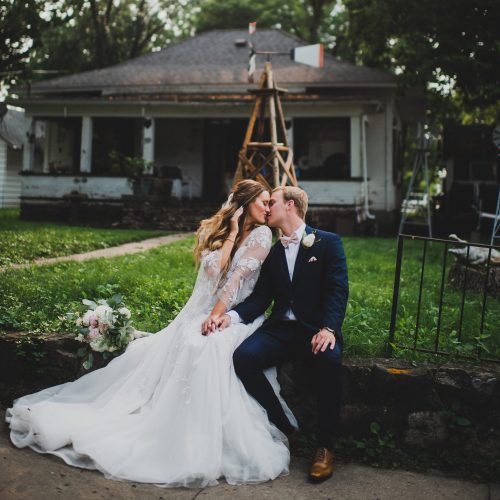
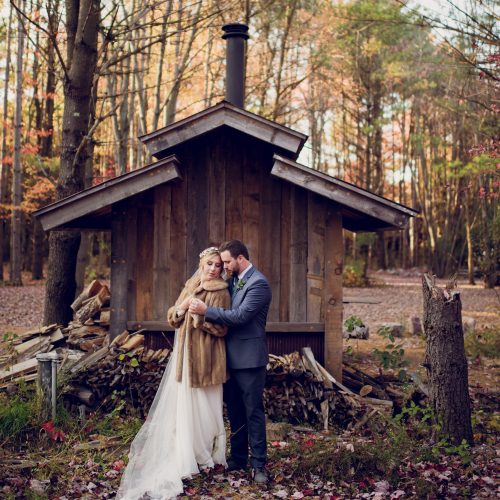
Develop presets set the overall color, contrast, and mood. Apply one, then adjust it to fit your photograph. Here is our newest collection, 1954, then four of our best sellers, each on a real photograph. Tap Show SOOC on any card to see the photograph straight out of the camera.
New
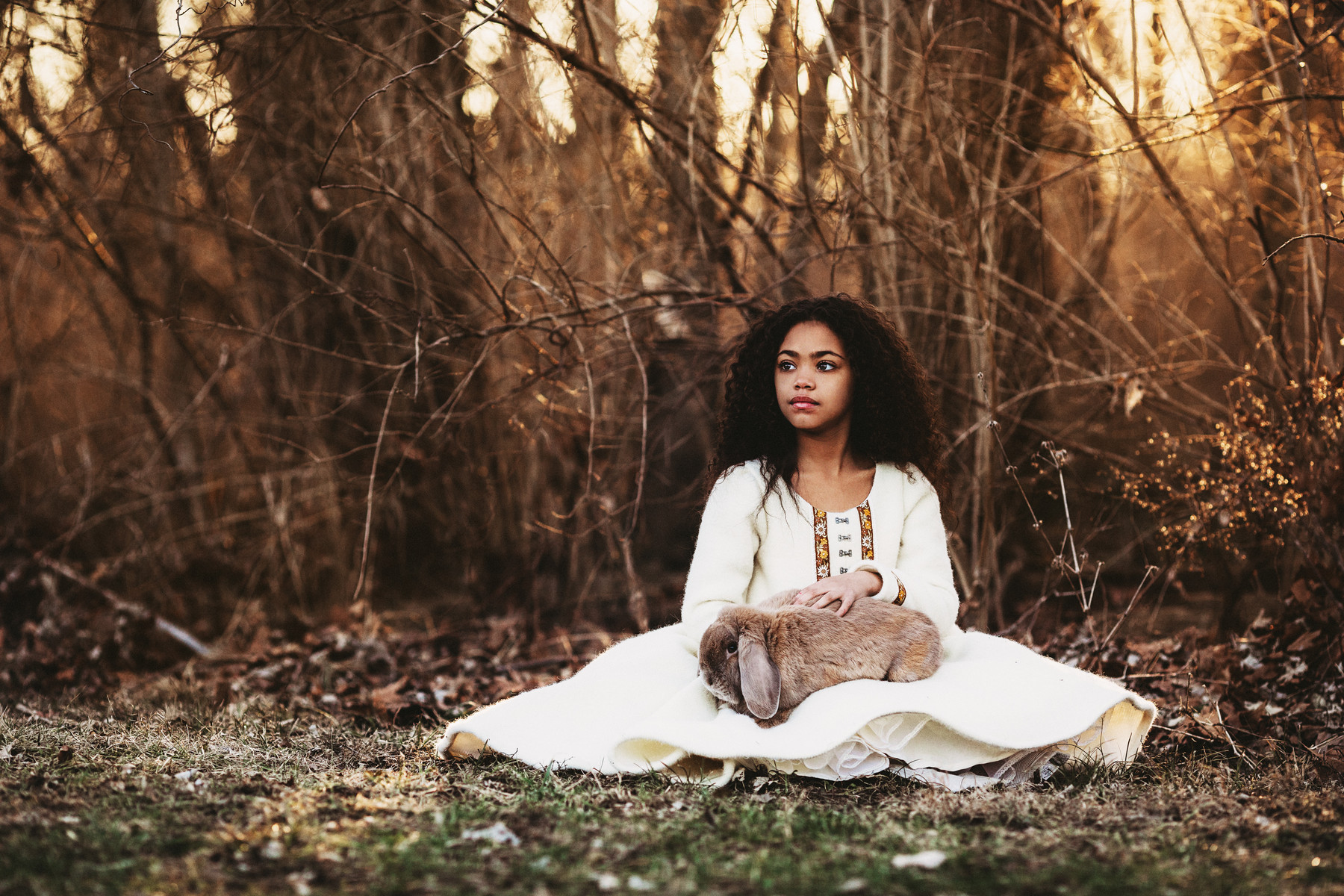
Our newest collection. Seventeen vintage film looks with muted color, softened blacks and grain, made for golden hour and backlit sun. Shown here is Polaroid.
new 1954 vintage film grain golden hour backlit warm muted
Original price was: $75.00.$37.50Current price is: $37.50.Add to cart
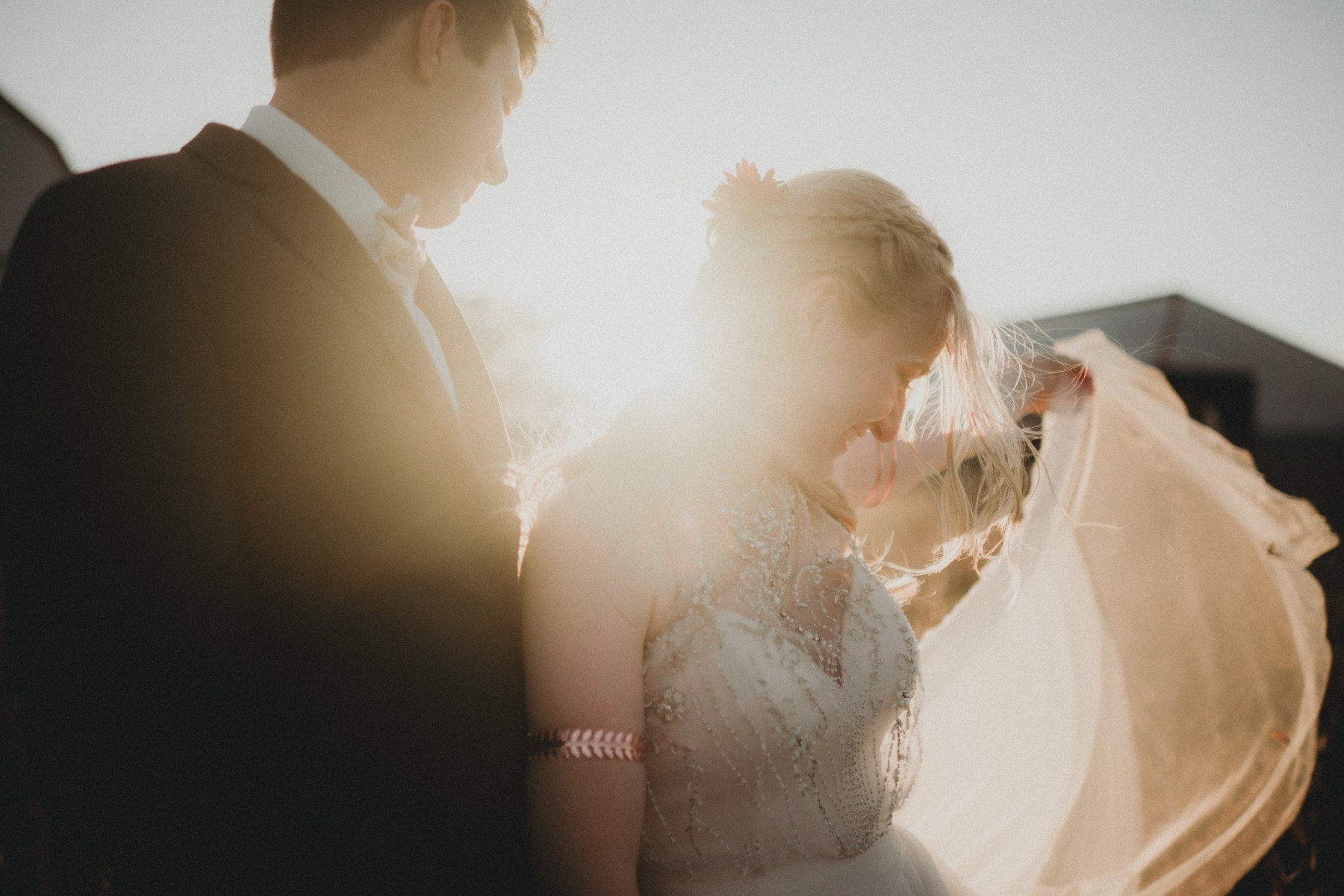
Warm, velvety color for autumn light and beyond. Shown here is Hot Toddy.
warm autumn velvety color look
View the photograph straight out of the camera
Original price was: $75.00.$37.50Current price is: $37.50.Add to cart
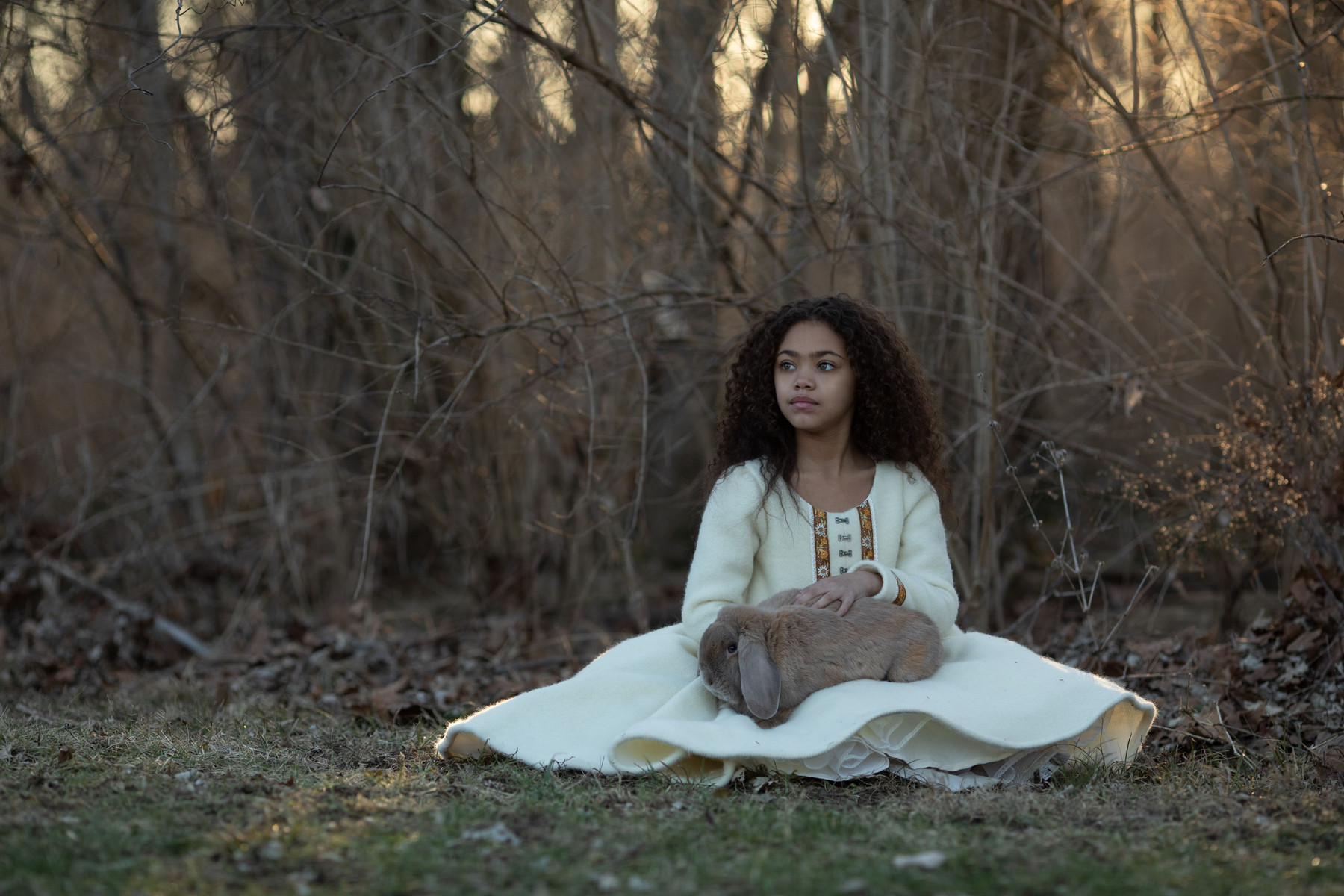
Color with depth, from warm light to quieter tones. Shown here is Citrine.
color depth warm light look
View the photograph straight out of the camera
Original price was: $75.00.$37.50Current price is: $37.50.Add to cart


Bold, vibrant color inspired by travel, built to tame summer greens. Shown here is Redwood.
bold vibrant travel summer greens look
View the photograph straight out of the camera
Price range: $37.50 through $50.00Select options This product has multiple variants. The options may be chosen on the product page


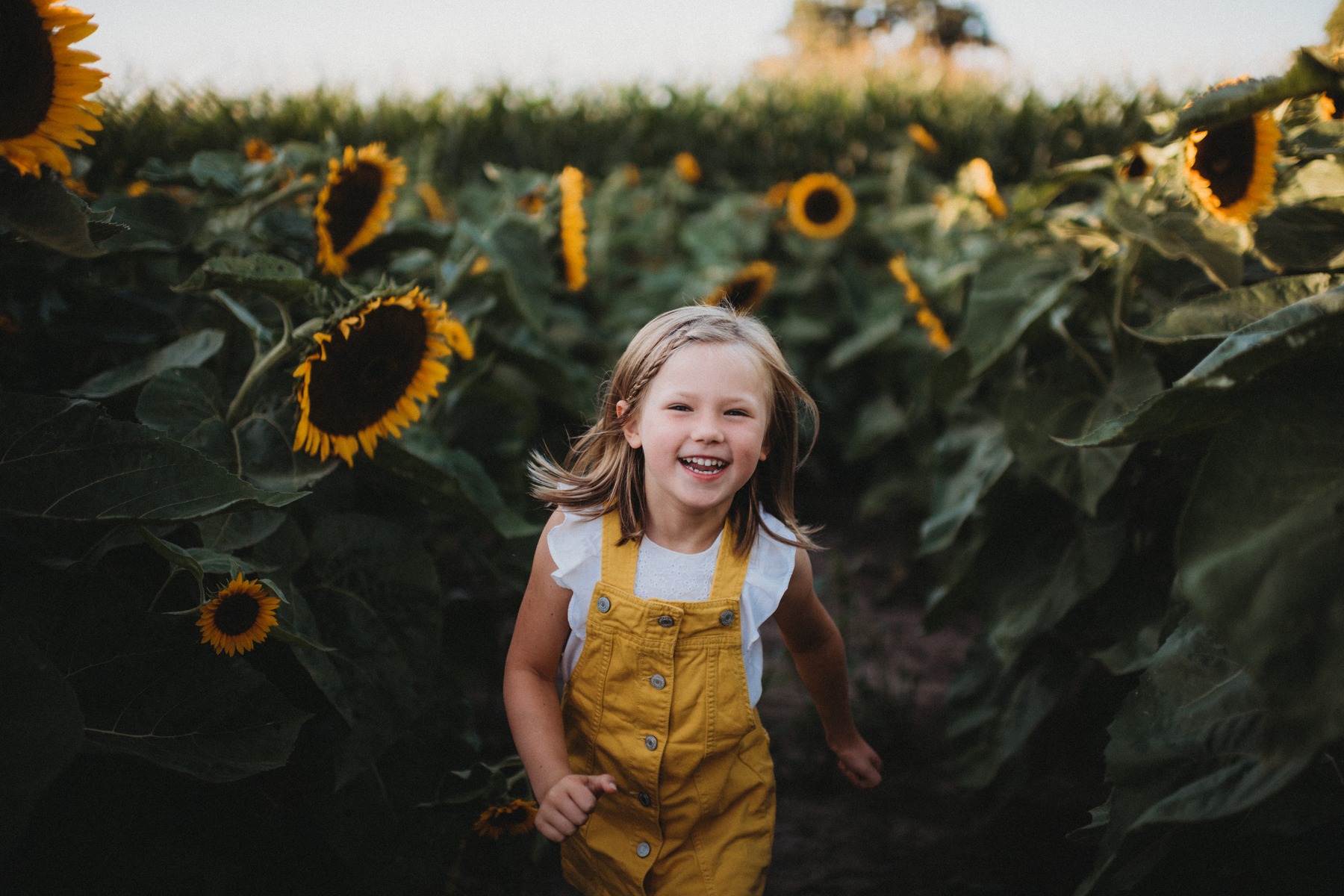
Vibrance and haze for summer evenings, with depth for cloudy evening light. Shown here is Coneflower.
pastel soft haze summer evening matte look
View the photograph straight out of the camera
Original price was: $75.00.$37.50Current price is: $37.50.Add to cart
More looks
These are a small part of the library. Every preset collection is in the full list below, with its price.
Edit in Photoshop instead? See our Photoshop Look Actions.
Finishing tools
Finishing in Lightroom & Camera Raw
Finishing tools work on one part of the photograph at a time, like skin, light, or color. Brushes let you paint an adjustment where you want it. Adaptive presets use Lightroom Classic masks to target the subject, sky, or background.
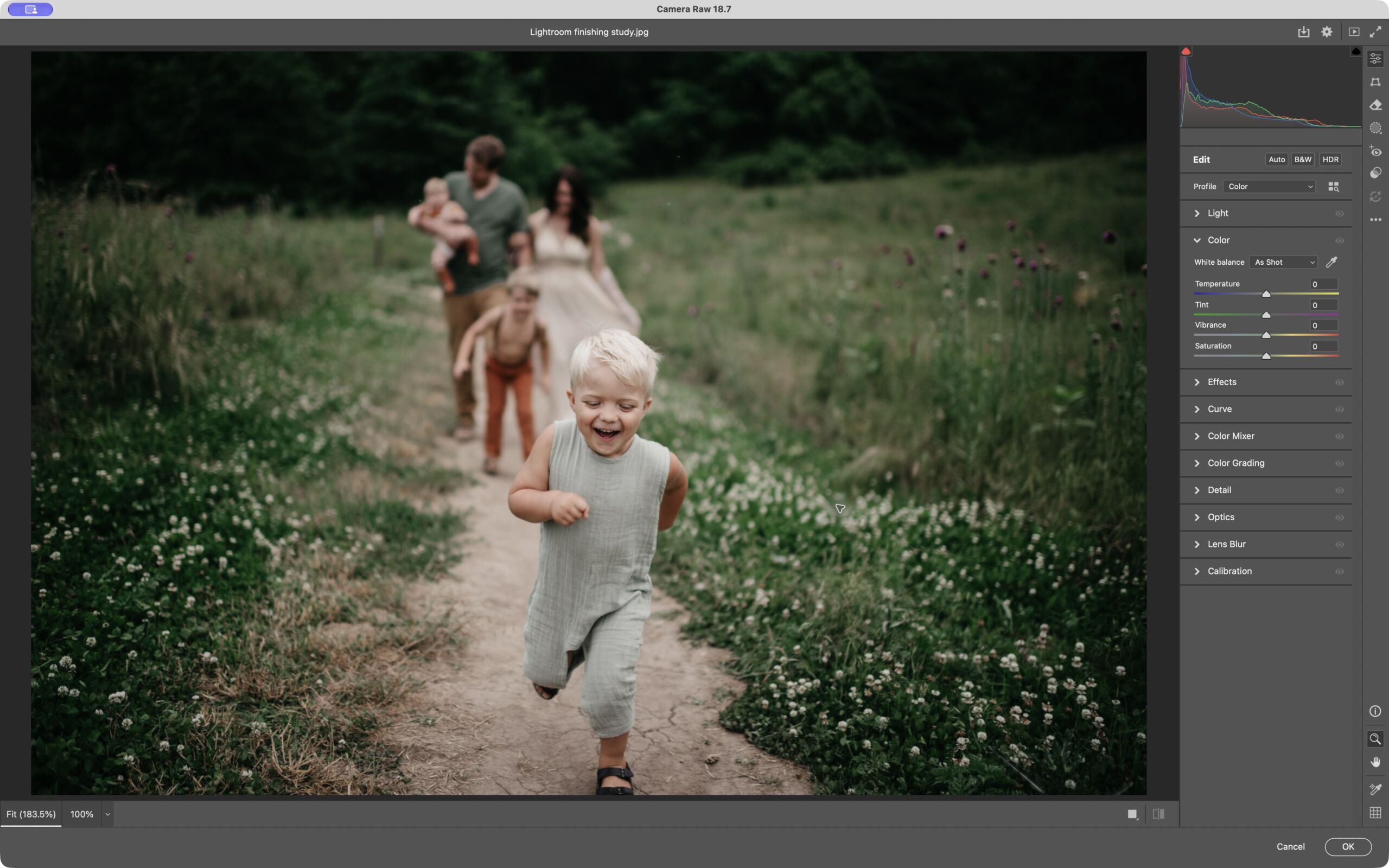
Use only what you need
Use the tools your photograph needs and skip the rest. Check where each one applies, then adjust the strength.

In one click you can smooth skin, reduce redness, brighten subjects and tweak the sky.
adaptive masks subject sky background finishing
Original price was: $50.00.$25.00Current price is: $25.00.Add to cart

Image Enhancer Brushes are local adjustment brushes for Lightroom Classic and Adobe Camera Raw.
brushes local light color finishing
Original price was: $30.00.$15.00Current price is: $15.00.Add to cart
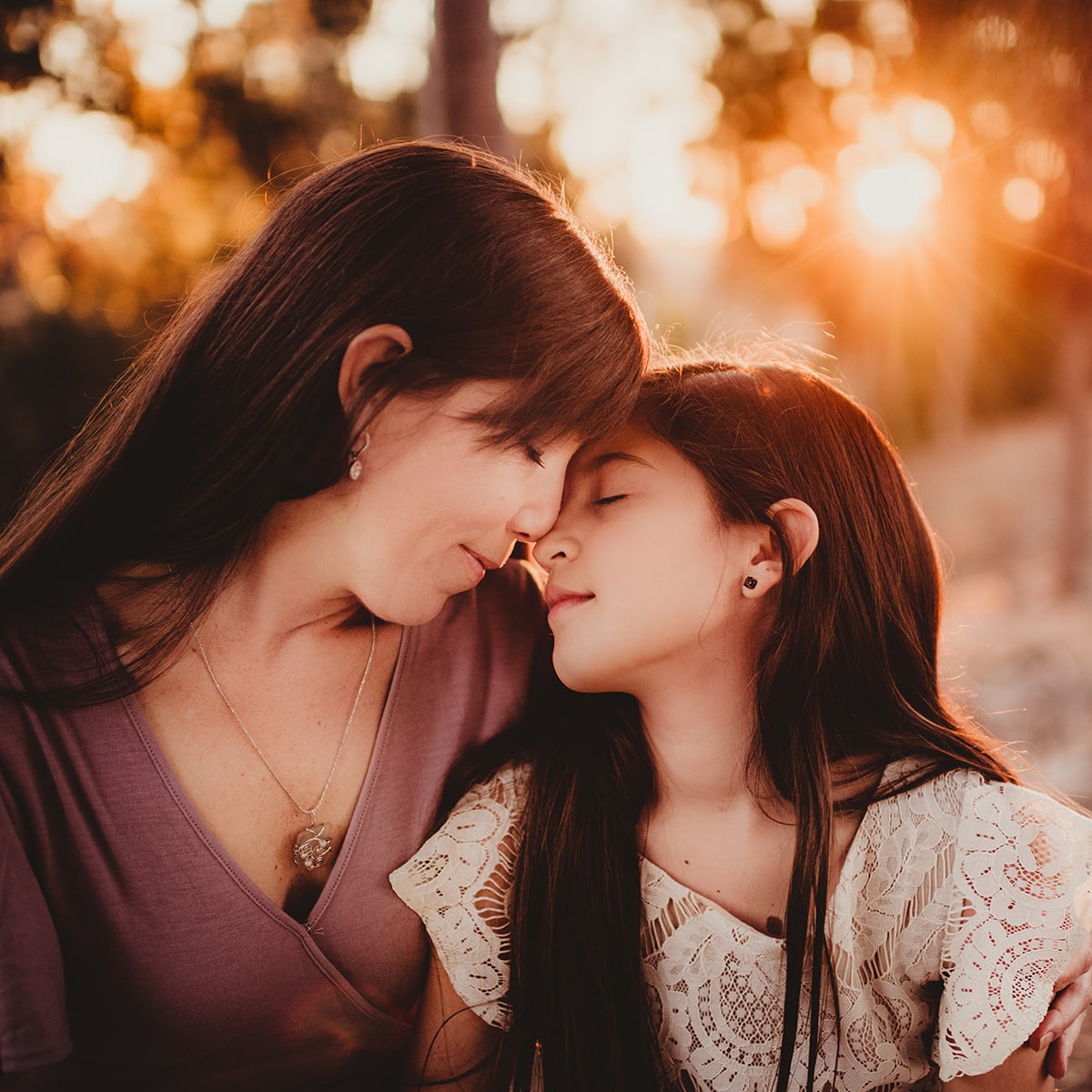
Skin and Tone Brushes are local adjustment brushes for Lightroom Classic and Adobe Camera Raw.
skin redness eyes brushes retouch finishing
Original price was: $30.00.$15.00Current price is: $15.00.Add to cart

Color Cast Brushes are local adjustment brushes for Lightroom Classic and Adobe Camera Raw.
brushes color cast reflections flare aberration fix
Original price was: $30.00.$15.00Current price is: $15.00.Add to cart
Finish in Photoshop instead? See Finishing in Photoshop.
Bundles
Editing Bundles
A bundle gets you a whole library at once. Each bundle page lists exactly what’s inside, so you can check it against what you already own.
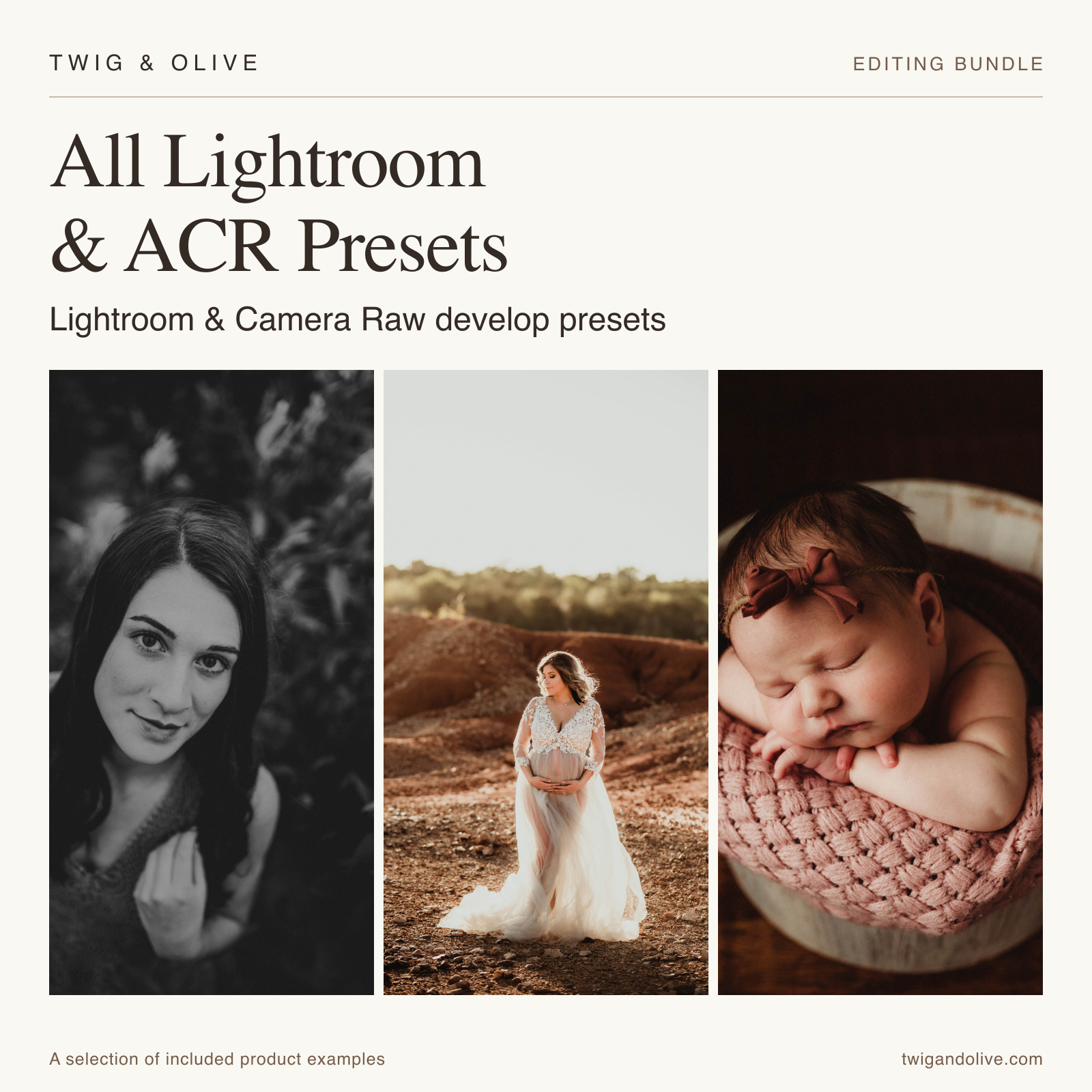
Our Lightroom and Camera Raw develop preset library. It doesn’t include the brushes or adaptive presets above. For those, see Ultimate Retouching.
bundle bundles collections package lrall
Original price was: $400.00.$300.00Current price is: $300.00.Add to cart
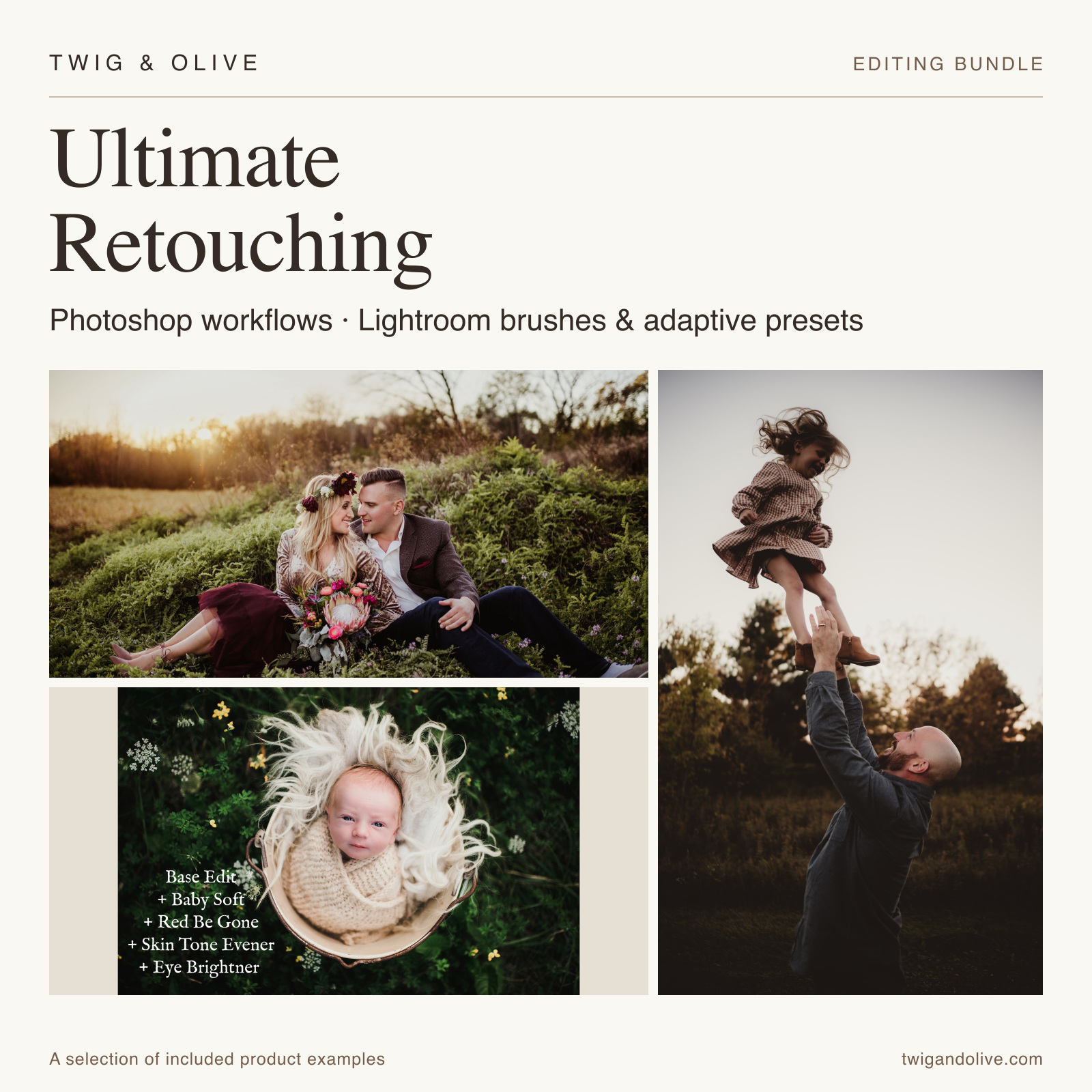
Photoshop workflow actions, Lightroom and Camera Raw brushes, and adaptive tools, all for finishing work. The actions need Photoshop, and each item lists its own requirements.
bundle bundles collections package ultimate
Original price was: $250.00.$185.00Current price is: $185.00.Add to cart
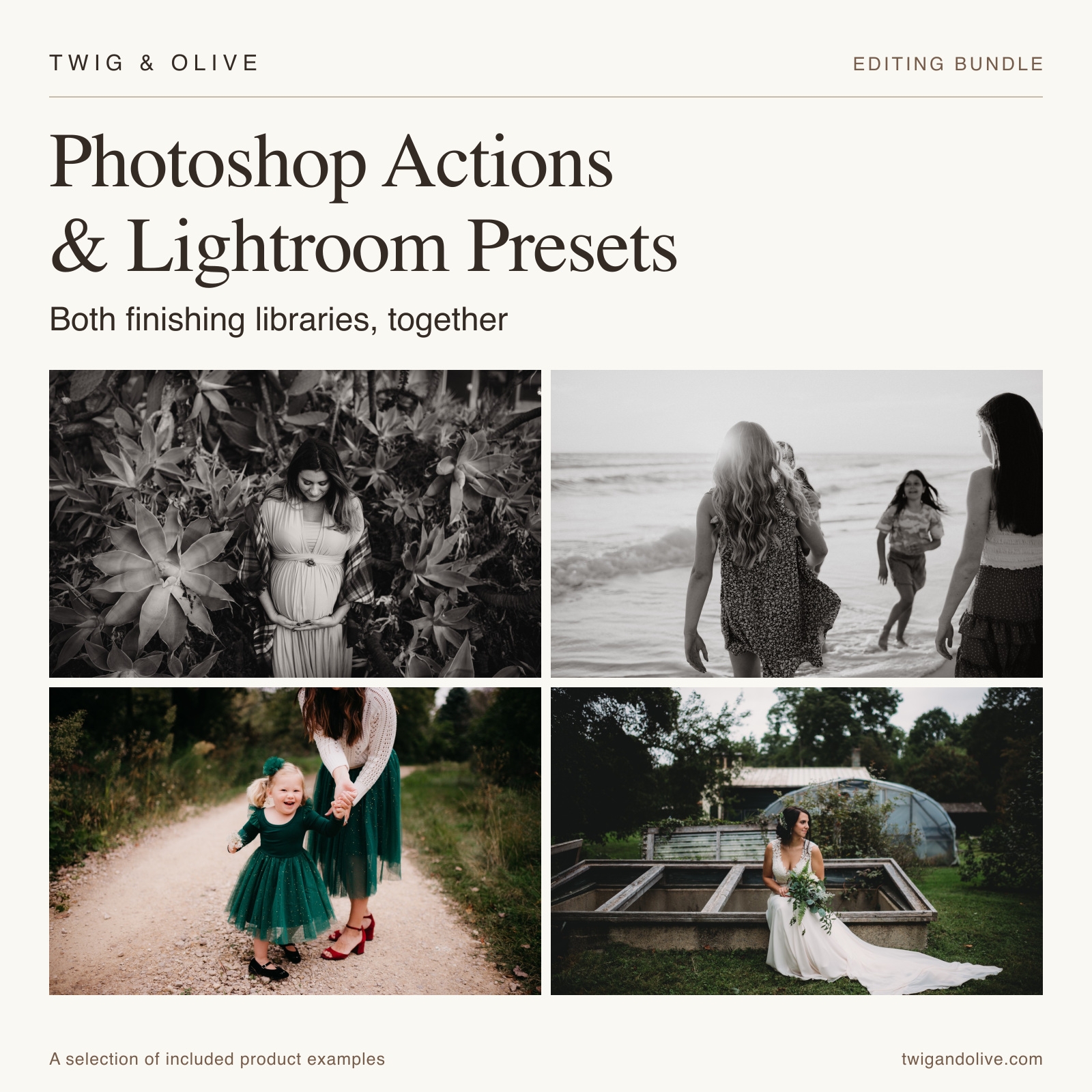
Both look libraries, for photographers who edit in both apps. The actions and presets are separate files.
bundle bundles collections package mixed
Original price was: $650.00.$485.00Current price is: $485.00.Add to cart
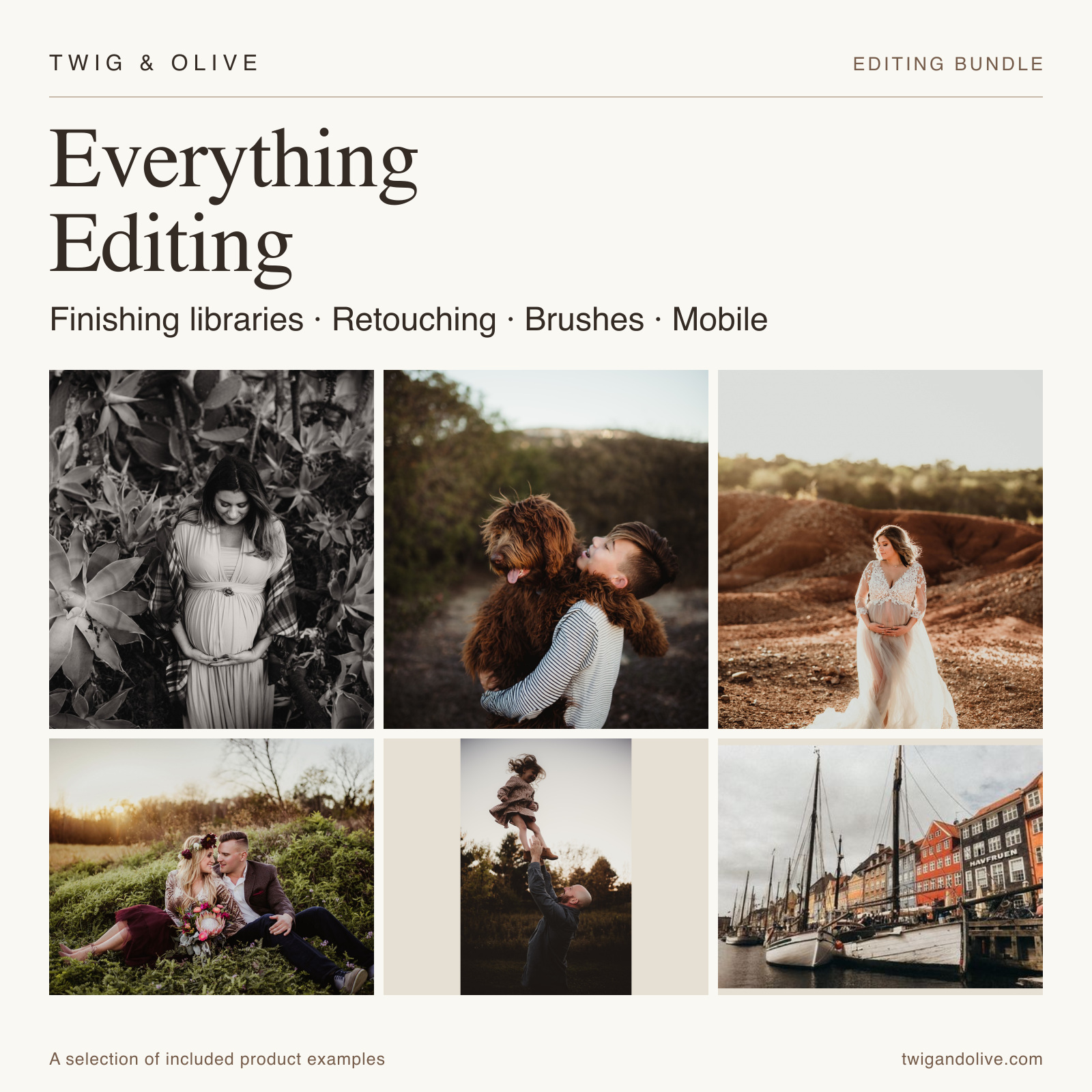
Look collections, workflow actions, brushes, adaptive tools, and mobile presets in one bundle. Each item lists its own requirements.
bundle bundles collections package everything
Original price was: $800.00.$600.00Current price is: $600.00.Add to cart
The full list
All Lightroom presets
Every Lightroom preset and brush we sell, with prices. Bundles are in their own section above. Open any one for its examples, requirements, and what’s included.





A little guidance
Questions before you choose
Quick answers on which presets to pick, what software you need, and getting started.
Where should I start?
Start with Develop Presets if you want the overall color and feel. Start with Finishing Tools if you want to work on skin, light, or one part of the photograph. You can use both.
Will a preset do the whole edit for me?
No. It gives you a starting point. Exposure, white balance, and the light you photographed in all affect the result. Apply the preset, then adjust it for the photograph in front of you. Use finishing tools where you need more control.
What is the difference between develop presets, brushes, and adaptive presets?
Develop presets shape the overall look. Brushes let you paint adjustments onto selected areas. Our adaptive presets use Lightroom Classic masks for areas such as the subject, sky, or background. They have different installation steps and requirements, so compare the Finishing Tools before choosing.
Will these work in my version of Lightroom or Camera Raw?
Check the exact product before buying. Develop collections, brush sets, and adaptive presets do not all use the same files or support the same apps. Start from our full Lightroom range and check the requirements for the tool you want. Not sure? Email us with your app and version.
Can I use Lightroom presets on my phone or tablet?
Current Lightroom apps for iOS and Android can import XMP, DNG, and LRTEMPLATE preset files directly. Before buying, check the collection’s included files. Presets that use camera profiles can show as partially compatible with photos from other cameras. After downloading, unzip the file first, then follow Adobe’s mobile import instructions. Import support does not cover every tool. Lightroom Adaptive Presets require Lightroom Classic, and each brush set lists its supported apps. You can also browse our Mobile Presets.
Will presets sync from Lightroom Classic to my phone?
Lightroom Classic does not sync presets to Lightroom on your phone or tablet. Adobe’s Lightroom desktop sync route uses the separate Lightroom desktop app and an active subscription. You can also import supported preset files directly on your mobile device.
Does a collection include the Photoshop version, too?
A Lightroom collection and any matching Photoshop action collection are separate products unless the listing says otherwise. Photoshop actions use a different workflow. The Photoshop Actions & Lightroom Presets bundle combines both libraries. Check its included products before choosing. The Image Enhancer and Skin and Tone brush sets are also separate from the Photoshop workflow actions with the same names.
Should I choose one collection or a bundle?
Start with one collection when you know the look you want. Compare Editing Bundles if you want several collections or a mix of looks and finishing tools. Choose by the included products and apps, rather than the size of the download.
Where are my downloads and installation instructions?
Sign in to My purchases for your downloads, then follow the install guide that comes with the product. Presets, brushes, and adaptive presets install differently. Product help is there if you need a hand.
Connect with Twig & Olive
Not sure which to pick? Tell us what you edit in and what you want to change, and we’ll point you to the right collection or tool.