


16 reviews for Lightroom and ACR Presets | Spring Gem
Only logged in customers who have purchased this product may leave a review.
LIGHTROOM & ADOBE CAMERA RAW PRESETS
Vibrant, velvety tones.
A softer kind of light.
Spring Gem is a collection of sixteen Lightroom and Adobe Camera Raw presets for photographs made in open shade and golden hour. It brightens soft light while keeping color rich and skin tones velvety.
$75.00
THE COLLECTION
Made for softer light.
We reach for Spring Gem from late winter through summer, whenever a session needs lifting without losing depth in the shadows. It was made for open shade and golden hour, and that is where it settles in fastest.
Choose from fourteen color looks and two black and white looks. Each one gives you a different way to work with the light already in your photograph.
BEFORE & AFTER

 BeforeAfter
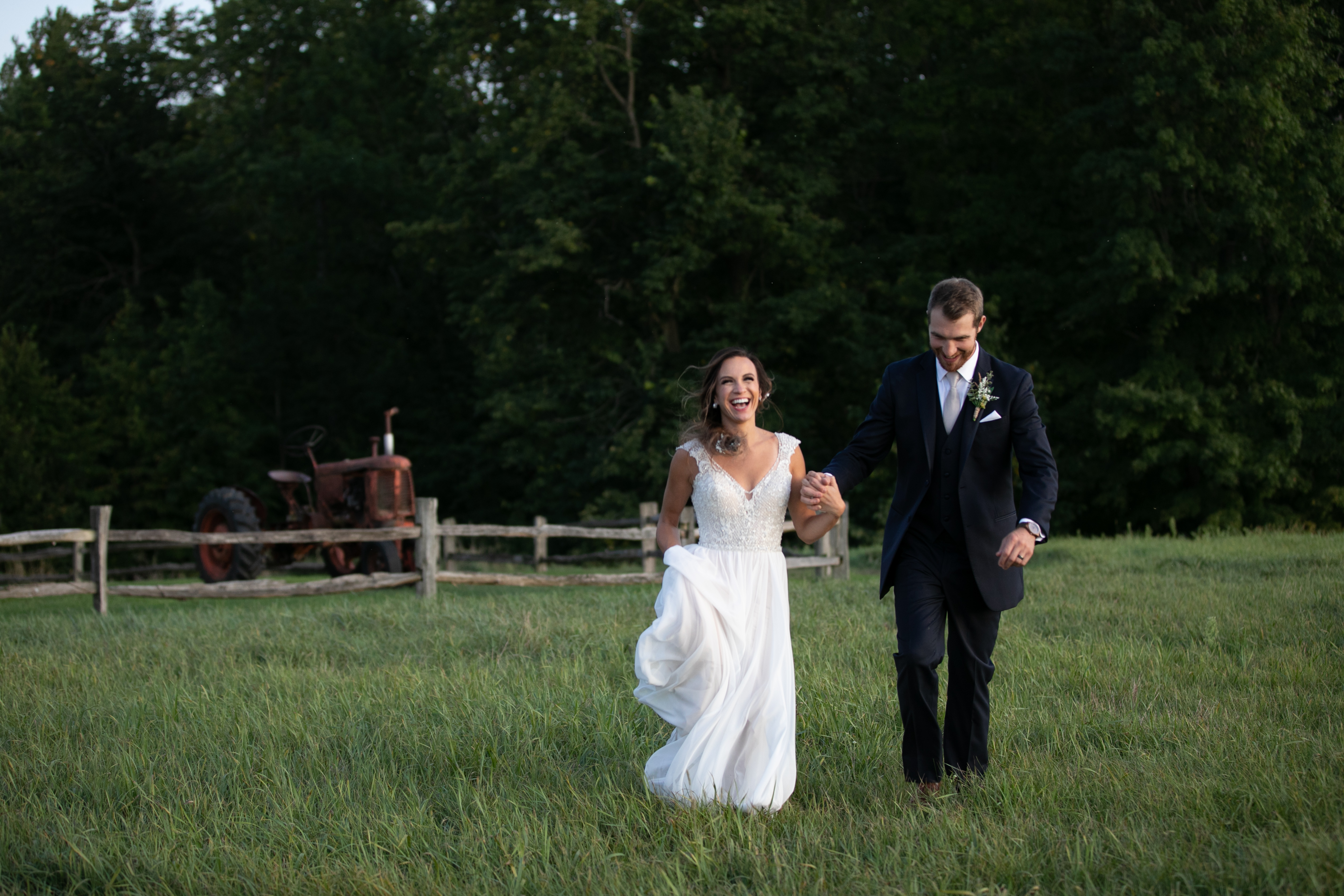
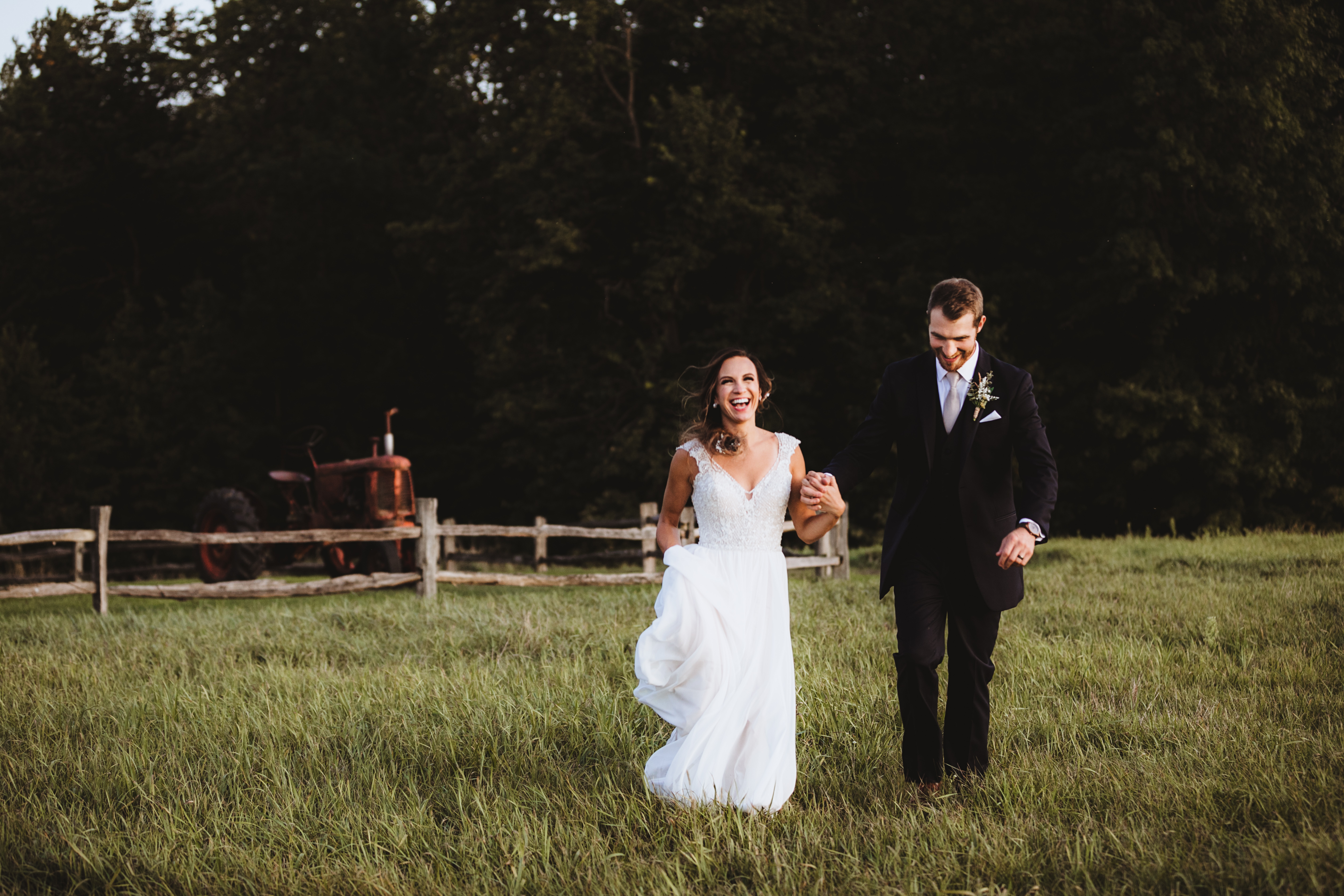
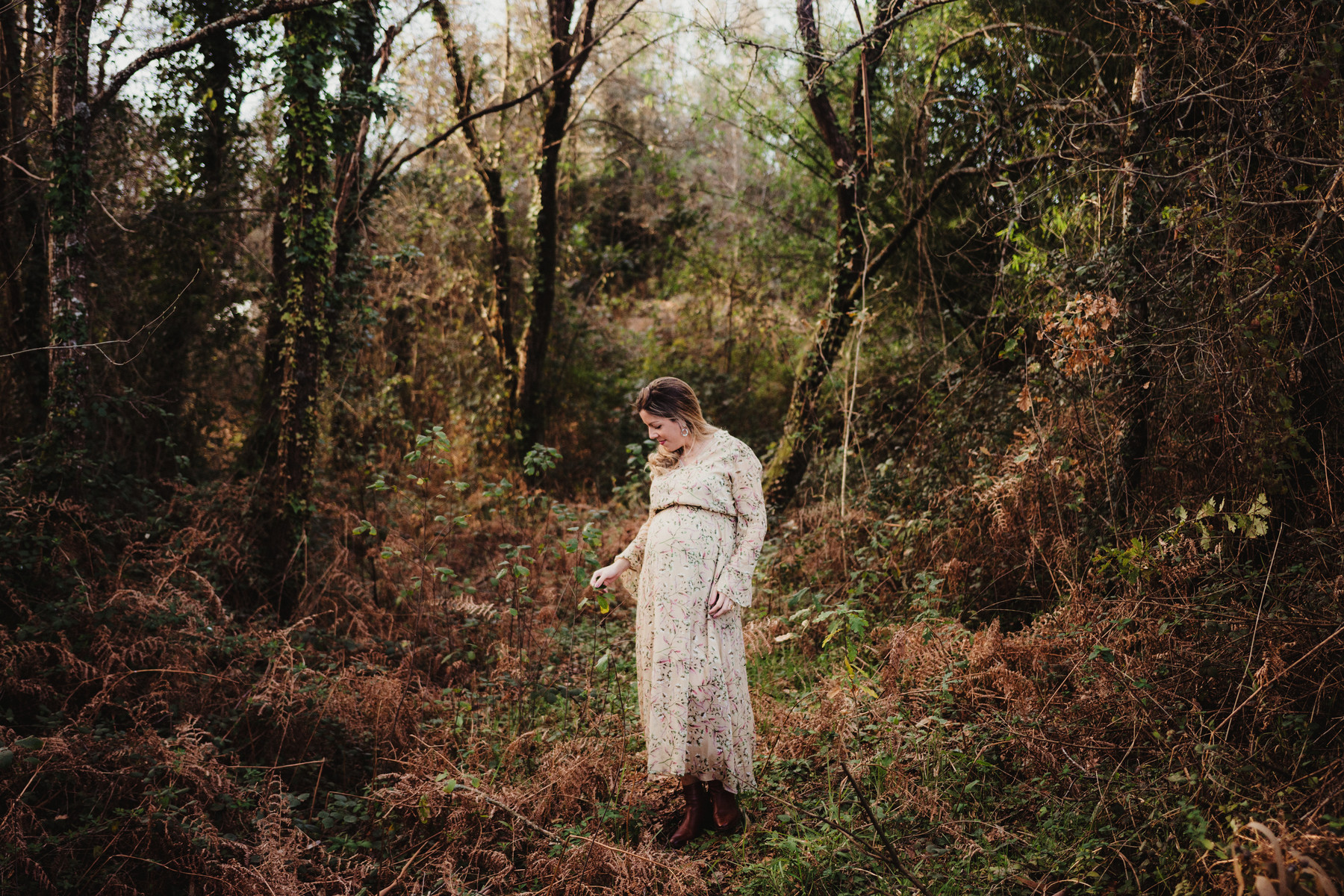
Garnet, a finished Spring Gem edit. Adjust the controls to compare it with the starting photograph.
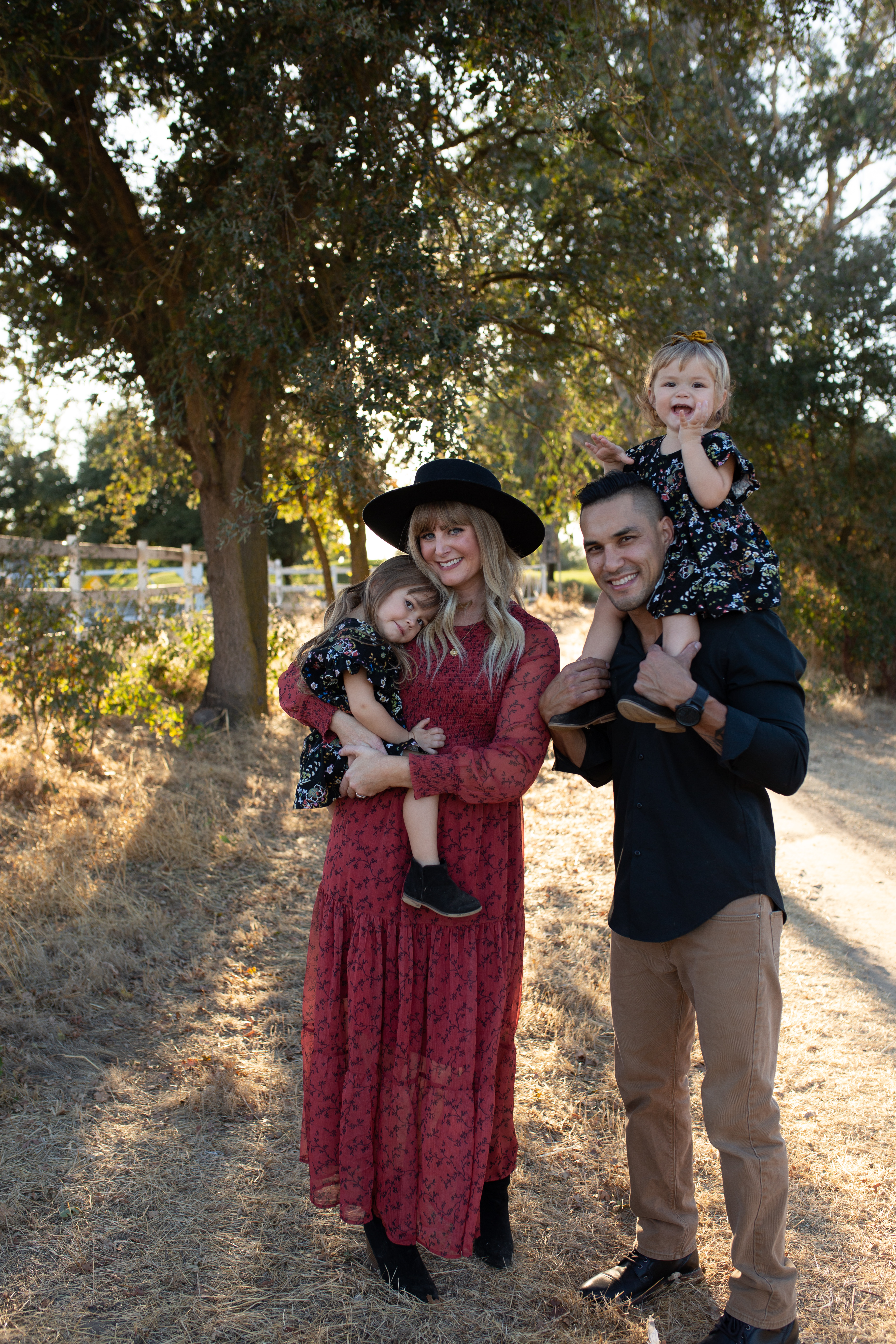
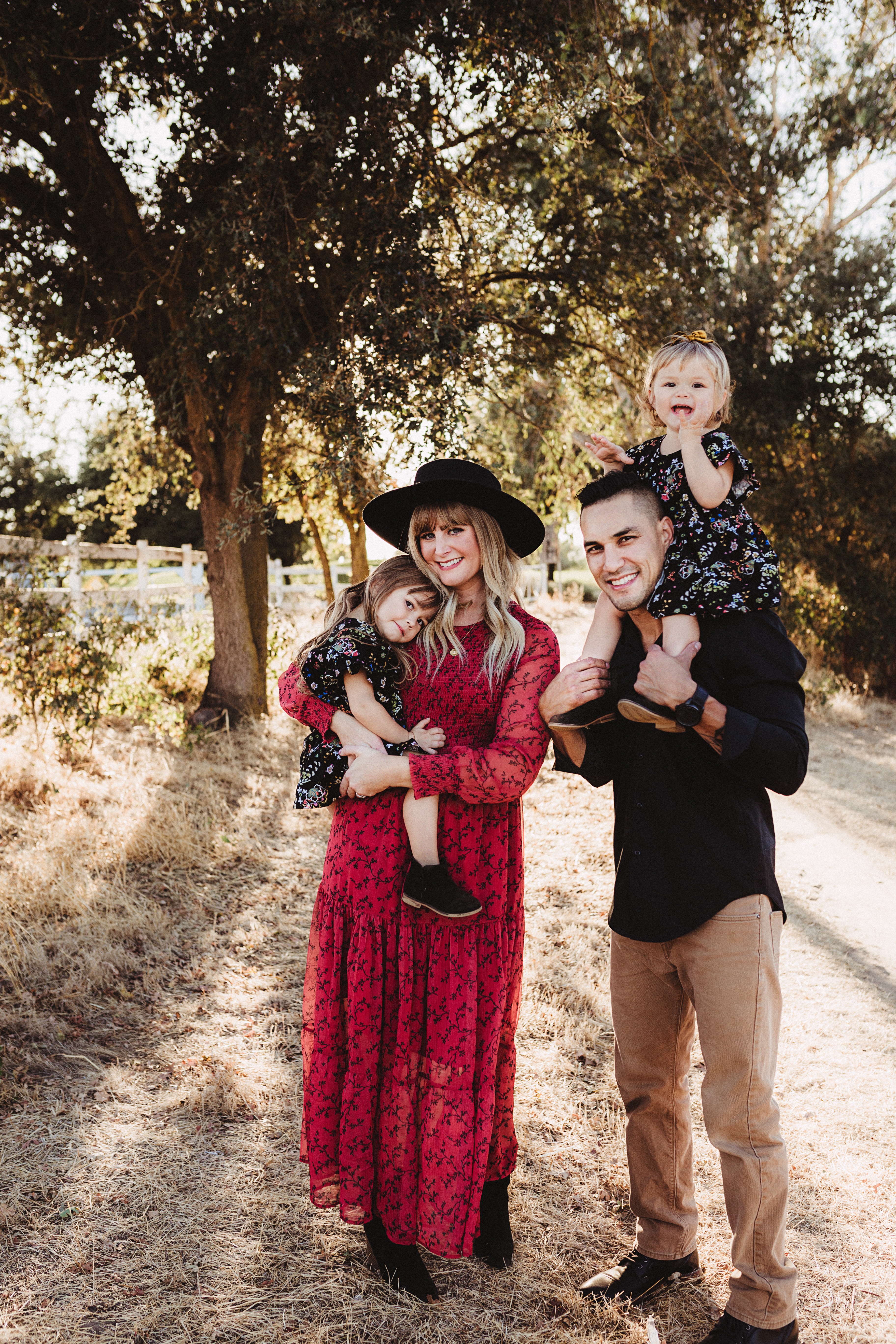

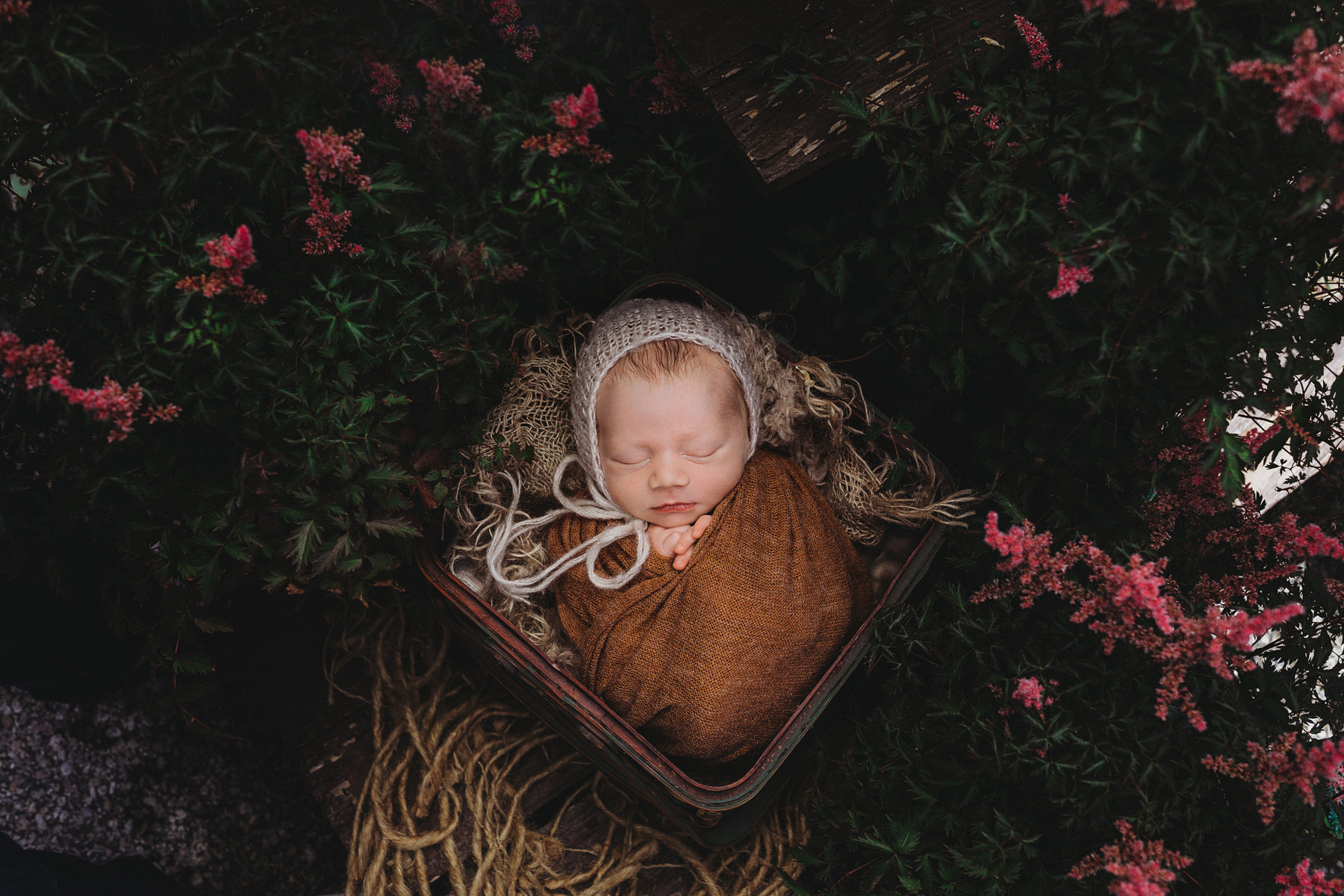
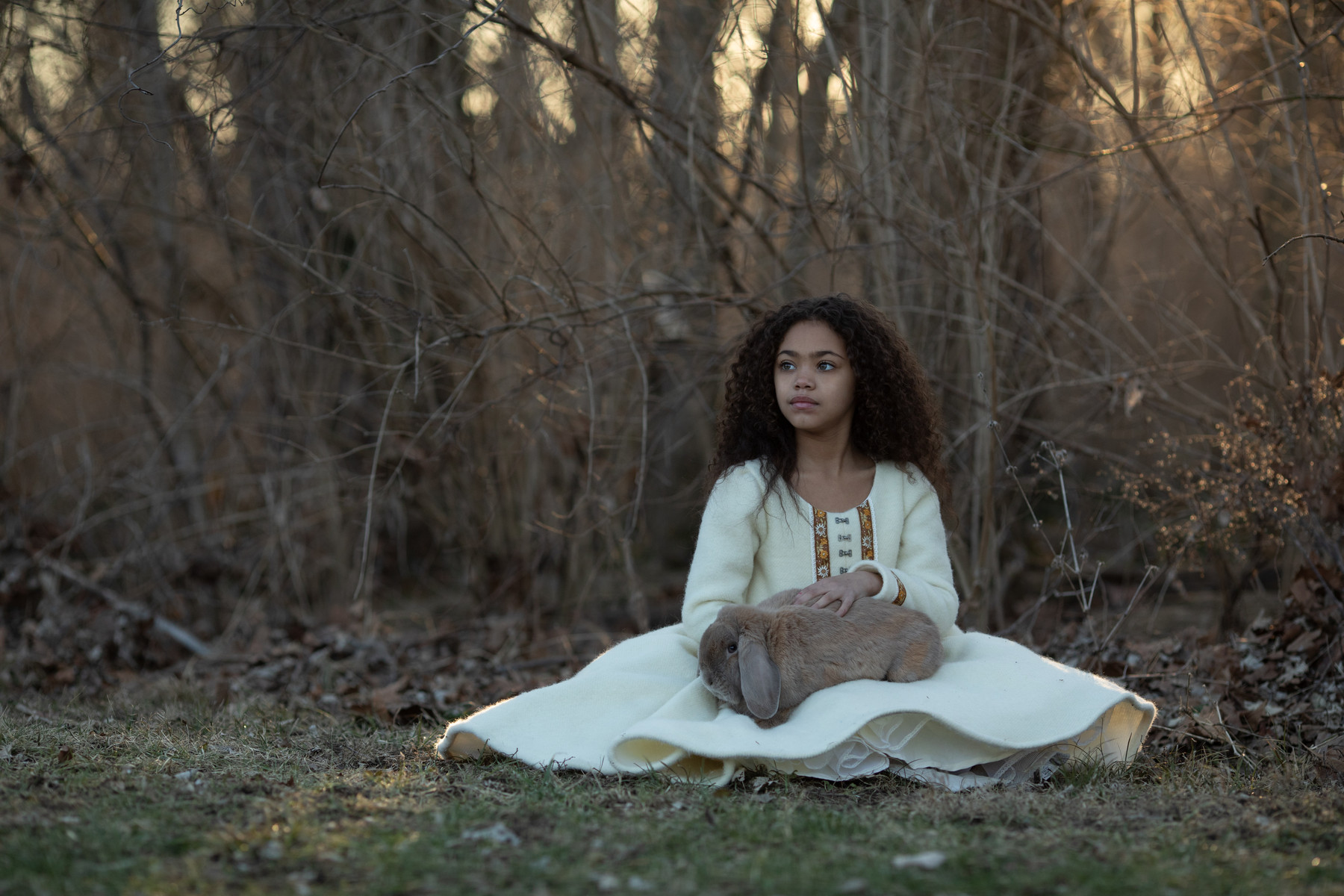
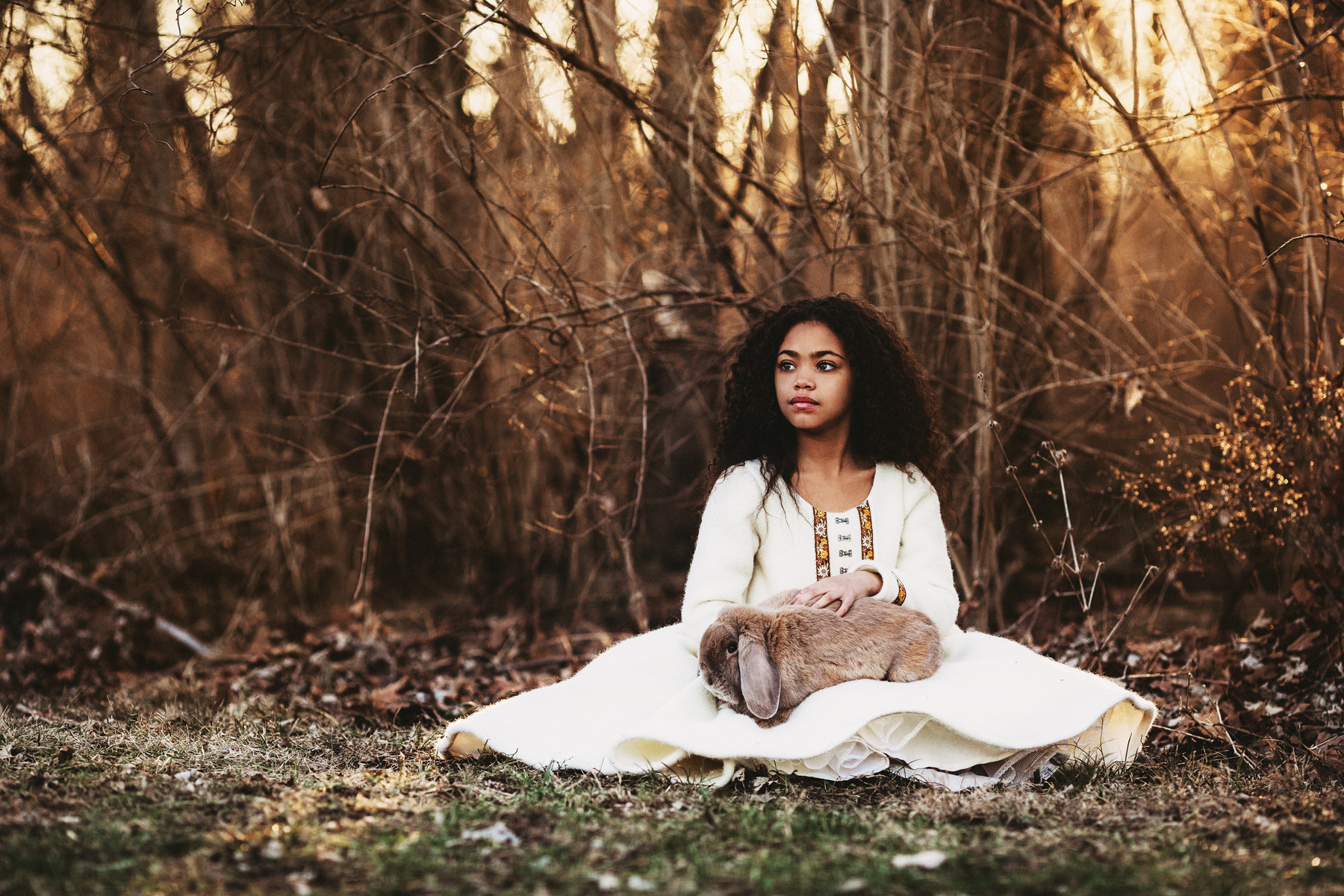
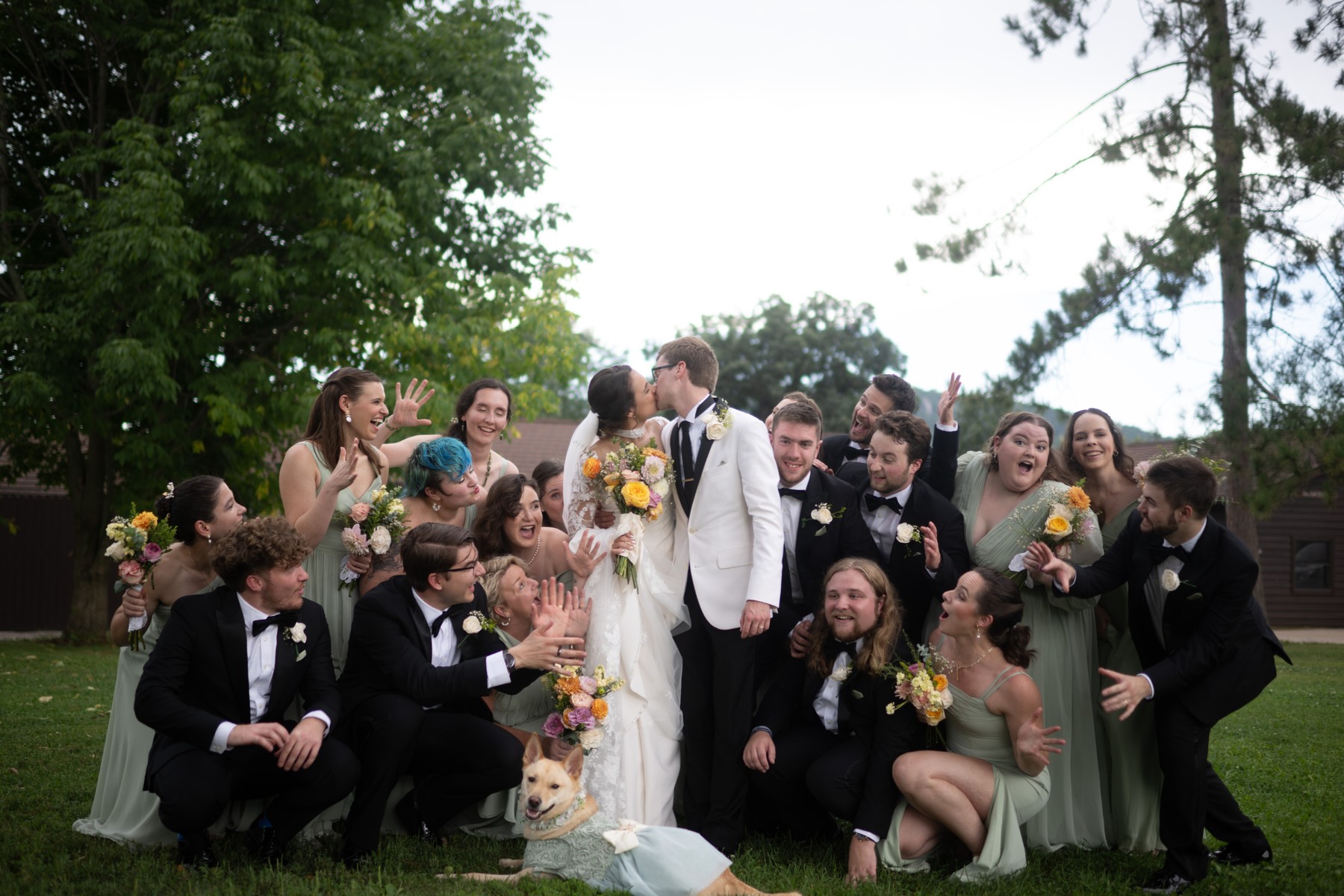
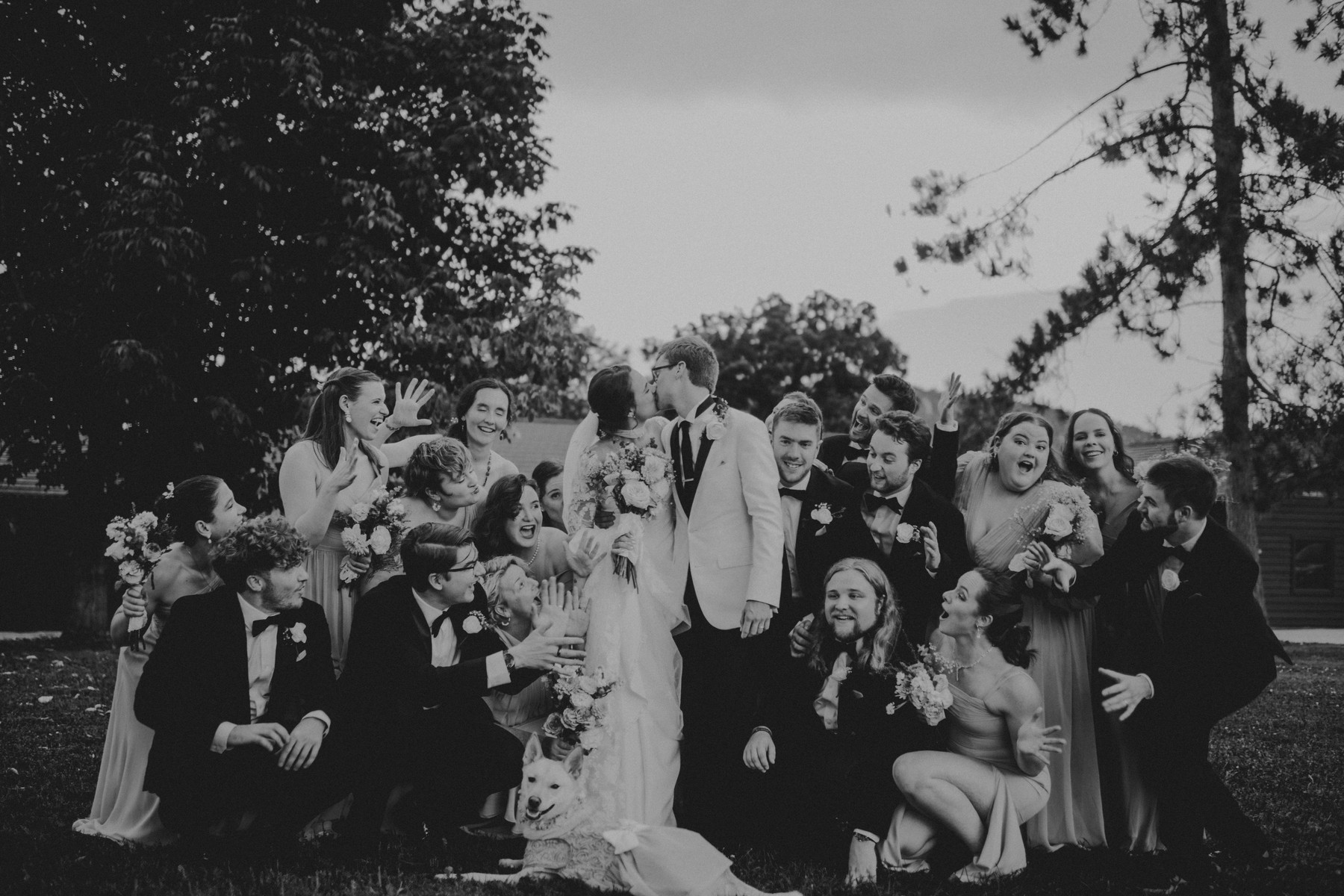
A CLOSER LOOK
Ten finished photographs, nine looks from the collection.
Select a photograph to see it larger.
View largerView largerView larger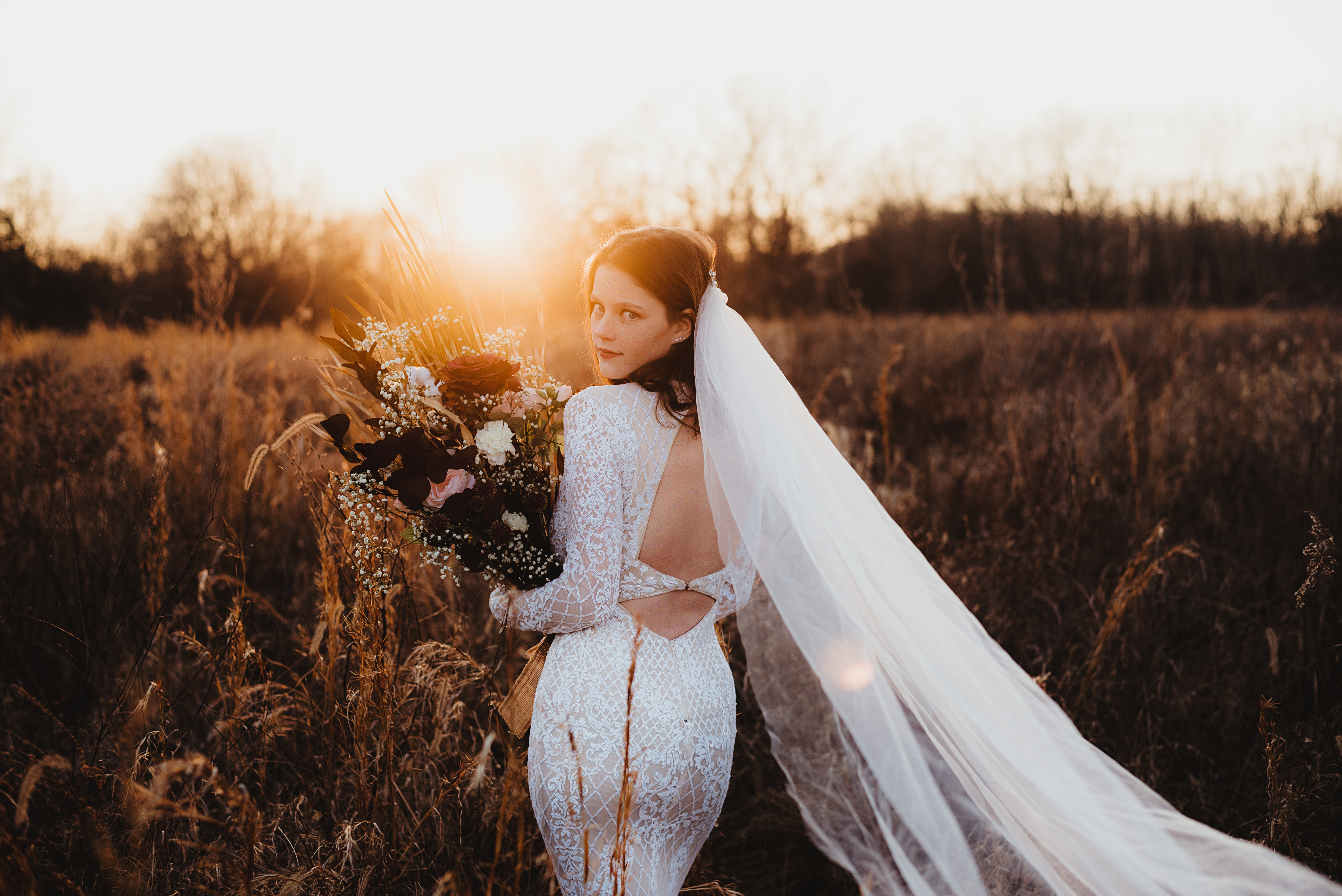 View larger
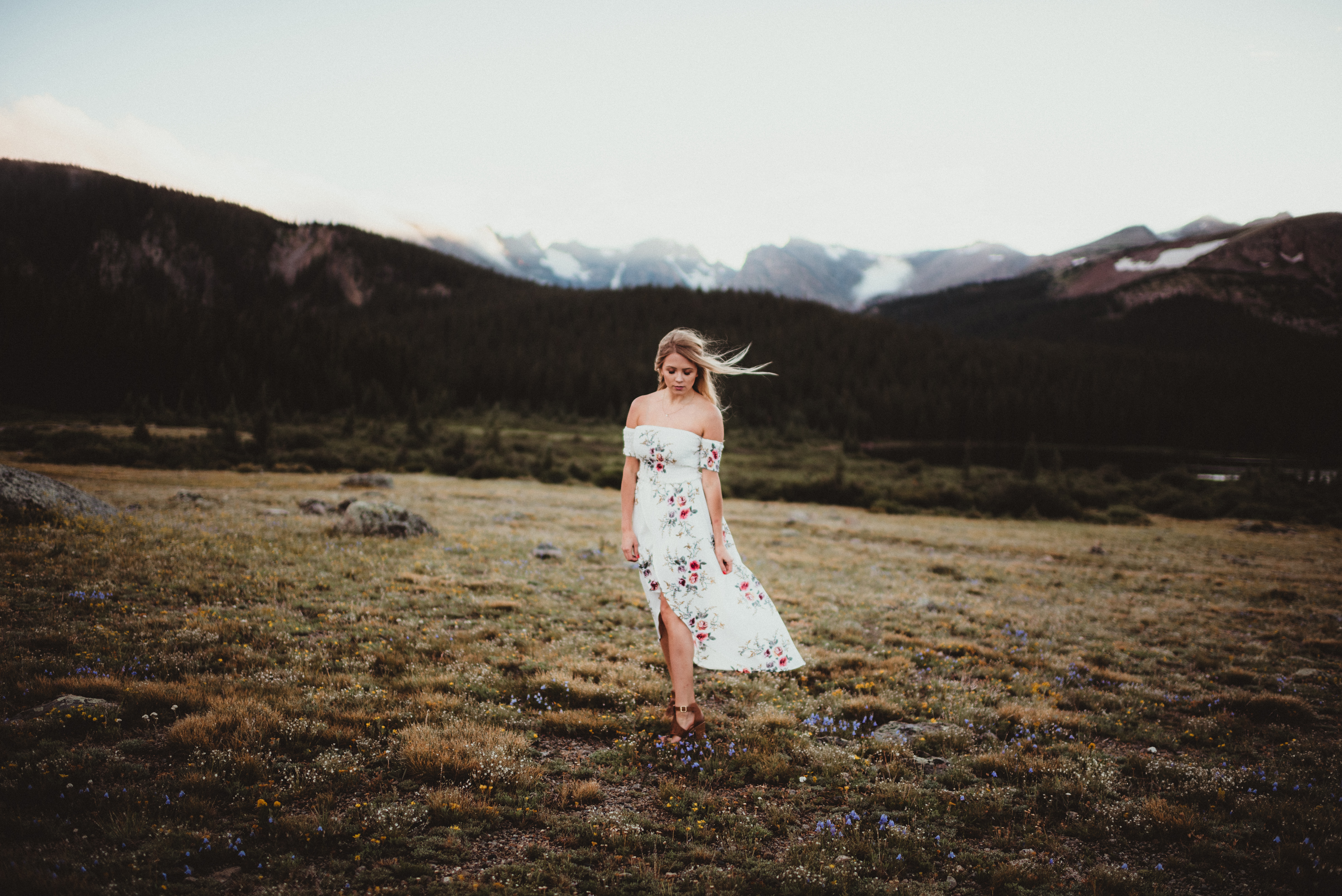 View largerView largerView largerView largerView largerView larger
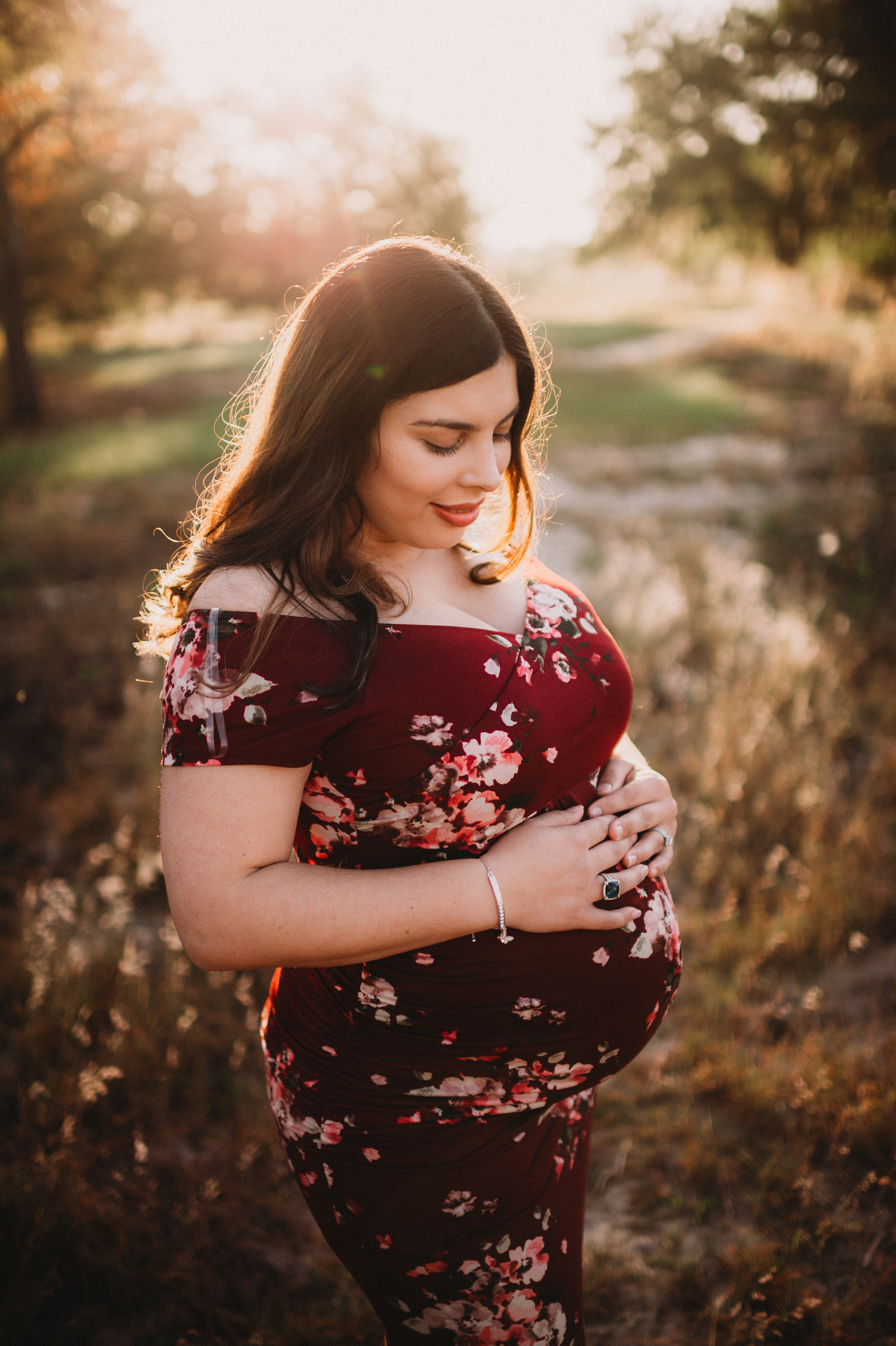
These are finished Spring Gem edits. Set Exposure and white balance to suit the light in your own photographs.
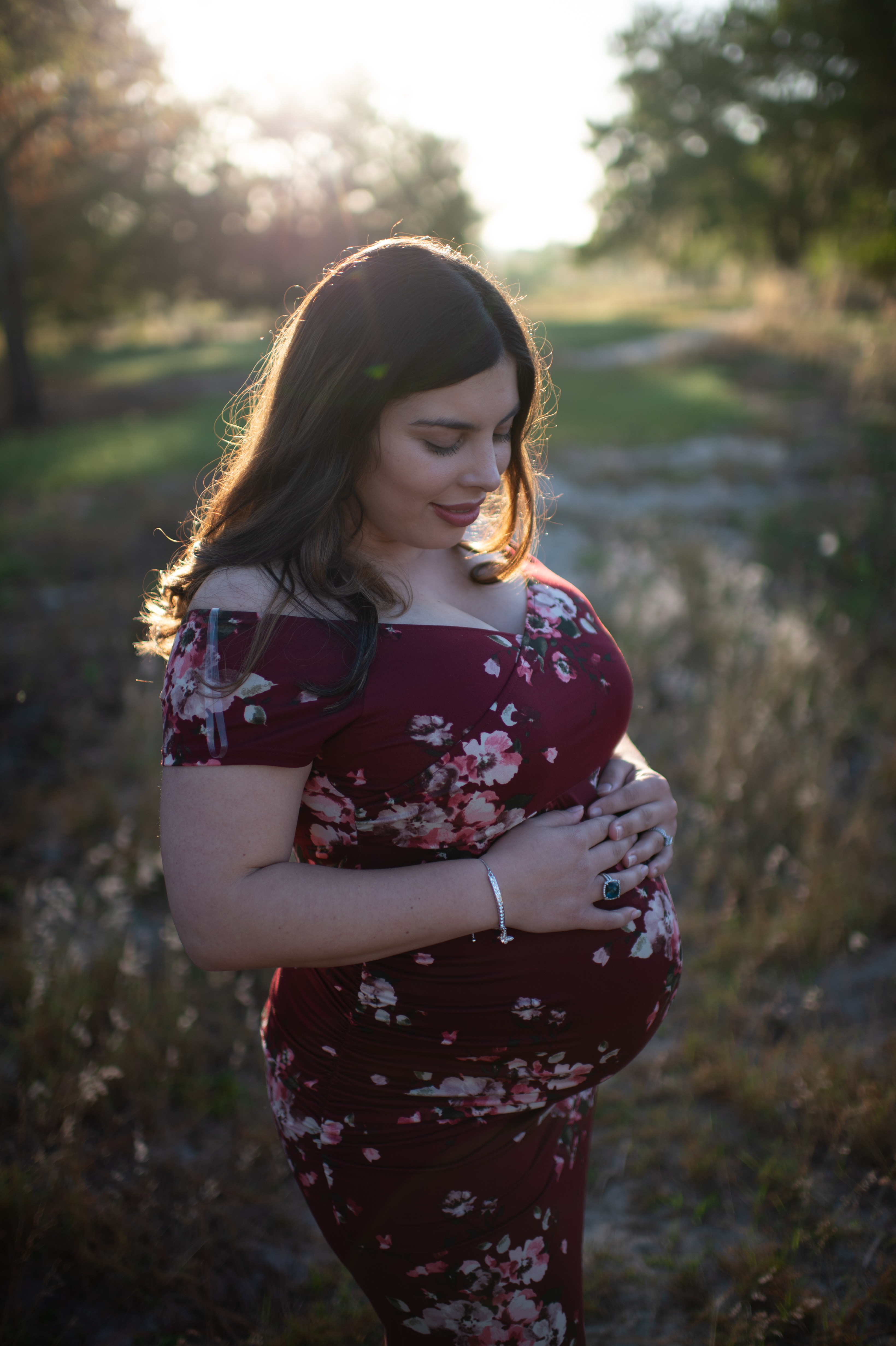
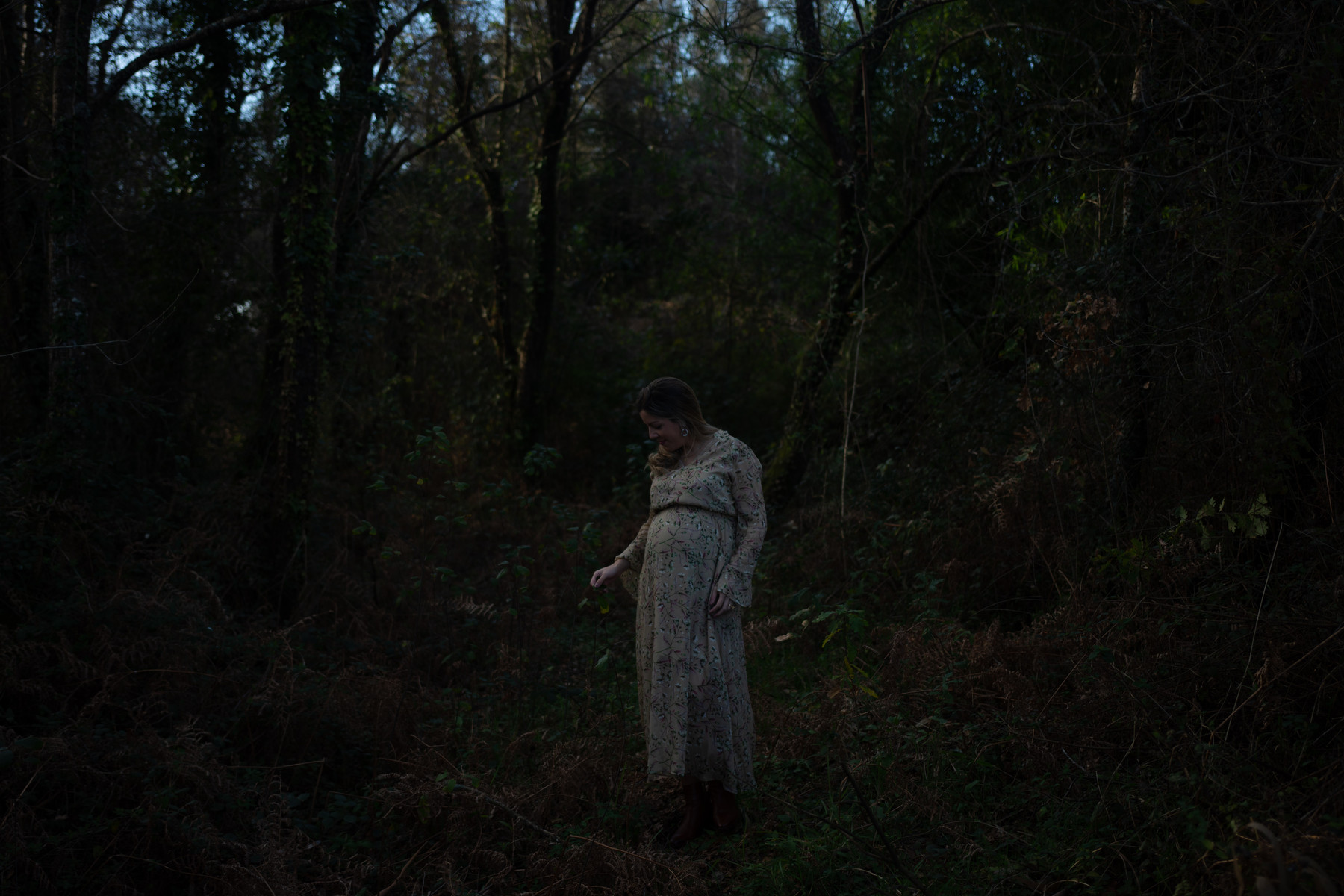
Compare several Spring Gem edits with the starting photograph, labeled SOOC (straight out of camera).
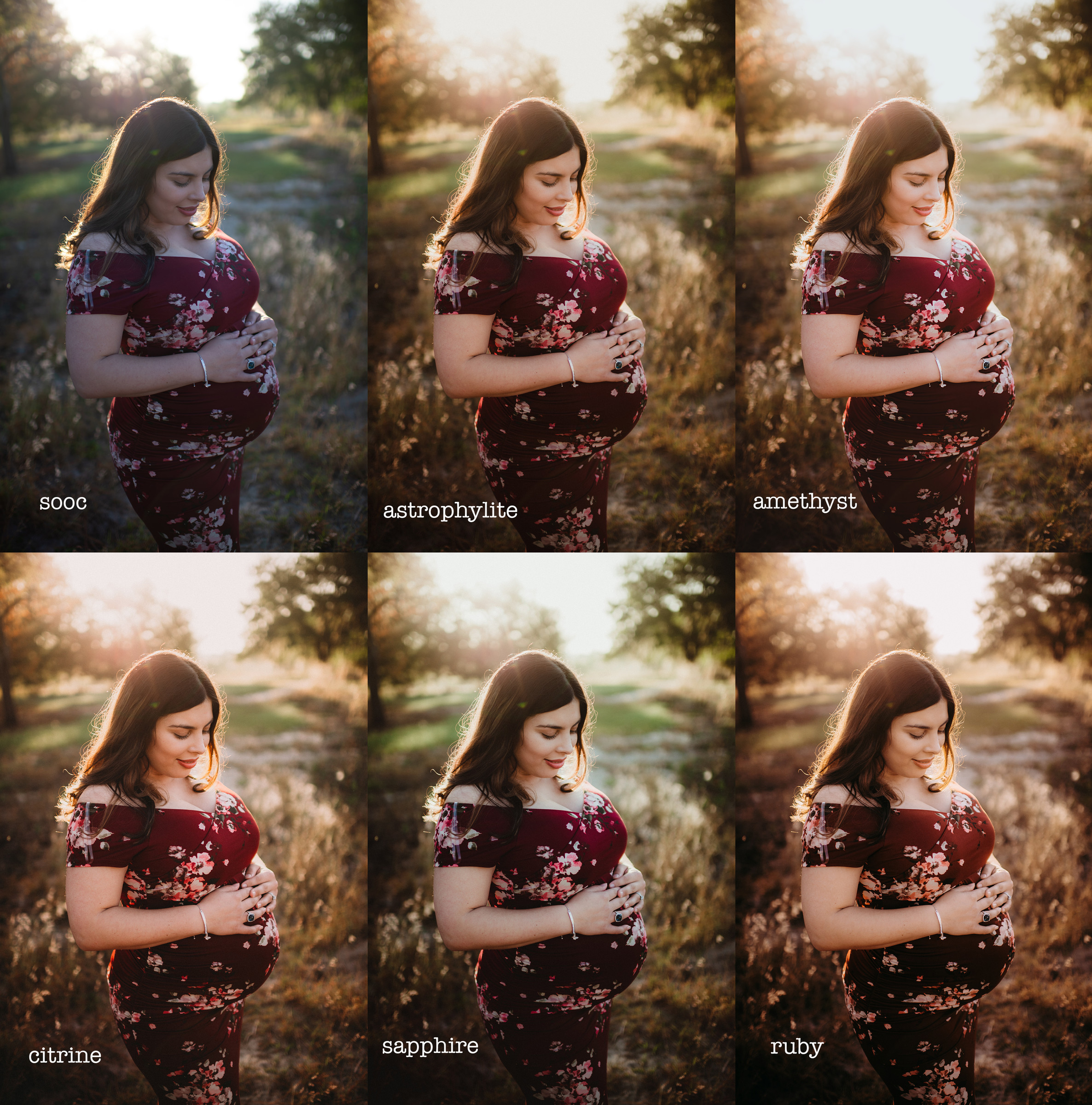 View larger
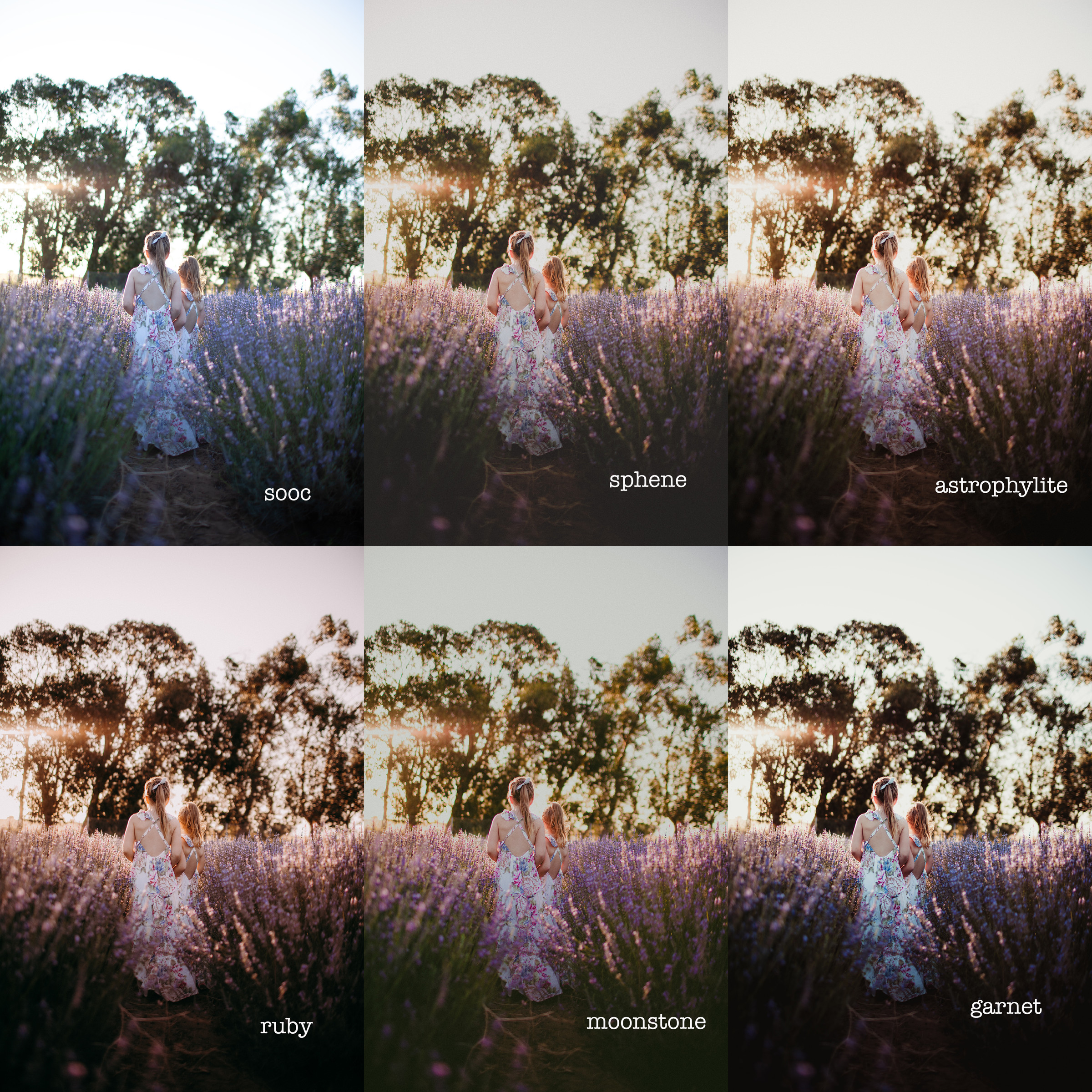 View larger
WHAT YOU GET
The download includes 16 named looks, with XMP files for current Adobe apps and LRTemplate copies for older Lightroom installations. Two of the looks are black and white.
Sixteen XMP presets, ready to import as a ZIP or individual files, plus LRTemplate copies for older Lightroom installations. Install the format your app uses.
Step-by-step installation for Lightroom Classic, Lightroom, Lightroom mobile and Camera Raw, plus a short walkthrough of the Exposure and white balance controls you will use to finish each edit.
Also included: Getting the Most from Your Presets. A practical guide to choosing a starting photograph, setting Exposure and white balance, and working through common editing questions.
Plain-language terms for personal and client work, and how digital purchases work at Twig & Olive.
YOUR PALETTE
BEFORE YOU CHOOSE
Spring Gem is a collection of Lightroom and Adobe Camera Raw presets. It is not a set of Photoshop actions, so check your app and file type before you order.
Use the XMP files in current Lightroom or Lightroom Classic. Both desktop apps work on Mac and Windows. Legacy LRTemplate copies are included for older versions of Lightroom that do not read XMP.
Current Lightroom on iPhone, iPad and Android imports XMP presets directly. Unzip the download first, then follow the mobile steps in the guide. Adobe lists RAW editing and cloud sync as paid Lightroom mobile features.
Import the presets into Lightroom desktop or mobile, let cloud sync finish, then open a photograph on the web and choose Presets > Yours. Use the same Adobe ID and a plan with cloud sync.
Import the XMP presets in Camera Raw, opened through Photoshop or Bridge. They are Camera Raw presets, not Photoshop actions. These files are not supported in Photoshop Express, Premiere or Capture One.
Spring Gem is designed for RAW photographs and uses the Adobe Standard RAW profile. JPEG and HEIC images accept some of the adjustments but cannot receive the full profile-based result, so expect a different look on those files.
One license covers the person or business named on the order, including client photographs. Use it across your images and devices, and keep the preset files within that licensed person or business.
IN YOUR EDITING WORKFLOW
Open a RAW photograph and choose a look. The XMP presets keep your current Exposure and white balance, so you can shape those around the light in your photograph.
Move Exposure until your subject is as bright as you want. Every photograph starts from a different exposure, so this step is part of every edit.
Refine Temperature and Tint until skin looks right and the light feels the way you remember it. Then finish your crop, lens corrections and any local adjustments.
CUSTOMER REVIEWS
Only logged in customers who have purchased this product may leave a review.
This product is a digital download and is therefore non-refundable. Once purchased, you will immediately gain access to the product, making refunds or exchanges unavailable under any circumstances.
To ensure you select the correct product, we strongly encourage you to review the product details carefully before purchasing. If you have any questions or concerns about the product, please contact us before buying, and we’ll be happy to assist you in making the right choice.
By completing your purchase, you acknowledge and agree to these terms.
A FEW USEFUL ANSWERS
The answers most people ask for before they order.
Spring Gem is a Twig & Olive collection of 16 Lightroom and Adobe Camera Raw presets made for softer light, including open shade and golden hour. It includes fourteen color looks and two black and white looks, delivered as XMP files for current Adobe apps and LRTemplate files for older versions of Lightroom.
Sixteen XMP presets, an XMP import ZIP, and sixteen matching legacy LRTemplate files, plus the installation guide, the editing guide and your license. Both formats contain the same named looks, including B+W Onyx and B+W Smokey Quartz.
Yes. Current Lightroom on iPhone, iPad and Android supports direct XMP import. Unzip the files first. Our guide includes that route and syncing from Lightroom on desktop with the same Adobe account. Lightroom Classic does not sync presets to mobile.
Adobe lists RAW editing and cloud sync as paid Lightroom mobile features, so check that your Adobe plan includes what you need.
The light, camera, subject and starting exposure all matter. The examples show finished Spring Gem edits. Apply a look, adjust Exposure for your subject, then refine Temperature and Tint.
The XMP presets keep your current Exposure and white balance. The older LRTemplate files set white balance, and legacy Ruby also sets Exposure to +0.45. The guide explains where to find those controls.
Some of the adjustments apply, but JPEG and HEIC files cannot use the Adobe Standard RAW profile, so the result will differ from the full RAW treatment. Start with a RAW photograph when you want the full profile treatment.
Spring Gem presets do not use Adobe’s preset Amount slider. Use the normal editing controls to refine the result. An unavailable Amount slider does not mean the import failed.
Yes. The license covers personal and commercial work for the person or business named on the order, including photographs you deliver or sell to clients. We claim no rights in the photographs you edit. Only the preset files themselves stay within the licensed person or business.
On Mac or Windows, extract your download and open 03 Presets. In Lightroom Classic, open Develop, select the + menu in Presets, then Import Presets and choose Spring_Gem_XMP.zip. In Lightroom, use File > Import Profiles & Presets. In Camera Raw, open the Presets menu and import the XMP ZIP.
On current Lightroom for iPhone, iPad or Android, use Import Presets in the Presets panel and select the loose XMP files. The illustrated guide is included in your download.
Except where required by law, digital sales are final when payment is completed. We do not offer refunds or exchanges for a change of mind, choosing the wrong collection, or buying presets when you needed Photoshop actions. Please check the product type and software requirements before you buy.
If you accidentally purchase the same collection twice, email us with both order numbers. We review confirmed duplicate purchases individually and may make an exception.
If a download is missing, damaged or does not match its description, contact us so we can help with the correct working files. This policy does not limit any consumer rights or remedies that apply by law. Email [email protected].
LIGHTROOM & ACR PRESETS
Choose a look, then shape it around the light in your photograph. Sixteen presets, one license, yours to use on every session.

Charmaine Wagenaar (verified owner) –
Love love love this. I still learn something new everyday. Its a must have.
Daniela D’Agostino (verified owner) –
This preset has quickly become one of my absolute faves! The rich tones give all my images life!
Emma Taylor (verified owner) –
Amazing tones! Absolutely in love with these!
[email protected] (verified owner) –
Twig & Olive presets are my absolute favorite and this set is no exception. The rich tones are timeless and beautiful. They are easy to work with and tweak if necessary. Beautiful set! Thanks guys.
[email protected] (verified owner) –
I will never use any other presets! Twig and Olive makes it so easy! Quicker workflow and more cohesive galleries!
[email protected] (verified owner) –
Love ACR presets from T&O! I’ve been dying to try the Spring Gem presets and now I can’t wait to use them!
Katera Dalton (verified owner) –
I loved my Harvest Matte so much I had to have these too! T&O have the best customer service. If you’re hesitant in buying, don’t be! Cannot wait to try my image enhancers :)
Brookerenaephoto (verified owner) –
I was super excited to try these out and they certainly didn’t disappoint. I love them!
jeanetteharmon (verified owner) –
I love these gorgeous tones and spring colors, it was exactly what I needed to round off my T&O catalog!
Erin Scott (verified owner) –
I love T&O presets! I’m pretty sure I now own them all! This one is perfect for those beautiful Spring days!
Kristin Ryan (verified owner) –
Love the tones ! So excited to add this to my collection !
bjjudd (verified owner) –
Have loved playing with the different presets and so happy to have these in my collection.
Juli Hamilton (verified owner) –
Love the Twig & Olive presets, I have most of them now, but this might be my new favorite. The tones are always so beautiful! Amazing company and amazing customer service.
Lauren Monfeli (verified owner) –
LOVE!!! I love all of my T&O presets. This one is gorgeous..vibrant and warm tones. Just beautiful.
Crystalina Sosa (verified owner) –
I LOVE these presets! The warm and vibrant tones are just beautiful and exactly what I was looking for!
Michaela Bezdíčková (verified owner) –
I am in love with all of my T&O presets. I bought some others presets, but none were that great. Warm and vibrant tones looks beautiful on spring or summer photo session.