

TWIG & OLIVE SHOP
Photoshop Actions
Our Photoshop actions come in two kinds: look collections that apply a Twig & Olive color look in Photoshop CC, and workflow actions with their own tools and steps. Both leave the decisions with you, so you can adjust the result to suit each photograph.

Look collections for Photoshop CC
Each look collection is a set of .atn actions that applies one of our color looks. Harvest Matte, for example, brings bold, velvety tones to photographs taken in softer, muted light. Many of these looks run through the Camera Raw Filter, so check the requirements on the product page.

Photoshop CC Actions | Spring Gem
Photoshop CC look collection
$75.00
In stock
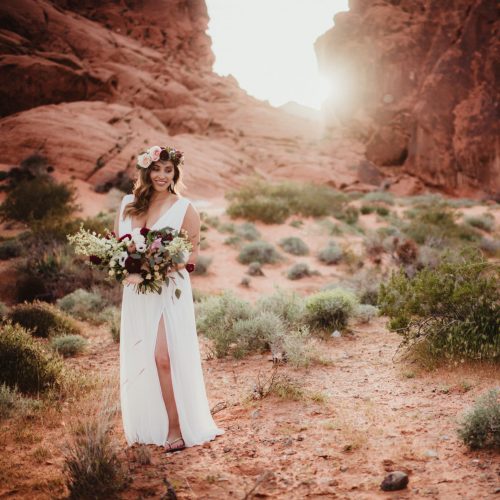
Photoshop CC Actions | Harvest Matte
Photoshop CC look collection
$75.00
In stock
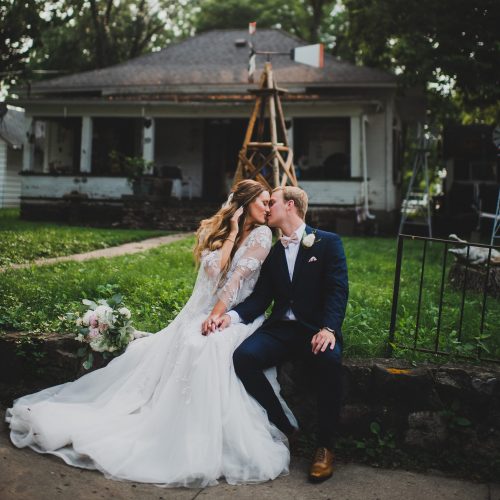
Photoshop CC Actions | Botanical Matte
Photoshop CC look collection
$75.00
In stock
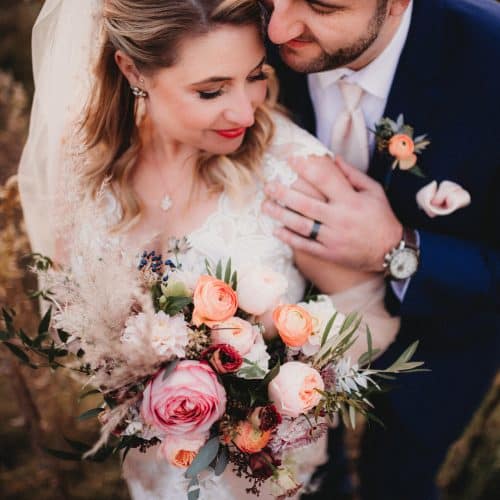
Photoshop CC Actions | Wanderlust
Photoshop CC look collection
$75.00
In stock
Workflow actions
Image Enhancer, Legendary+ and Skin and Tone each have their own tools and steps, so they’re used differently from a look collection. Each product page explains how that action works and what it needs.

Photoshop Workflow Actions | Image Enhancer II
Photoshop workflow actions
Price range: $50.00 through $150.00
In stock

Photoshop Workflow Actions | Image Enhancer
Photoshop workflow actions
Price range: $50.00 through $150.00
In stock
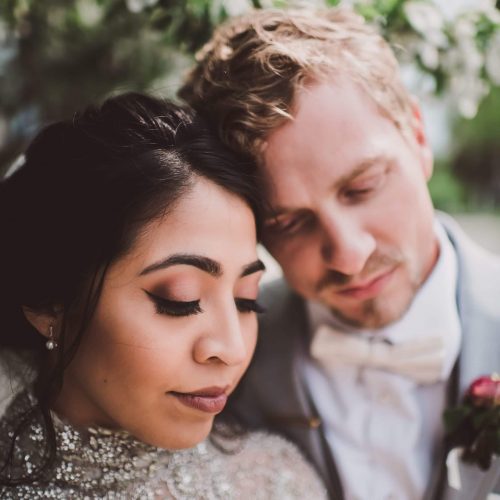
Photoshop Workflow Actions | Skin and Tone
Photoshop workflow actions
$50.00
In stock
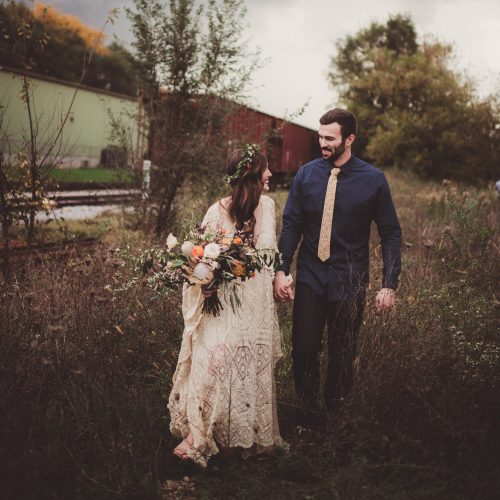
Photoshop Finishing Actions | Legendary+
Photoshop finishing actions
$50.00
In stock
Other ways to edit.
Lightroom & Camera Raw presets
Find a whole-image look, or explore adaptive presets and brushes for selected areas.
Explore Lightroom & Camera Raw presets
Mobile presets
Collections for editing in Lightroom on your phone. Shown: a Retro collection example.
Browse mobile presets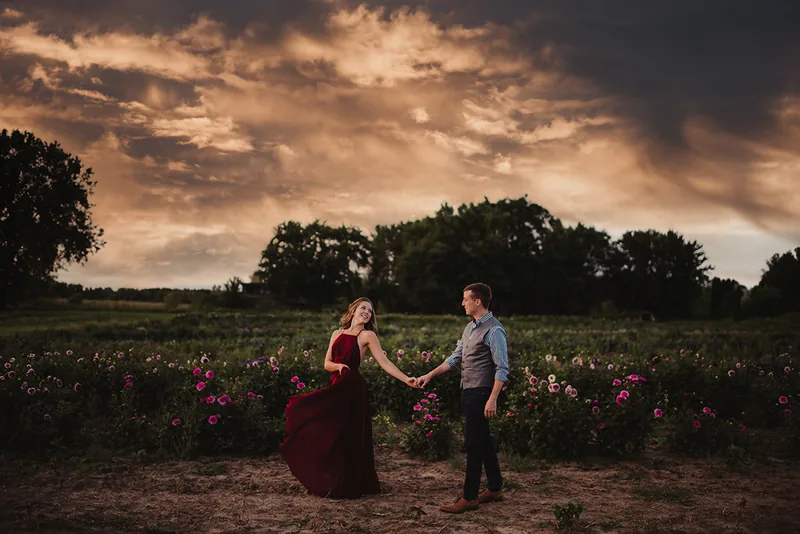
Cloud overlays
Sky images to blend into your photographs. Shown: a Volume I example. Check your editing software before choosing.
Browse cloud overlaysA few helpful answers
What is the difference between a look collection and a workflow?
A look collection applies a color look, such as Harvest Matte, that you then adjust to taste. A workflow action such as Image Enhancer, Legendary+ or Skin and Tone gives you a set of tools and steps to work through. The product pages explain how to use each one.
Are these the same files as Lightroom presets?
No. Photoshop actions and Lightroom presets are different files for different programs, and the formats vary by product. When a look is offered for both programs, each version is its own purchase, so buy the one for the software you edit in, or both if you use both. Check the software and file details on the product before you buy.
Which Photoshop version do I need?
It depends on the product. Our look collections are made for Photoshop CC, and many of them use the Camera Raw Filter. Workflow actions have their own requirements, so read the requirements on the exact product page before you buy.
How else can we help?
Choosing a product
Find the right starting point and narrow the choices.
Product help
Find product guides and troubleshooting, or ask for help.
Orders & downloads
Find past purchases and available downloads in your account.