

1 review for Photoshop CC Actions | Daydream
Only logged in customers who have purchased this product may leave a review.
PHOTOSHOP CC ACTIONS
21 looks. Your own finish.
Bold pops of color and a dreamy, light matte finish.
$50.00
THE COLLECTION
Choose a starting point, then make it your own.
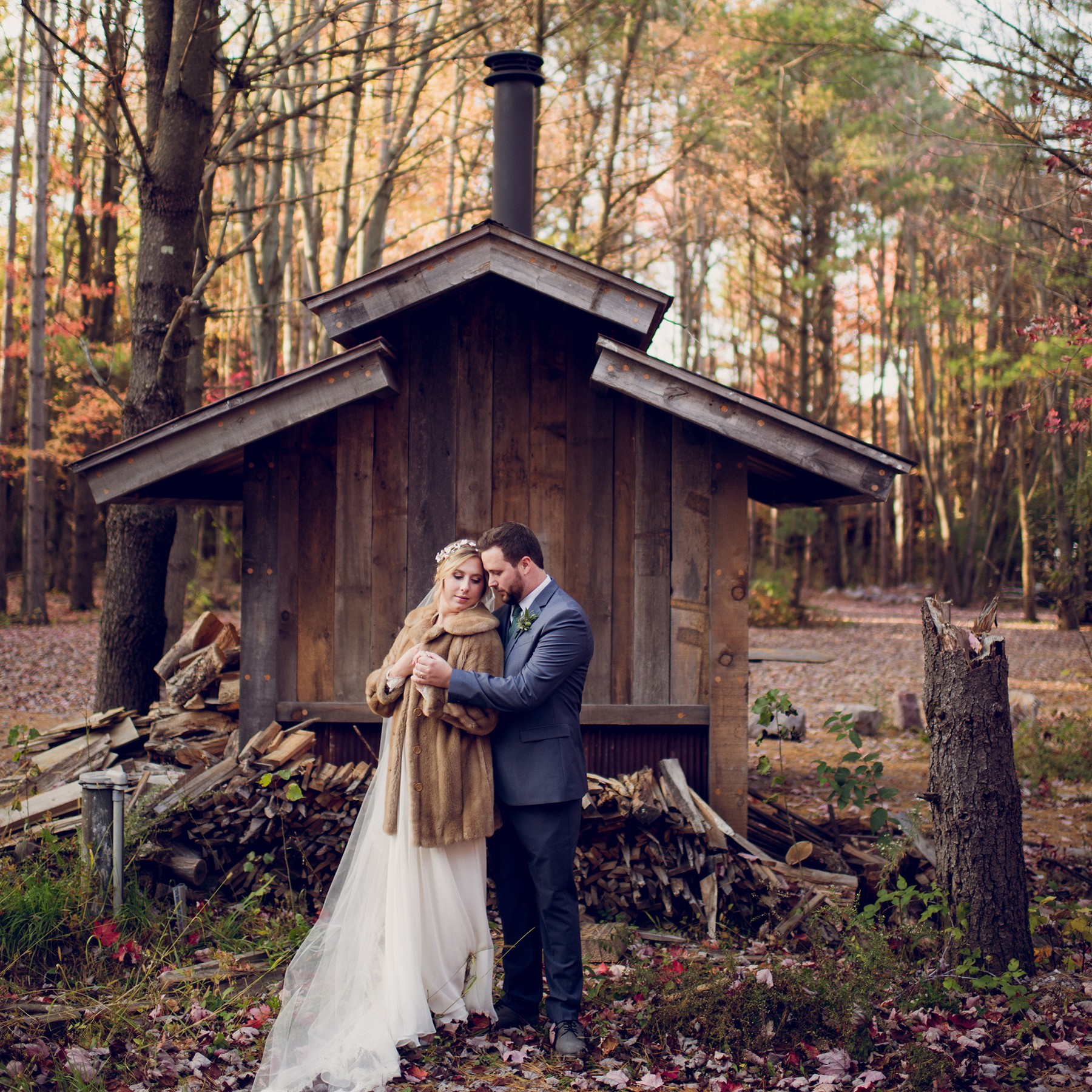
Twig & Olive’s Daydream Photoshop CC Action is the perfect action set for the photographer who likes bold tonality but still wants that vintage finish. Take it from light to dark, depending on your subject or mood. We love this set for weddings and outdoor family photos. As with all of our actions, these work best on images taken in open shade or during golden hour.
A CLOSER LOOK
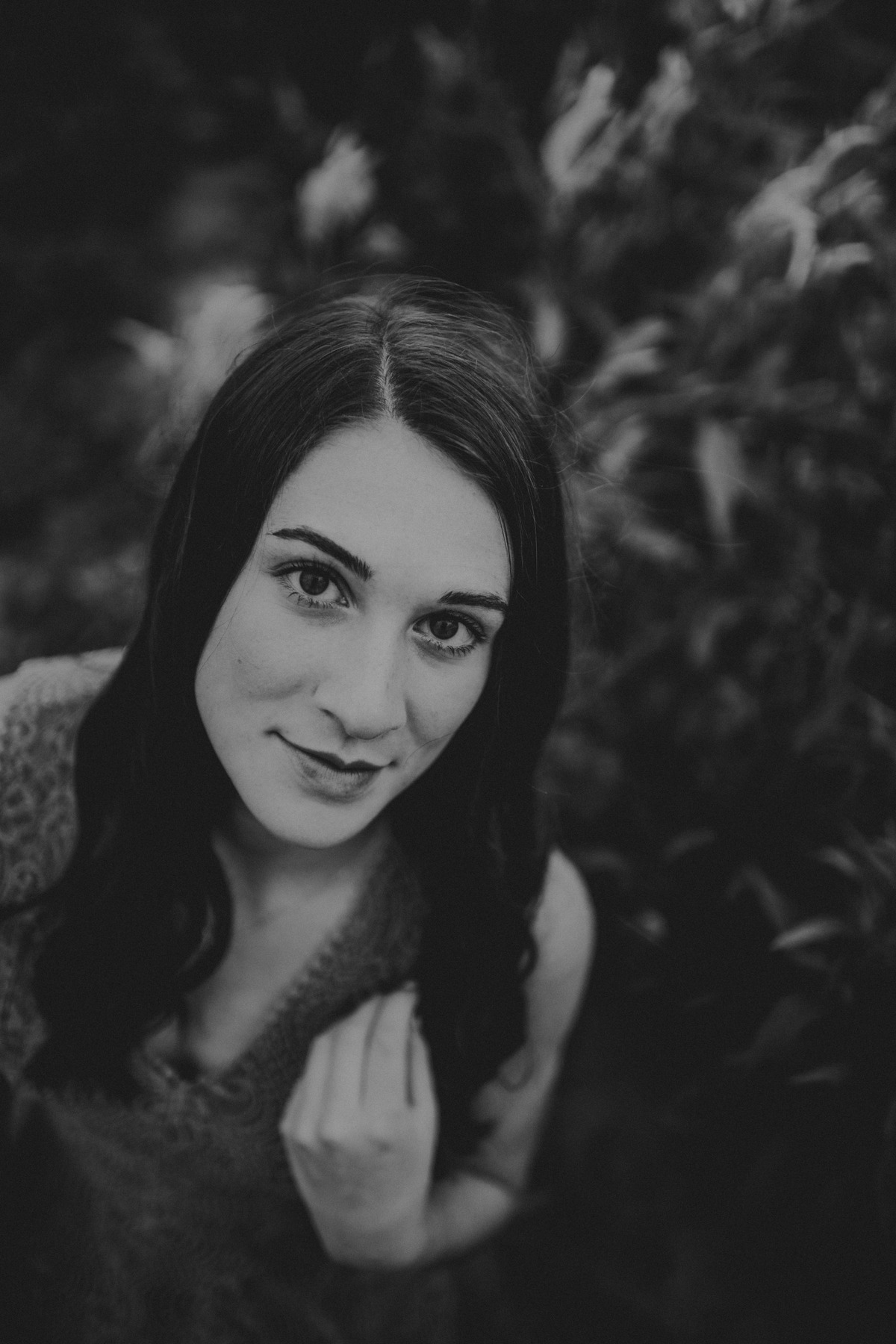
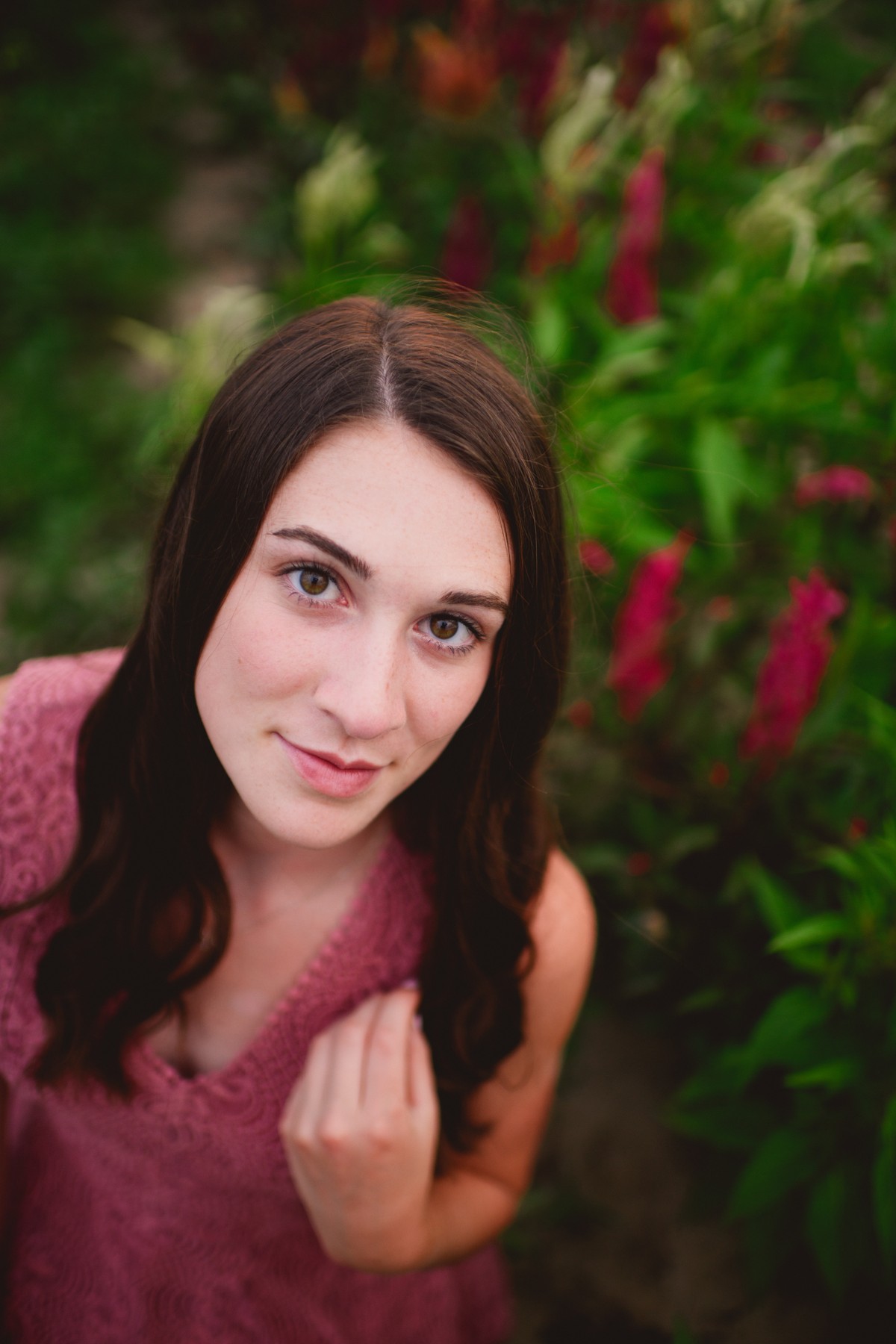
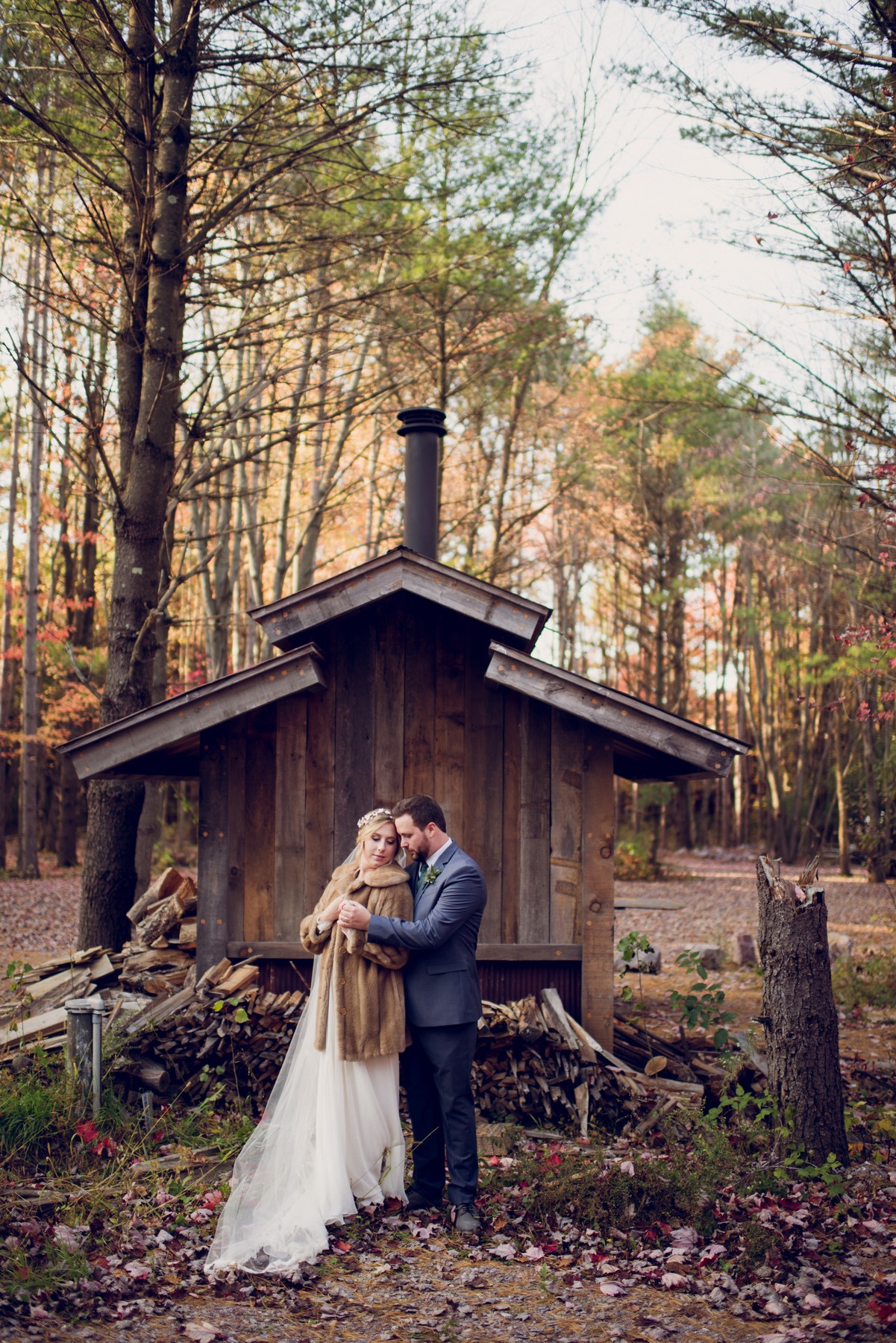
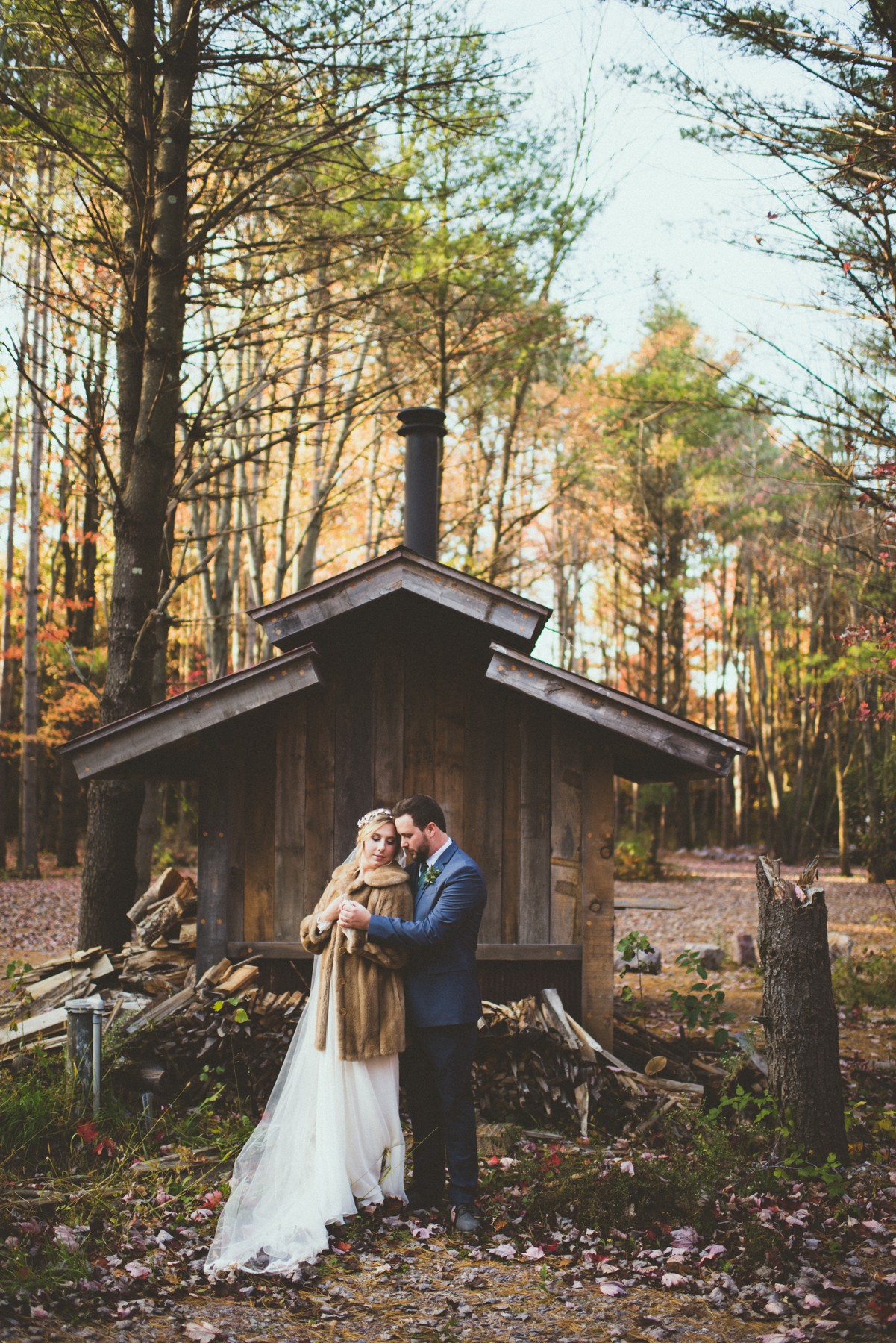
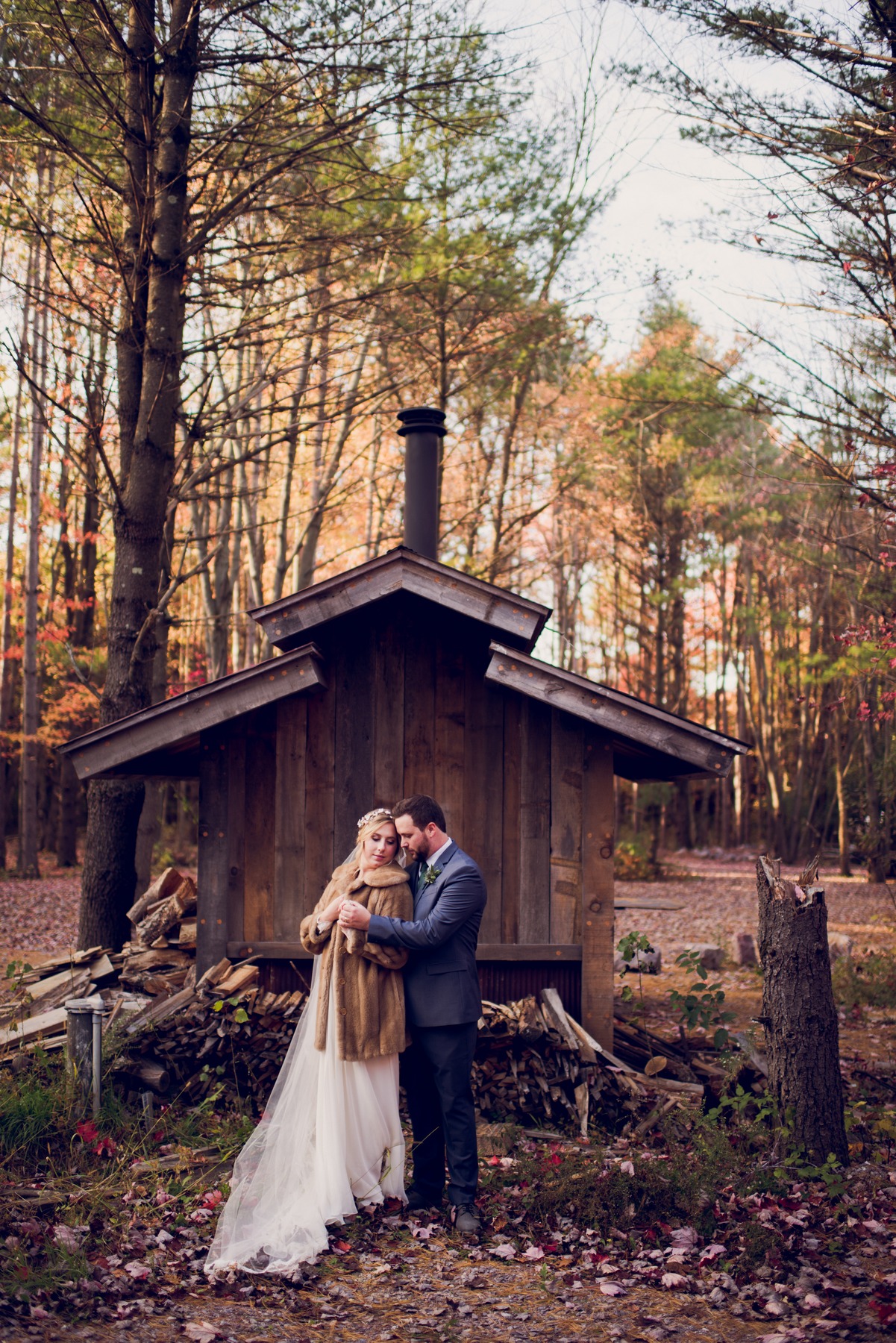
Selected product examples. Choose a photograph to see it larger.
 View larger
 View larger
 View larger
 View larger
 View larger
 View larger
 View larger
 View larger
 View larger
 View larger
These are selected product examples. Use them to judge the visual direction, then refine the result for your own photograph.
WHAT YOU GET
Your download includes 21 named Photoshop actions in 1 ATN file, plus product guides and the license.
1 ATN file. Use the supplied installation guide for your Adobe app.
Step-by-step installation, first-use, and troubleshooting guidance.
Also included: Getting the Most from Your Actions. Practical guidance for applying a look and refining the result for your photograph.
Plain-language terms for personal and client work, and how digital purchases work at Twig & Olive.
YOUR PALETTE
BEFORE YOU CHOOSE
Check the included files and your Adobe app before you order.
Daydream is supplied as an ATN action set and uses Camera Raw Filter. Adobe software is purchased separately.
Correct Exposure and white balance in your RAW editor first when available. Preserve the original and layered master, then run the action on a separate flattened working copy. Flattening merges layers; it does not itself compress highlight or shadow data.
After playback, compare the result layer, lower Opacity to soften the effect, and use a layer mask for local control.
This action set is not supplied for Lightroom, Lightroom Classic, Lightroom mobile, Photoshop Elements, or Photoshop CS2–CS6.
One license covers the person or business named on the order, including client photographs. Keep the action files within that licensed person or business.
IN YOUR EDITING WORKFLOW
Correct overall brightness and color first. Save or duplicate the layered master, then flatten the separate working copy.
In Photoshop desktop, open Window > Actions, select a named Daydream action, and choose Play.
Use the eye icon to compare the result. Lower Opacity to soften it, or add a layer mask for local control. Save an editable layered file.
FROM PHOTOGRAPHERS
Only logged in customers who have purchased this product may leave a review.
This product is a digital download and is therefore non-refundable. Once purchased, you will immediately gain access to the product, making refunds or exchanges unavailable under any circumstances.
To ensure you select the correct product, we strongly encourage you to review the product details carefully before purchasing. If you have any questions or concerns about the product, please contact us before buying, and we’ll be happy to assist you in making the right choice.
By completing your purchase, you acknowledge and agree to these terms.
A FEW USEFUL ANSWERS
The answers most people ask for before they order.
Bold pops of color and a dreamy, light matte finish.
1 ATN file, product guides, and the license.
No. This package contains Photoshop actions. Load its ATN file in the Actions panel in Photoshop CC desktop.
Select the result layer and lower Opacity. Use the eye icon to compare it with the starting photograph. A layer mask provides local control.
Light, camera, subject, and the starting edit affect the result. Prepare overall brightness and color before playback, then refine the layer for the photograph.
Save a copy of your work. Note the exact message, action name, and Photoshop version, then contact us.
Yes. The license covers personal and commercial work for the person or business named on the order, including photographs delivered or sold to clients. Twig & Olive claims no rights in those photographs. Keep the action files within the licensed person or business.
Extract the ZIP you downloaded.
In Photoshop desktop, choose Window > Actions.
Choose Load Actions from the Actions panel menu and select TOP Daydream CC.atn.
Correct RAW Exposure and white balance first where available, preserve your layered master, and flatten a separate working copy.
Play one named action; refine the result layer with Opacity and a mask.
Except where required by law, digital sales are final when payment is completed. We do not offer refunds or exchanges for a change of mind, choosing the wrong collection, or buying this product when you needed Lightroom presets. Please check the product type and software requirements before you buy.
If you accidentally purchase the same collection twice, email us with both order numbers. We review confirmed duplicate purchases individually and may make an exception.
If a download is missing, damaged, or does not match its description, contact us so we can help with the correct working files. This policy does not limit consumer rights or remedies that apply by law. Email [email protected].
PHOTOSHOP CC ACTIONS
Choose a look, then shape it around your photograph. 21 named looks in one digital collection.



Charmaine Wagenaar (verified owner) –
Love using the black and white smoke, especially on newborns and seasalt. Seasalt works great for indoor with a few adjustments. Love it.
Thanks Twig & Olive