A named look gives you a starting point while leaving the photograph in your hands.
Twig & Olive’s Daydream Lightroom and Adobe Camera Raw preset is the perfect preset for the photographer who likes bold tonality but still wants that vintage finish. Take it from light to dark, depending on your subject or mood. We love this set for weddings and outdoor family photos. As with all of our presets, these work best on images taken in open shade or during golden hour.
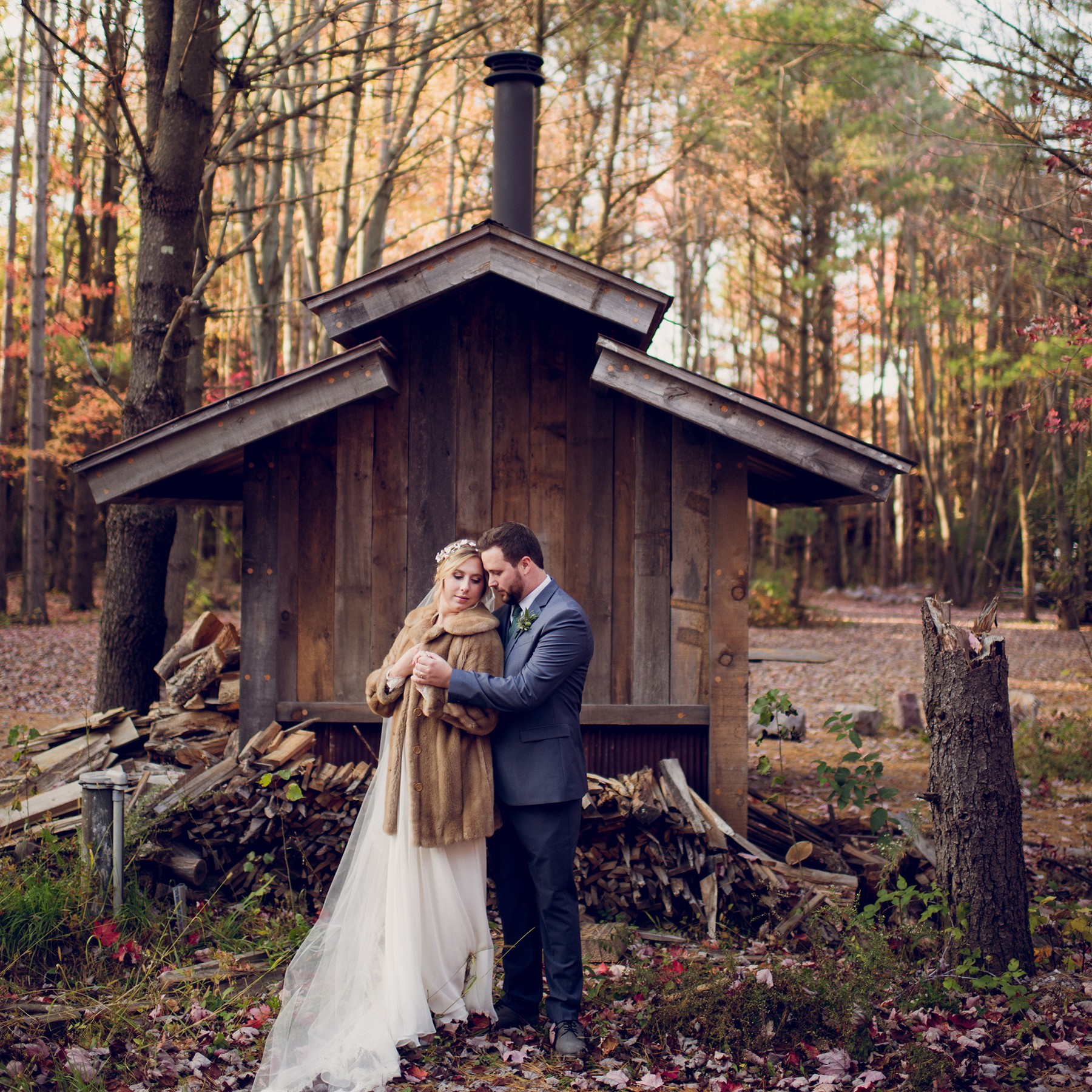
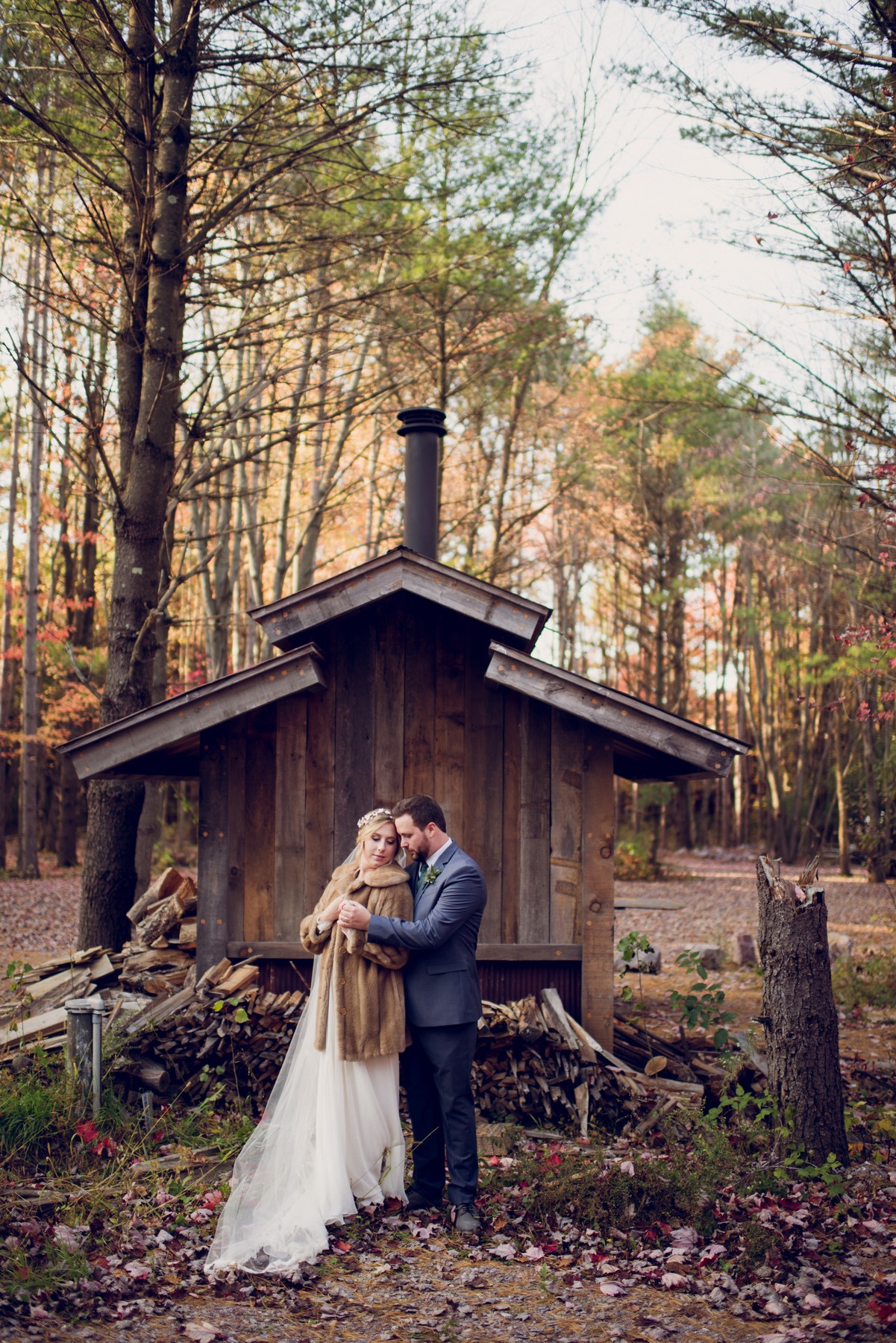
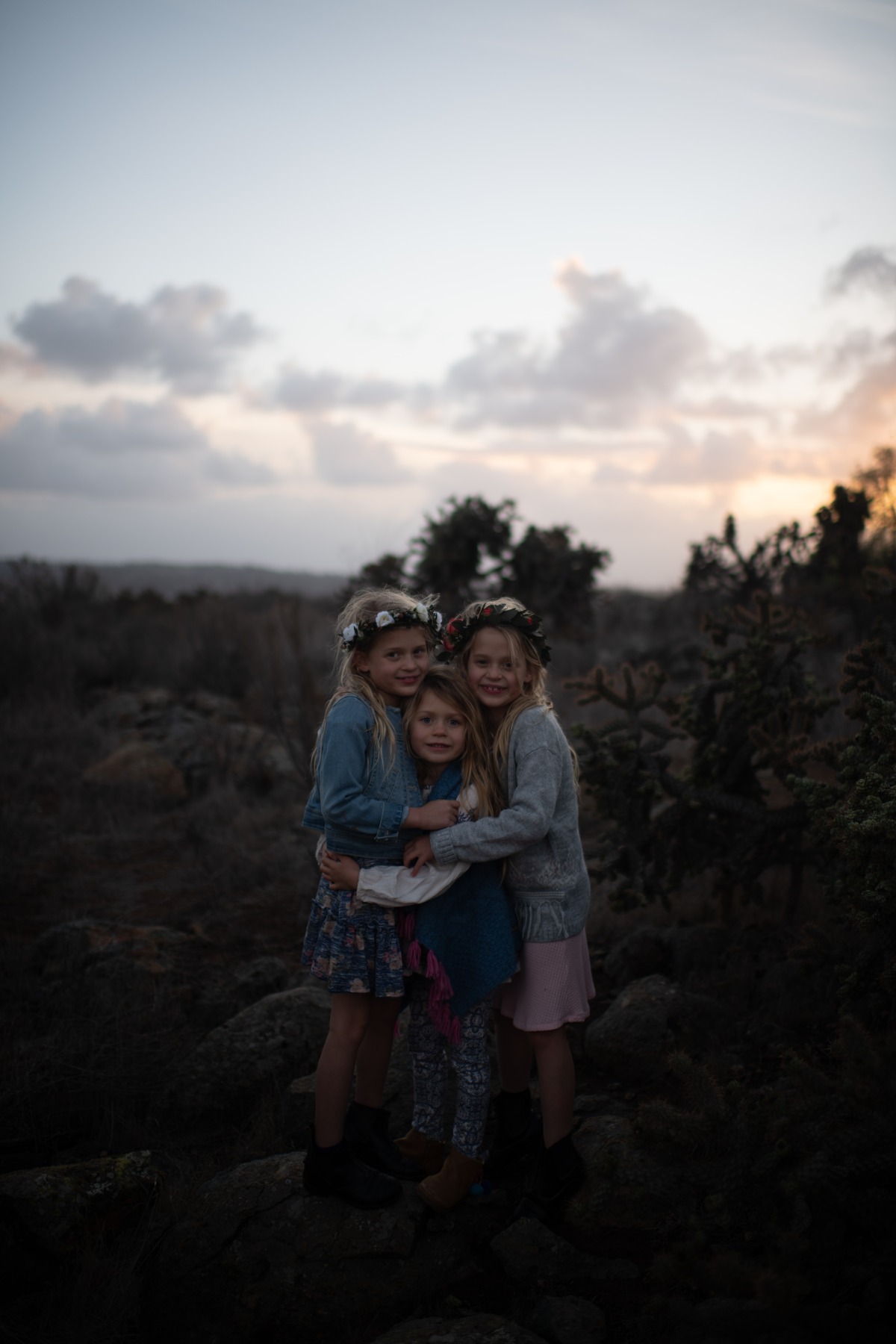
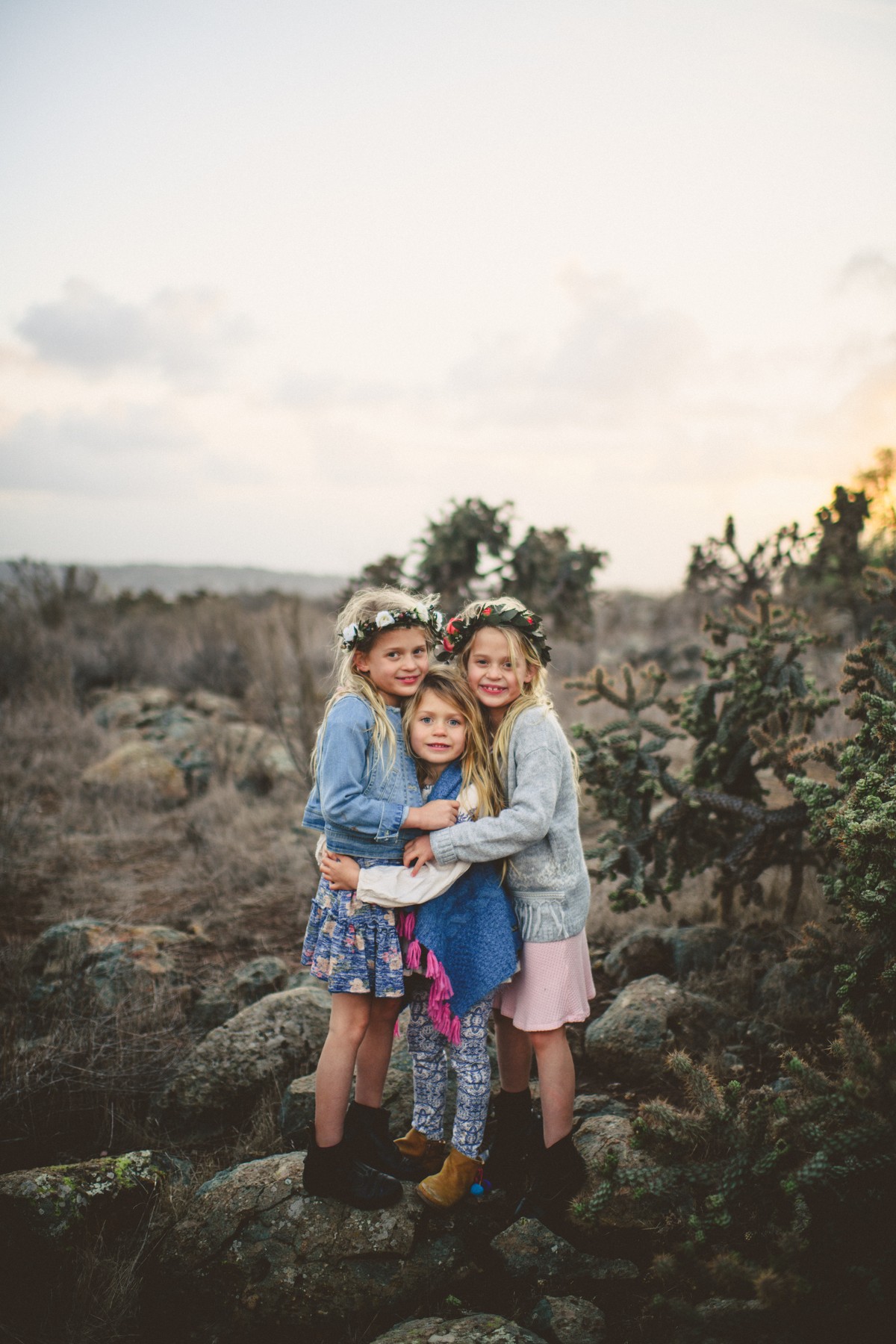
BEFORE & AFTER
See the edit.
↔
BeforeAfter
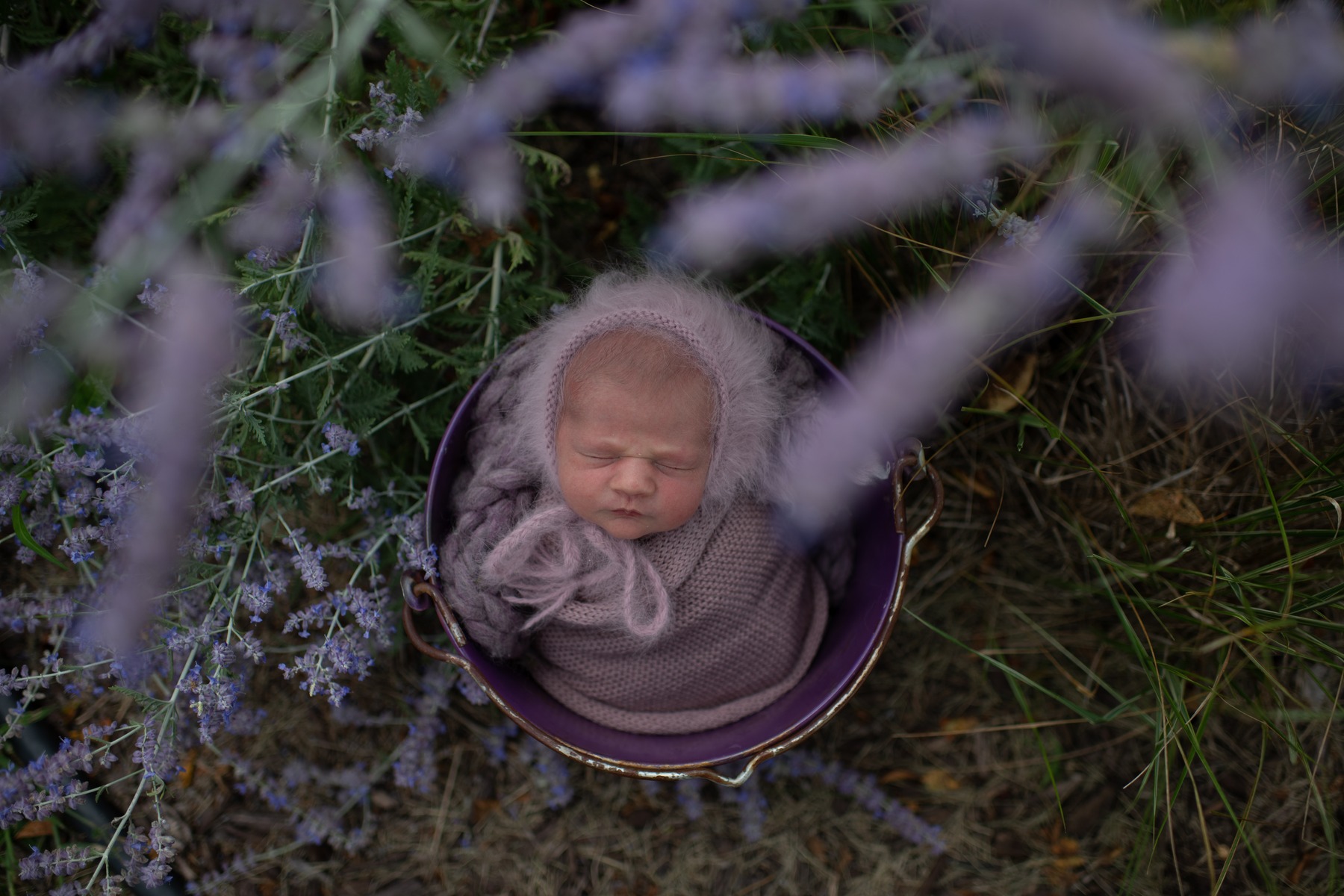
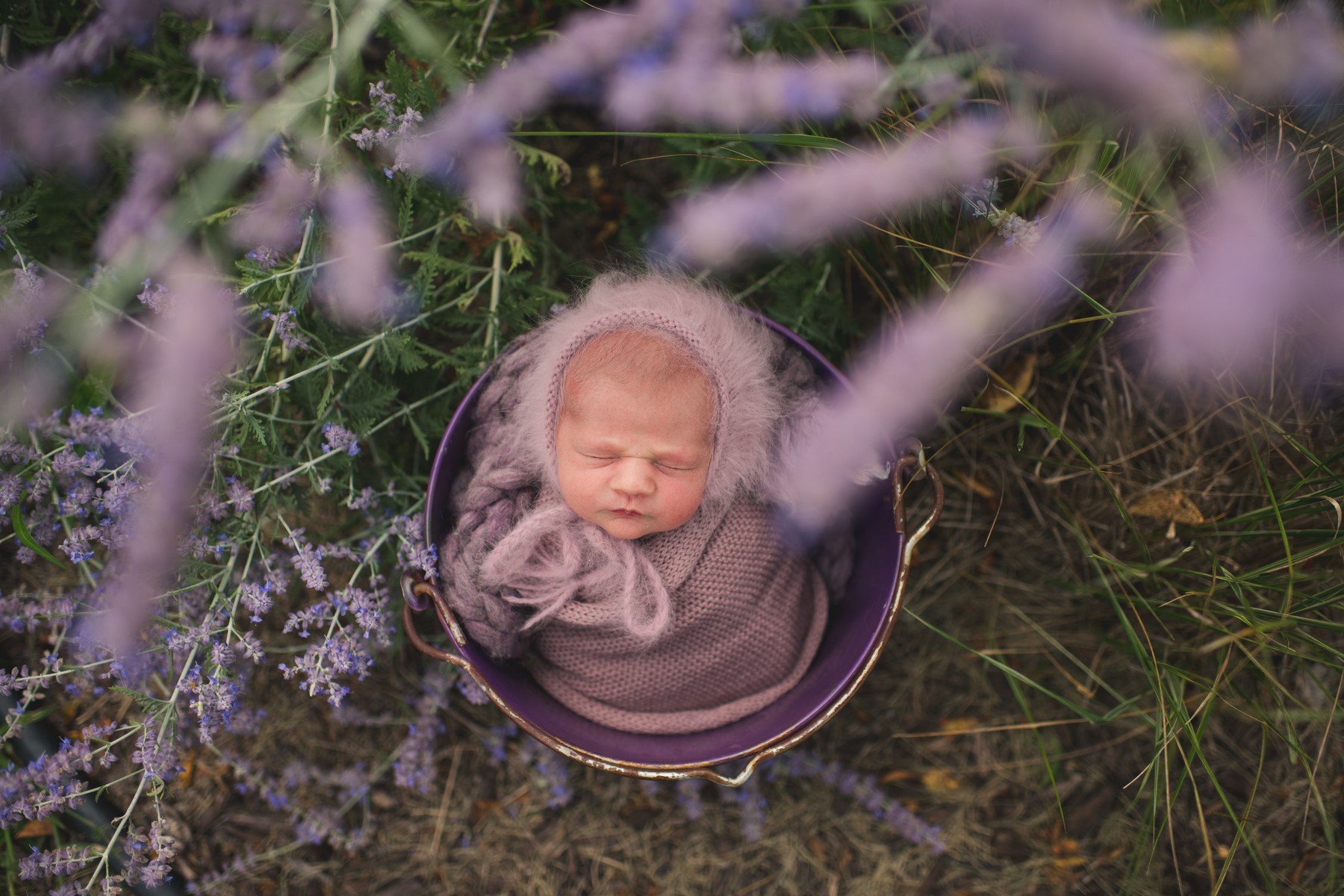
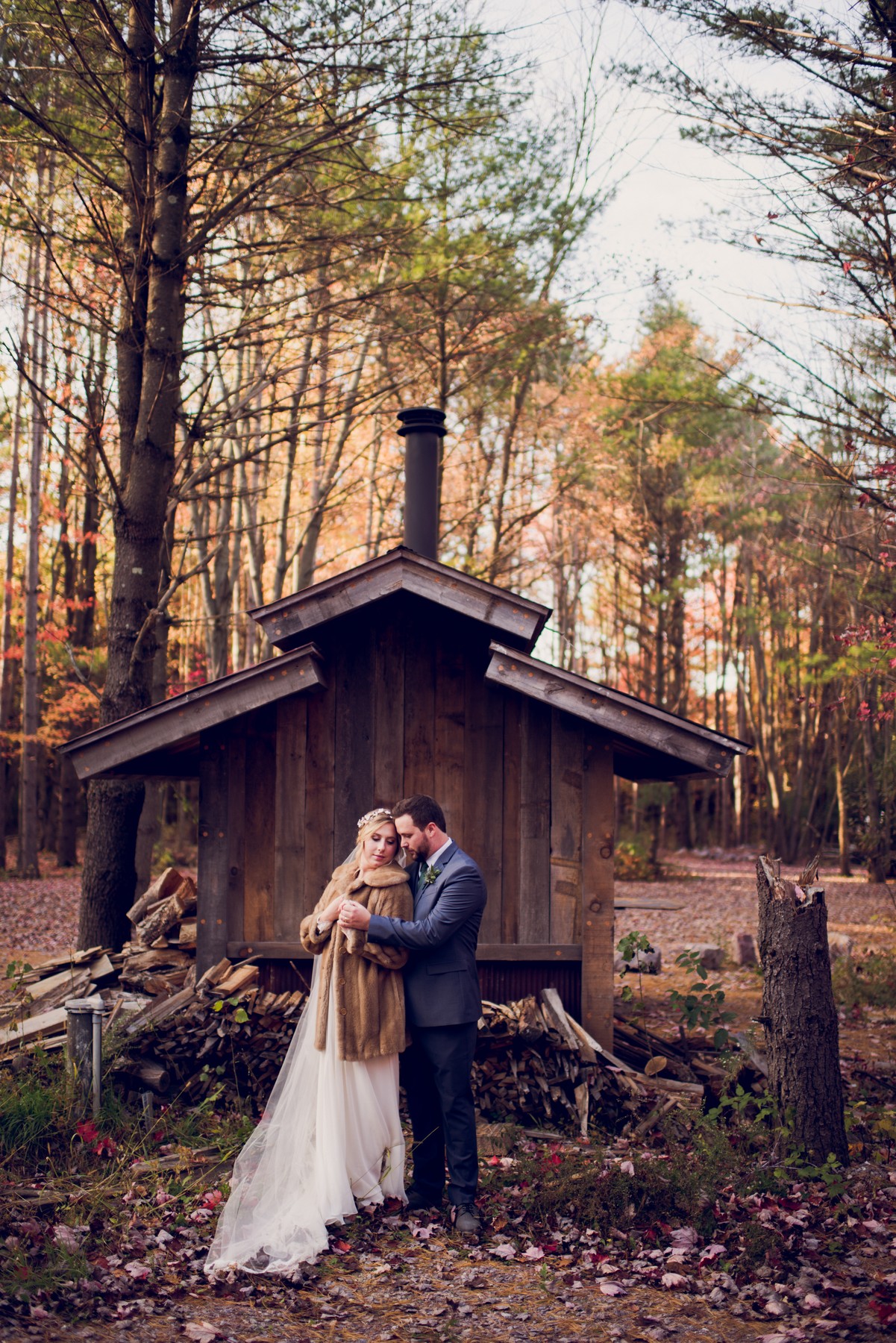
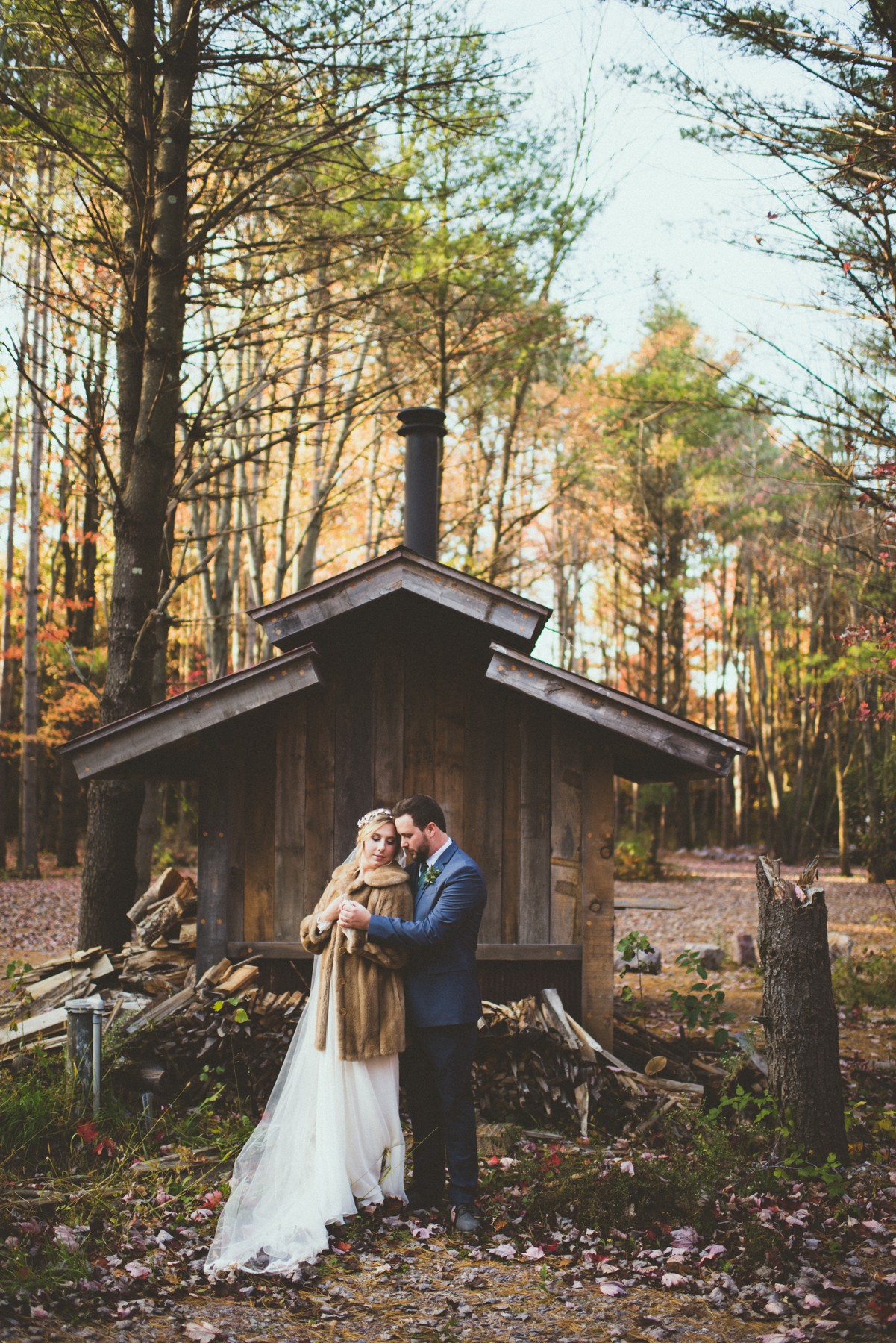
Glam. Compare the starting photograph with the finished product example.
View all 4 comparisons side by side
Glam
BeforeFinished · Glam
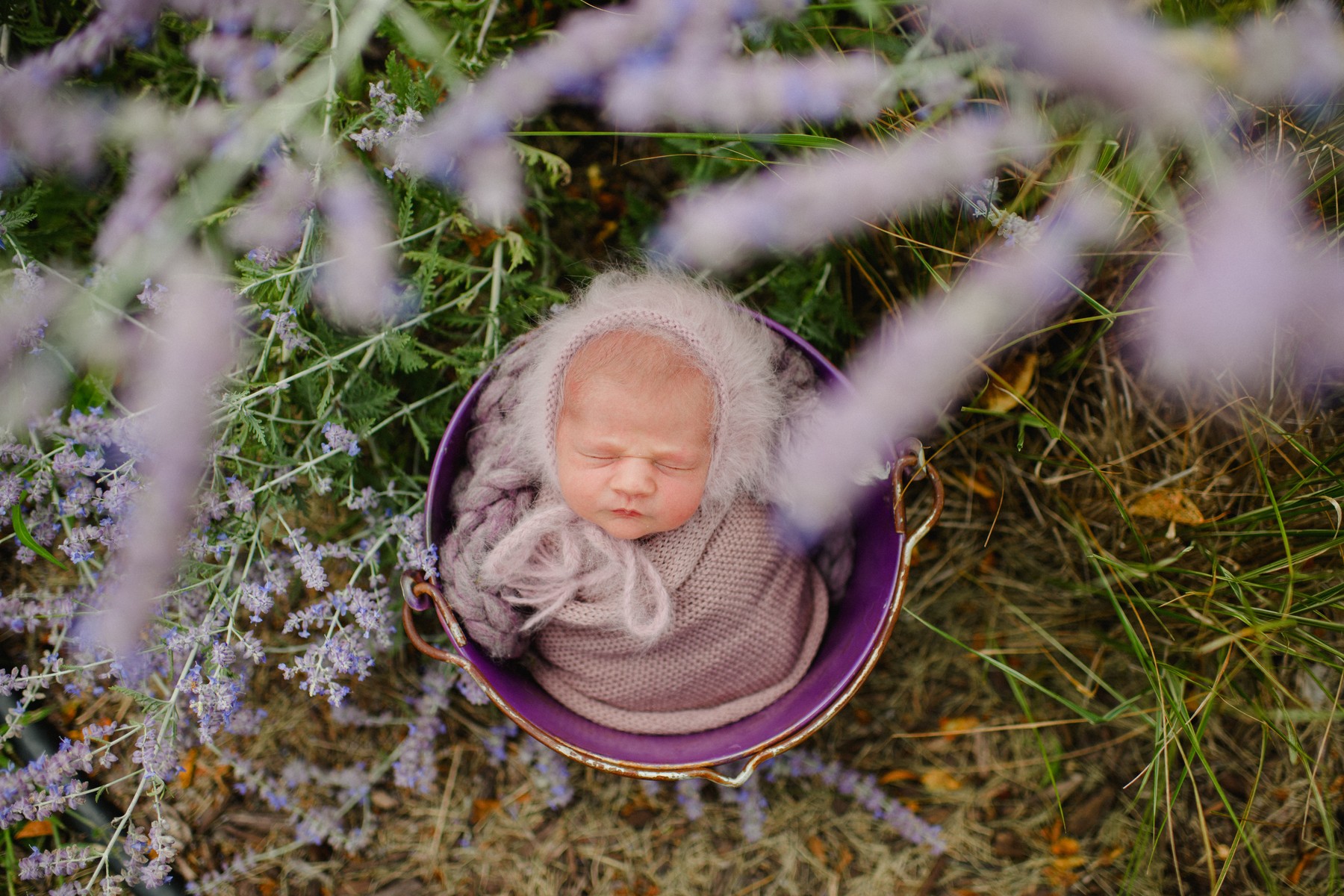
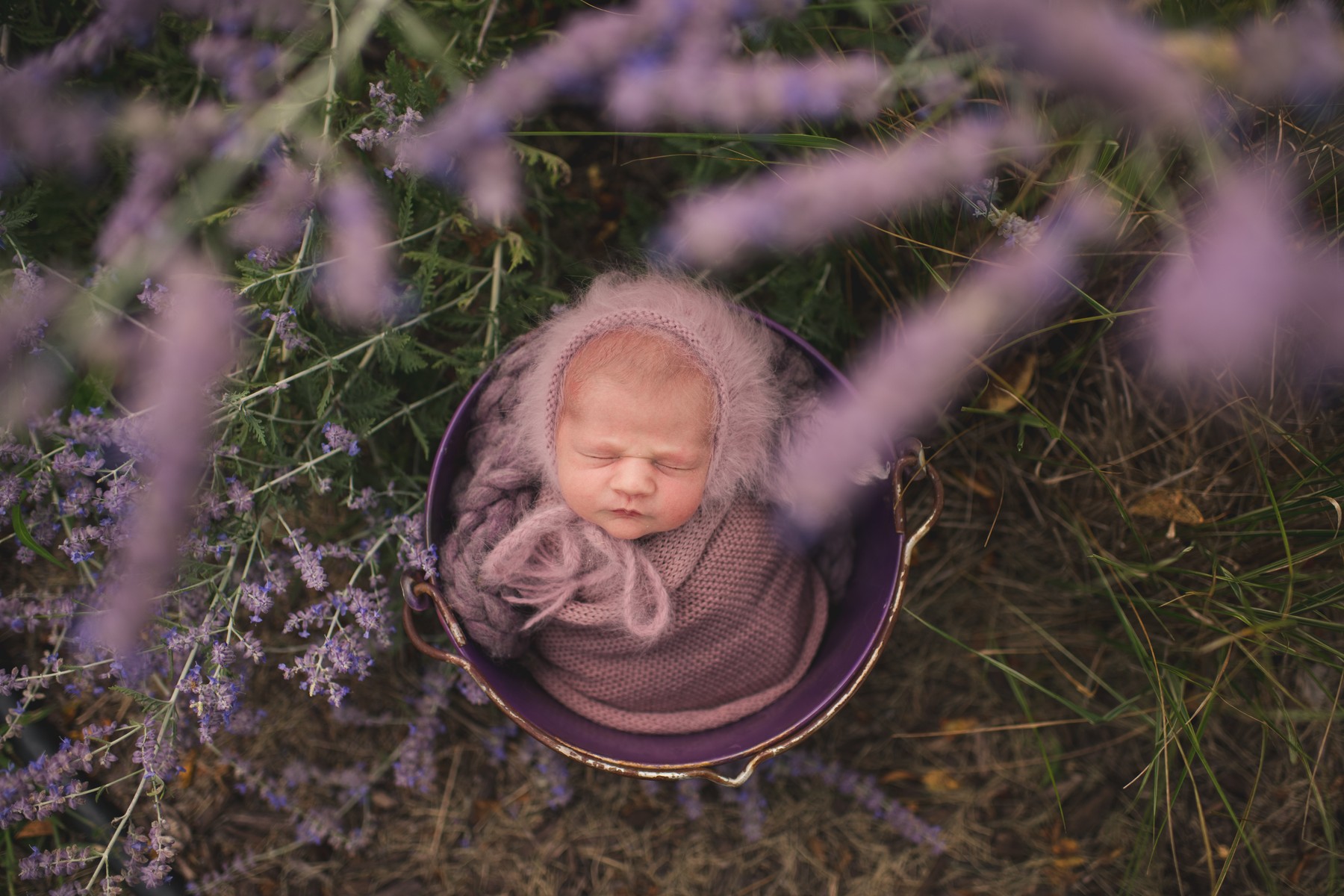
Mystic
BeforeFinished · Mystic
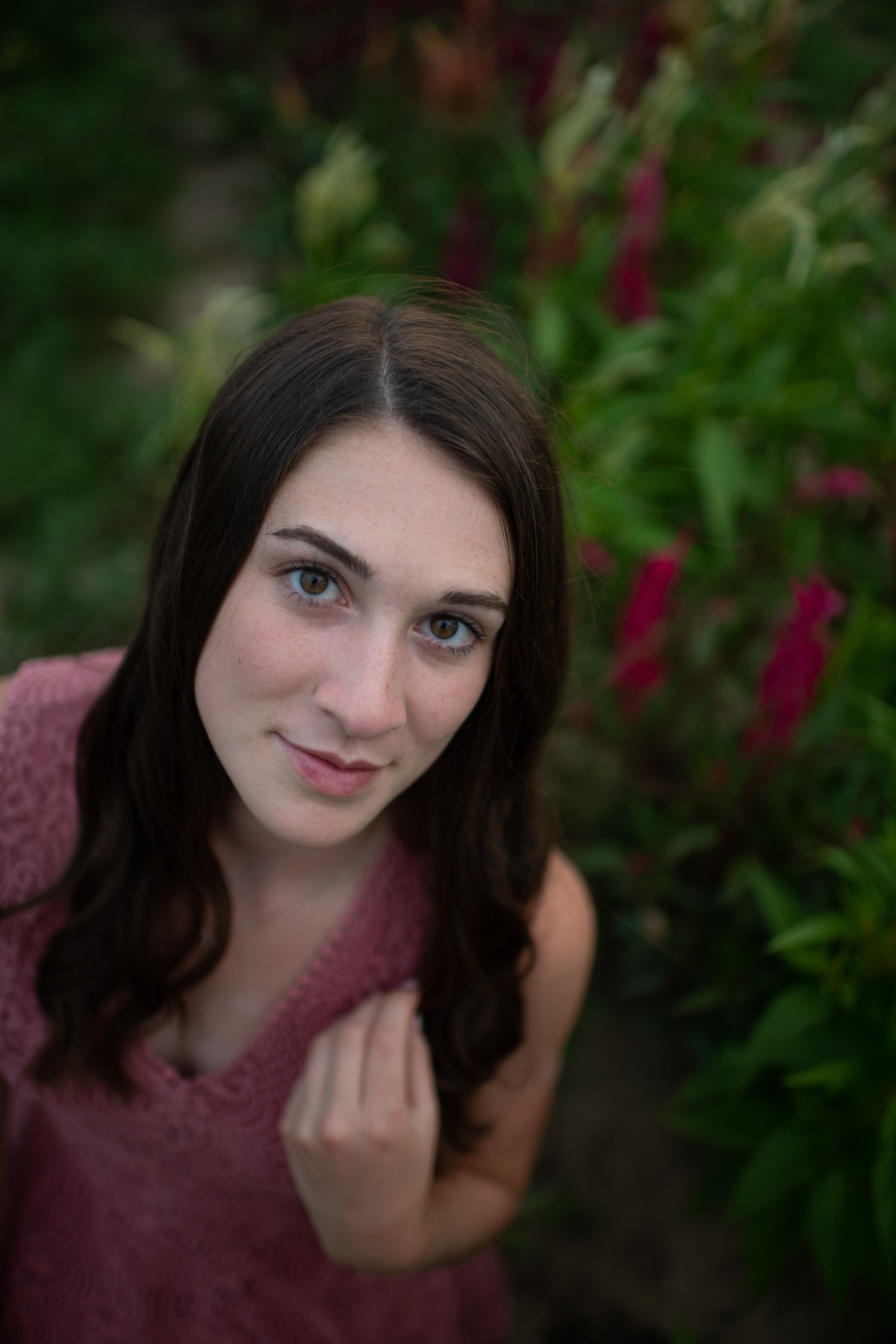
Merlot
BeforeFinished · Merlot
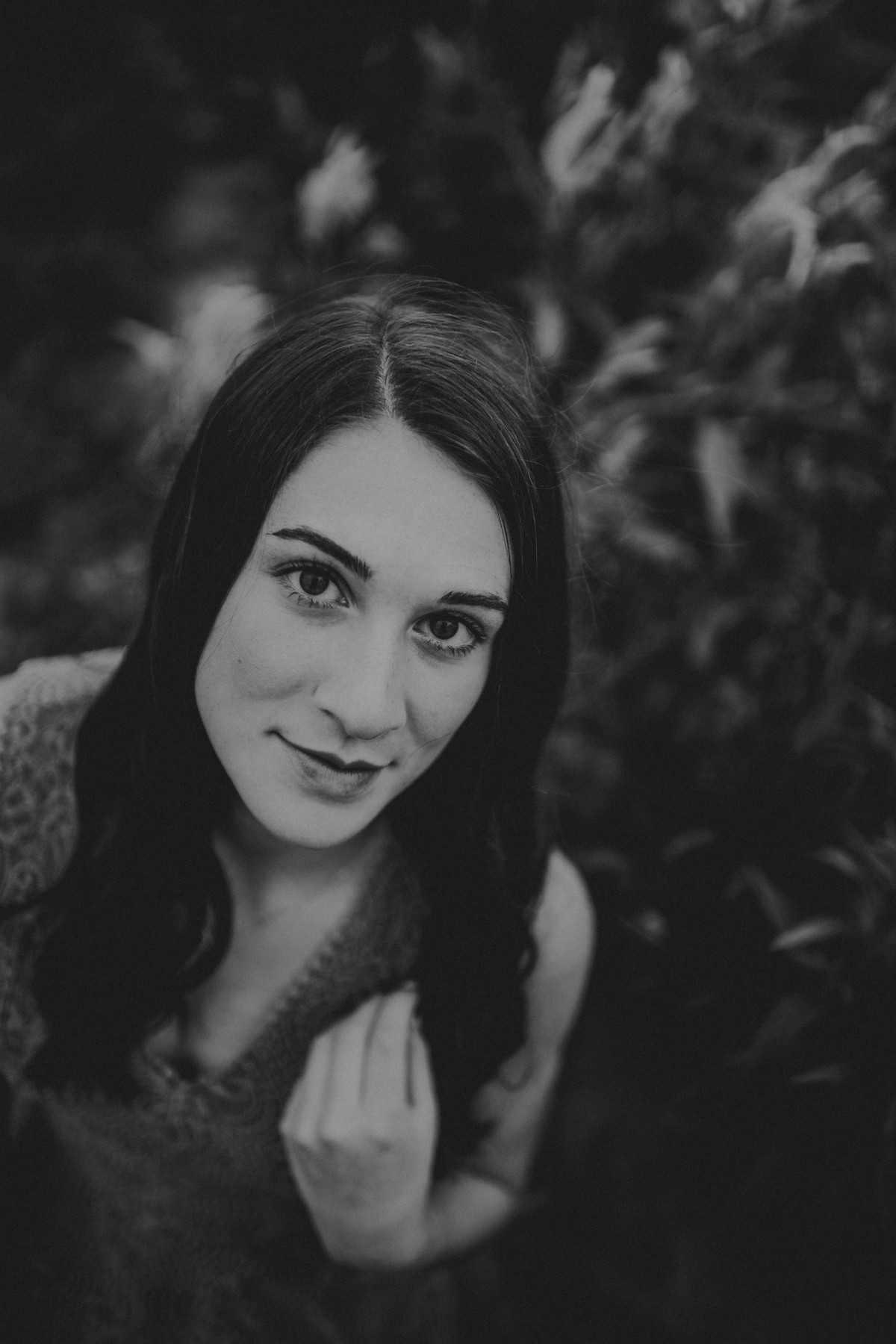
B+W Smoke
BeforeFinished · B+W Smoke
More finished examples
A CLOSER LOOK
A closer look at the edits.
Selected product examples. Choose a photograph to see it larger.
These are finished product examples. The photograph, starting edit and any individual adjustments affect the result. Use the examples as a direction for your own edit.
WHAT YOU GET
Your collection, ready to install.
Your download includes 21 named looks as current XMP presets with matching LRTemplate copies for compatible older Lightroom, plus two guides and the license.
01
The presets
21 XMP presets and 21 matching LRTemplate files. The XMP folder is the current format; the LRTemplate folder is for compatible older Lightroom.
02
Installation & tips
Import routes for Lightroom Classic, Lightroom desktop, Adobe Camera Raw, mobile, and older Lightroom.
Also included: Getting the Most from Your Presets. Practical guidance for choosing a look, checking Exposure and white balance, and refining the result for each photograph.
03
Your license
Plain-language terms for personal and client work, and how digital purchases work at Twig & Olive.
YOUR PALETTE
Every look in Daydream
TOP Almond
TOP B+W Smoke
TOP B+W Thunder
TOP Bloom
TOP Blush
TOP Desert Mist
TOP Ember
TOP Glam
TOP Merlot
TOP Muse
TOP Mystic
TOP Pecan
TOP Pine
TOP Plum
TOP Pop
TOP Royale
TOP Seasalt
TOP Thistle
TOP Timber
TOP Tweed
TOP Whimsy
BEFORE YOU CHOOSE
Make sure it fits your workflow.
Check the included files and your Adobe app before you order.
Supported Adobe workflow
Use the supplied preset format in Lightroom Classic, Lightroom desktop, Adobe Camera Raw, Lightroom mobile (loose XMP import). Adobe software is purchased separately.
Start with the photograph
Apply one look, then check Exposure, white balance, highlights, shadows, and important detail for that photograph.
File type
RAW files, such as Nikon NEF and Canon CR3, provide the most editing latitude. Existing JPEG and HEIC photographs can be edited, but their result and recovery latitude differ.
Profile basis
These XMP files use Adobe Standard. Adobe Standard is a RAW profile; JPEG and HEIC files cannot receive that full profile treatment.
Preset Amount
These XMP presets do not support the Amount slider. Refine the individual editing controls after applying a look.
Black-and-white looks
The named set includes 2 black-and-white looks.
Personal and commercial use
One license covers the person or business named on the order, including client photographs. Keep the preset files within that licensed person or business.
IN YOUR EDITING WORKFLOW
Three steps to your finished edit.
01
Choose one look
Apply one Daydream preset to a representative photograph.
02
Set brightness and color
Adjust Exposure, Temperature, and Tint for the subject and light, then inspect highlights, shadows, and important detail.
03
Carry the look carefully
Copy the edit to photographs made in similar light, then check each image and adjust the exceptions.
Only logged in customers who have purchased this product may leave a review.
Terms & Conditions
Agreement and Acceptance
These Terms & Conditions constitute the entire agreement between Twig & Olive Photography LLC (“we,” “us,” or “our”) and the Purchaser (“you” or “your”), as identified on the Bill of Sale, and supersede any prior oral or written agreements. By purchasing any Photoshop Actions, Lightroom Presets, ACR Settings, Photography Education Courses, Guides, Templates, Marketing Materials, or Business Documents (the “Products”), you agree to these Terms & Conditions. If any provision of these Terms & Conditions is deemed invalid or unenforceable by a court of law, the remaining provisions will remain valid and enforceable.
Copyright and Ownership
All Products are copyrighted and owned by Twig & Olive Photography LLC. We retain all copyrights, moral rights, and intellectual property rights, including those not explicitly granted in this agreement. All instructional content and related materials are protected indefinitely. No ownership rights are transferred to you.
Permitted Uses
You may use the Products in the production of personal and/or commercial works.
Each purchase includes a single-use license for one individual or one business entity only.
Prohibited Uses
You may not resell, redistribute, share, mimic, reproduce (in whole or in part), or disseminate the Products in any way to any third party.
Sharing Products with individuals outside your business or transferring licenses is strictly prohibited.
Refund Policy
Due to the downloadable nature of the Products, no refunds will be issued for any reason. Ensure you review all product details and contact us with any questions prior to purchase.
Breach of Terms
If you violate these Terms & Conditions, it will result in irreparable harm to Twig & Olive Photography LLC, for which monetary damages may be insufficient. In such cases, we are entitled to seek injunctive relief (court orders) to enforce compliance with these Terms. If we prevail in legal action, we may recover reasonable costs, compensatory and punitive damages, and attorneys’ fees from you.
Dispute Resolution
Any disputes arising from these Terms & Conditions will be resolved through binding arbitration in accordance with Chapter 788 of the Wisconsin Statutes.
A panel of three arbiters will be selected: one by each party, and a third by agreement of the party-appointed arbiters.
Arbitration will take place in Dane County, Wisconsin.
The arbiters’ decision will be final and binding on all parties.
Governing Law
These Terms & Conditions are governed by the laws of the State of Wisconsin, without regard to its conflict of law principles.
Acknowledgment of Terms
By completing your purchase, you acknowledge that you have read, understood, and agreed to these Terms & Conditions in their entirety.
Refund Policy
This product is a digital download and is therefore non-refundable. Once purchased, you will immediately gain access to the product, making refunds or exchanges unavailable under any circumstances.
To ensure you select the correct product, we strongly encourage you to review the product details carefully before purchasing. If you have any questions or concerns about the product, please contact usbefore buying, and we’ll be happy to assist you in making the right choice.
By completing your purchase, you acknowledge and agree to these terms.
A FEW USEFUL ANSWERS
Before you begin.
The answers most people ask for before they order.
What is Daydream?
Bold pops of color and a dreamy, light matte finish.
What files are included?
You get 21 presets in XMP and legacy LRTemplate formats, installation and editing guides, and the license.
Why does my photograph look different?
Light, camera, subject, file type, and starting exposure all affect the result. Check Exposure, Temperature, and Tint after applying a look.
Can I use JPEG or HEIC photographs?
Existing JPEG and HEIC photographs can be edited, but their result and recovery latitude differ from RAW files. They cannot use the Adobe Standard RAW profile in these presets. Start with a RAW photograph for the full profile treatment.
Can I use these for client photographs?
Yes. The license covers personal and commercial work for the person or business named on the order, including photographs delivered or sold to clients. Twig & Olive claims no rights in those photographs. Keep the preset files within the licensed person or business.
How do I install the presets?
Extract the ZIP you downloaded.
Lightroom Classic: in Develop, open the Presets panel plus menu, choose Import Presets, and select 03 Presets/Daydream_XMP.zip.
Lightroom desktop: choose File > Import Profiles & Presets, open 03 Presets/XMP, select the loose .xmp files, and choose Import.
Lightroom mobile: extract the package, open a photograph and Presets, then choose Import Presets from the menu and select the loose .xmp files in 03 Presets/XMP.
Adobe Camera Raw: open Presets, choose Import Profiles & Presets, and select the included XMP preset ZIP.
Older Lightroom: in Develop, right-click User Presets (Control-click on Mac), choose Import, and select the .lrtemplate files in 04 Legacy Lightroom. Restart Lightroom if they do not appear.
Are digital purchases refundable?
Except where required by law, digital sales are final when payment is completed. We do not offer refunds or exchanges for a change of mind, choosing the wrong collection, or buying this product when you needed Photoshop actions. Please check the product type and software requirements before you buy.
If you accidentally purchase the same collection twice, email us with both order numbers. We review confirmed duplicate purchases individually and may make an exception.
If a download is missing, damaged, or does not match its description, contact us so we can help with the correct working files. This policy does not limit consumer rights or remedies that apply by law. Email [email protected].
LIGHTROOM & ADOBE CAMERA RAW PRESETS
Find your Daydream.
Choose a look, then shape it around your photograph. 21 named looks in one digital collection.


 BeforeAfter
 View larger
 View larger
 View larger
 View larger
 View larger
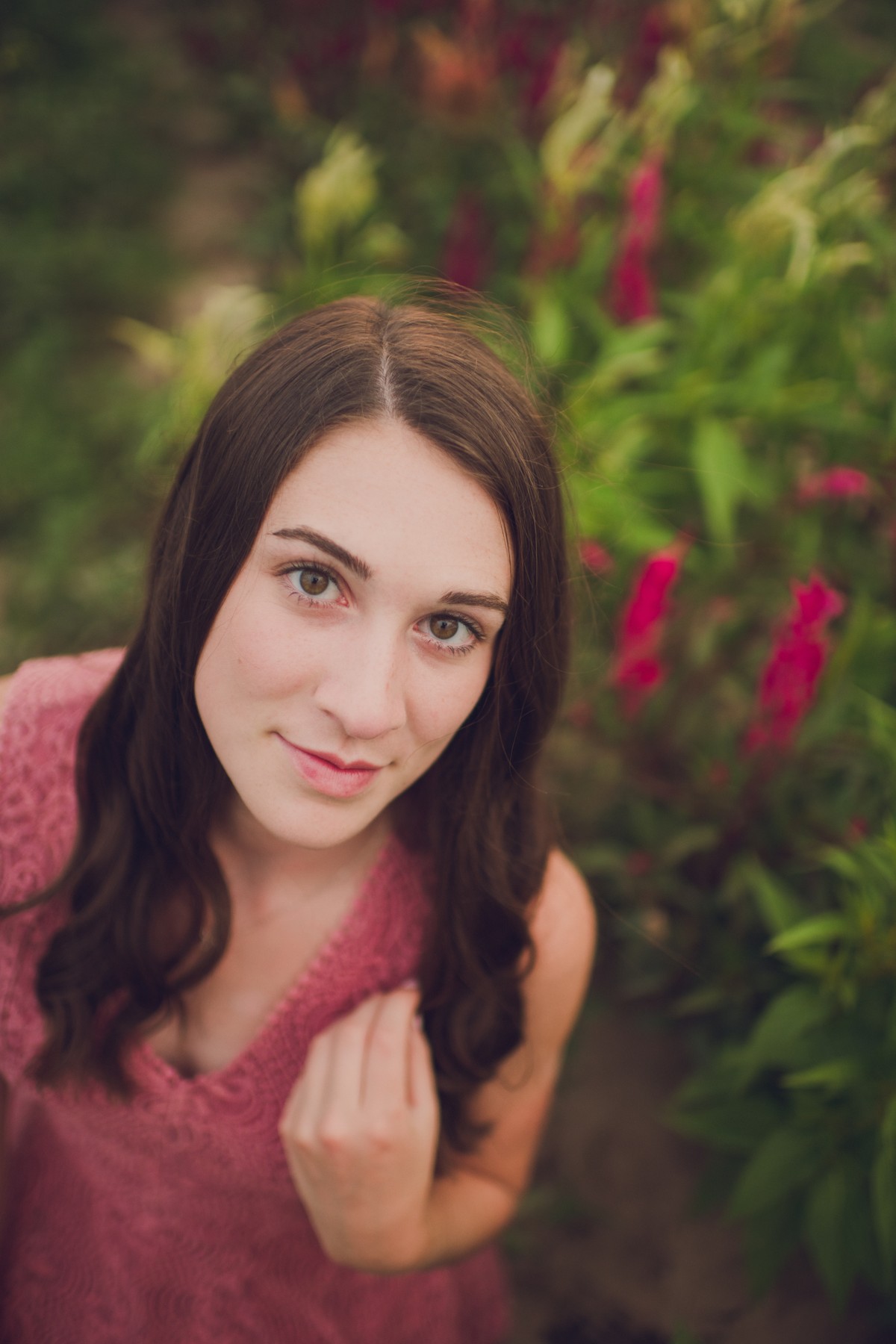 View larger
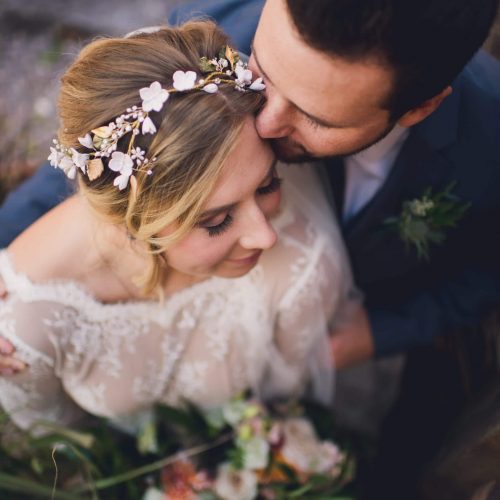

Reviews
There are no reviews yet.