
For Photographers
Edit, learn, build, streamline
Editing tools, lessons, studio resources and software from our own family and wedding work. Start where you are and keep going.
Start with editingEditing Tools Edit
Find your look
See what a few of our collections can do, then explore the tools for the way you edit.








Four finished examples from our Lightroom & Camera Raw collections. Each comparison shows the same photograph before and after editing.
The finishing touches
Brushes, workflow actions and cloud overlays for the details you want to work on.

Brushes
For Lightroom Classic & Camera Raw.

Image Enhancers
Workflow actions for Photoshop.
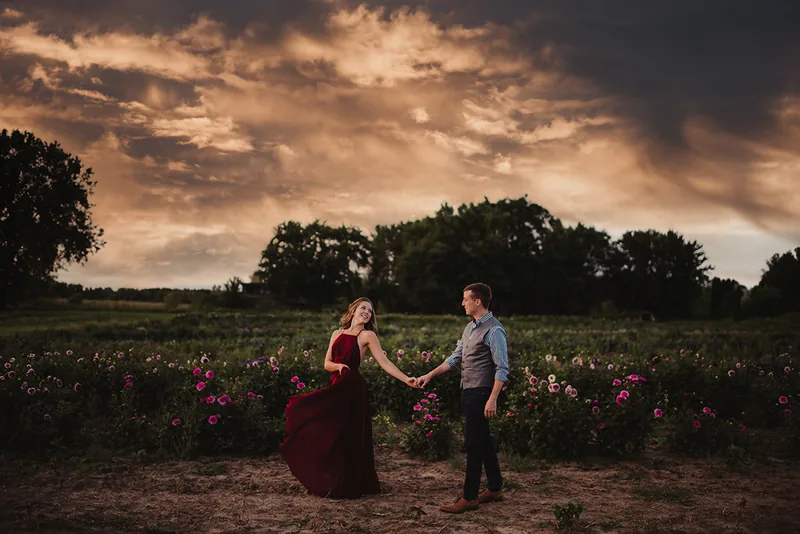
Cloud Overlays
Explore the cloud collections and their examples.
- AI Editing Tools Nothing listed yet
Photography Education Learn
Grow Your Photography Craft
Explore the subjects and formats, from recorded lessons to time together photographing people.

On your own time
Learn Anytime
Go into a subject with an online workshop, or choose a shorter video lesson.
Work alongside us
Learn In Person
Explore workshops and mentoring, then check the details and availability of the format you choose.
Have a specific question?
Explore one-hour mentoring for a focused conversation about your photography.
Other learning formats
- Shadowing & Immersion Nothing listed yet
- Audits & Reviews Nothing listed yet
- Intensives Nothing listed yet
- Masterclasses & Replays Nothing listed yet
Business Resources Build
Running Your Business
Resources for the work before, during and after a session.

Before
Plan
Pricing, agreements and preparation for the work ahead.
Explore PlanDuring
Photograph
Prompts, posing ideas and resources for the client experience.
Explore PhotographAfter
Share
Marketing, social media and ways to present your photographs.
Explore Share


- Business Systems Nothing listed yet
A few helpful answers
Which editing product fits my software?
Choose Lightroom & Camera Raw presets, Photoshop actions or mobile presets to match the program you use. Check the exact product requirements before buying; similarly named collections for different programs are separate products.
Where do I start with education?
Online workshops cover a subject in depth. Learning videos offer shorter lessons; in-person workshops and mentoring each list their own availability and details.
Can I see what a resource includes?
Check the product previews and file details before choosing a template, guide or prompt set. A sample shown from a workshop belongs to that workshop unless its product page says otherwise.
How do I return to a workshop or download?
Sign in to My Account for your purchases and available access. Contact us if you cannot find an order.
What is the difference between a look and a finishing tool?
A preset or action collection offers a starting look. Brushes, image enhancers, workflow actions and overlays address specific parts of an edit. Check the individual product to see what it does and which program it needs.
Can I learn on my own or work with you in person?
Learn Anytime groups online workshops and videos. Learn In Person leads to in-person workshops and mentoring. Each offer lists its own format and availability; categories without an offer are clearly marked.
Which resources fit the work around a session?
Start with Plan for pricing, agreements and preparation; Photograph for prompts and client experience; or Share for marketing and social media resources.
Where can I check app compatibility?
The Mac Apps and WordPress Plugins pages lead to individual product requirements and help. A coming-soon label is not an availability or release-date promise.
How else can we help?
Choosing a product
Find the right starting point and narrow the choices.
Product help
Find product guides and troubleshooting, or ask for help.
Orders & downloads
Find past purchases and available downloads in your account.