

Logo of Twig & Olive Photography featuring an olive branch and elegant typography
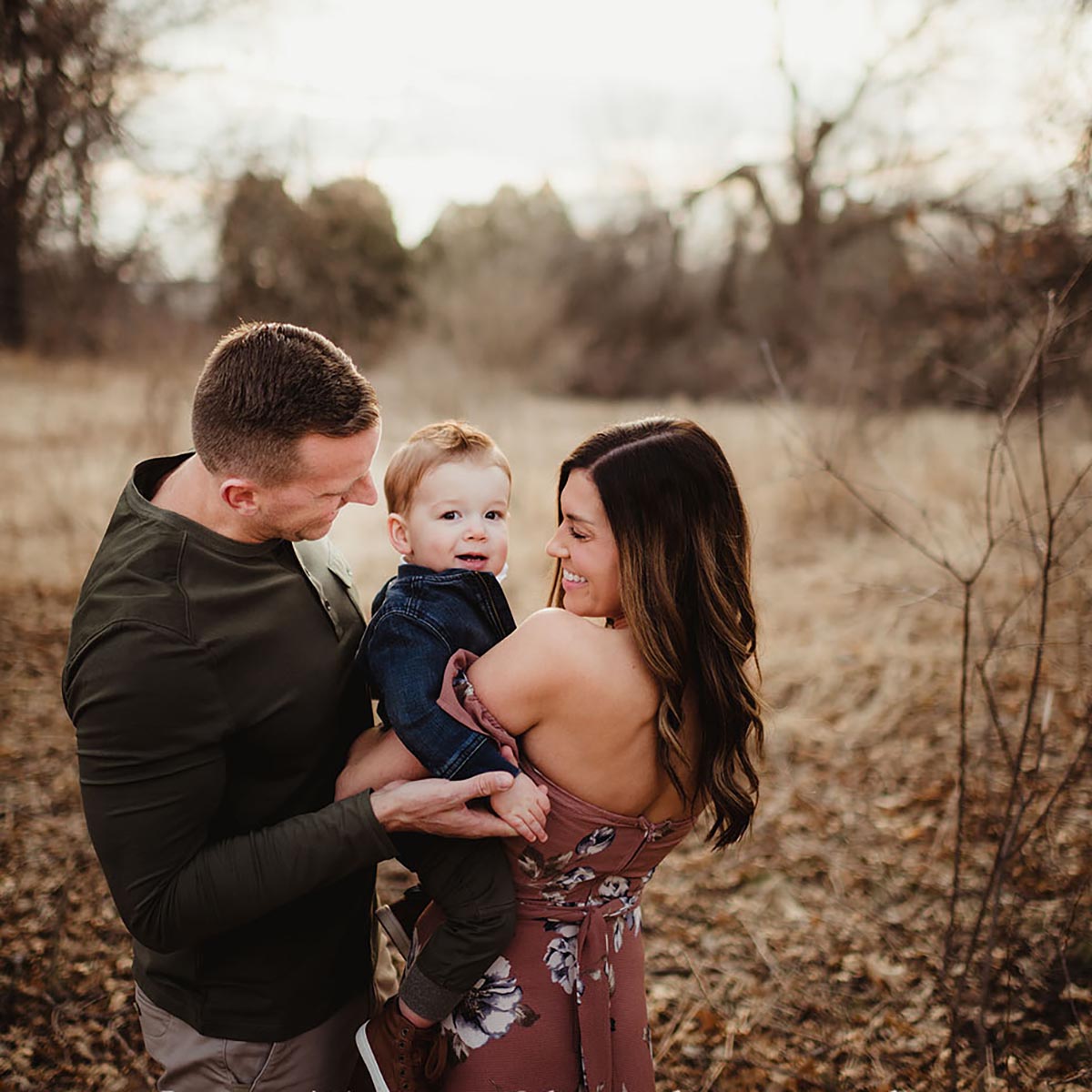
A child held between his parents in soft outdoor light View larger ↗

BY TWIG & OLIVE

Complete Child
and Family
Online Workshop

Natural-looking portraits.
Thoughtful direction.

See how we prepare for a family, give direction without making every photograph feel posed, and keep working when the children’s energy changes. Follow real sessions from the first greeting through image selection and editing.

  • 6 video lessons
  • 7 photography guides
  • Editable client templates
  • 2 quick references

$300.00

Individual Online Workshop
For
Photographers of children and families
Learning format
Recorded lessons and downloadable documents
Video time
Approximately 3 hours 2 minutes
Explore the workshop ↓

A SAMPLE FROM THE WORKSHOP

Watch a sample lesson.

INSIDE THE WORKSHOP

Learn to read the family.

Then decide what to ask next.

We like our photographs to look natural and unforced, but we still give direction. Watch where we place the parents, how we give a child something to do and when we let an interaction continue.

The sessions show different family sizes and energy levels. The guides carry that teaching into preparation, location and light, posing, editing and client communication. You can return to the part you need before your next session.

THE LESSONS

Watch the work happen.

Six full lessons built around real family sessions. Watch at your own pace and take what you learn to your next shoot.

Know your camera before the family arrives

01 · 44:10

Know your camera before the family arrives

Work through lens choice, white balance, exposure, depth of field, focus and metering. The demonstrations show older DSLR cameras. Keep the photographic decisions in view, then find the equivalent controls on your own camera.

Direct a family mini session

02 · 20:21

Direct a family mini session

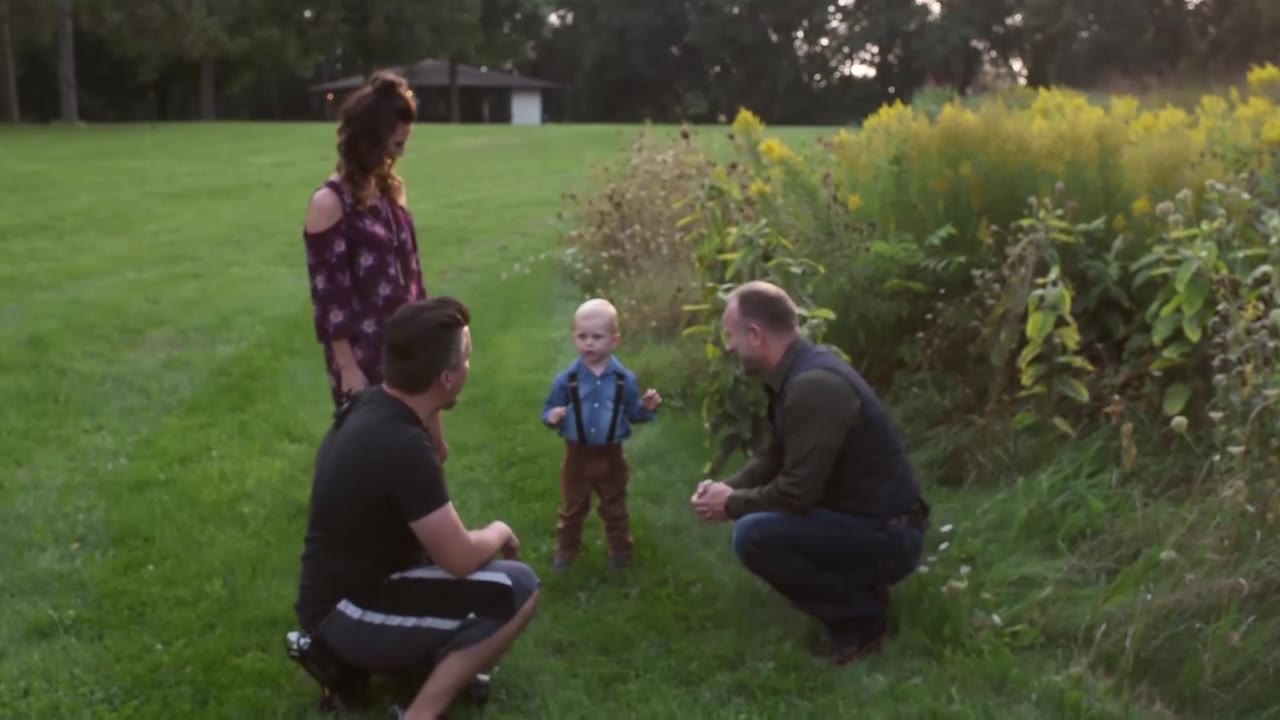
Watch Doug work with a quieter child and two parents. He offers high fives, hugs and a flower, while directing where the adults stand and look. The session moves through family portraits, parent and child combinations, and individual photographs.

Keep a larger family session moving

03 · 44:10

Keep a larger family session moving

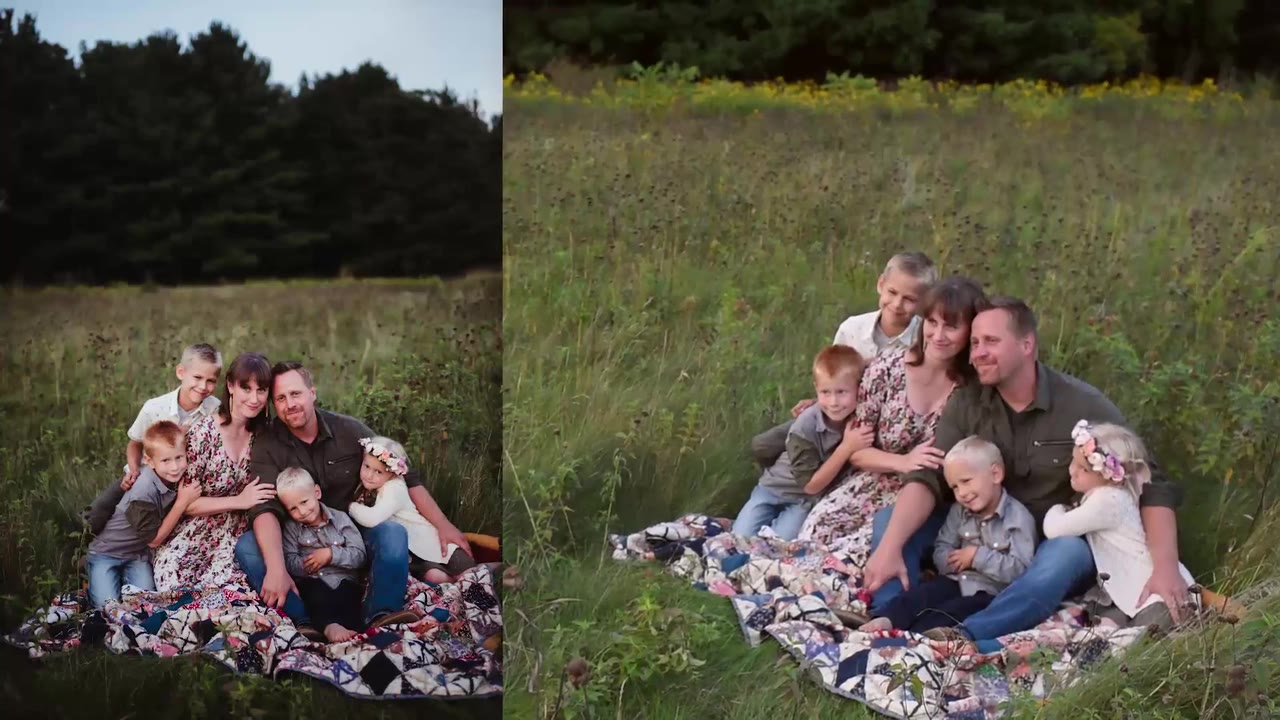
Follow a session with two adults and four children. Watch the changes between individual attention, family arrangements and active play as the light fades. The debrief explains why Doug changes prompts when the energy changes.

Read the family while you photograph

04 · 24:52

Read the family while you photograph

The behind-the-scenes commentary explains decisions made during a session with a toddler, an infant and their parents. Follow the leaf game, changes in family combinations and movement through overcast light.

Family prop posing

05 · 23:19

Family prop posing

Watch the additional family prop session from 2021. Use it alongside the Family Posing Guide, and keep your attention on how the family is arranged around the setting and props.

Choose and edit a consistent family gallery

06 · 25:14

Choose and edit a consistent family gallery

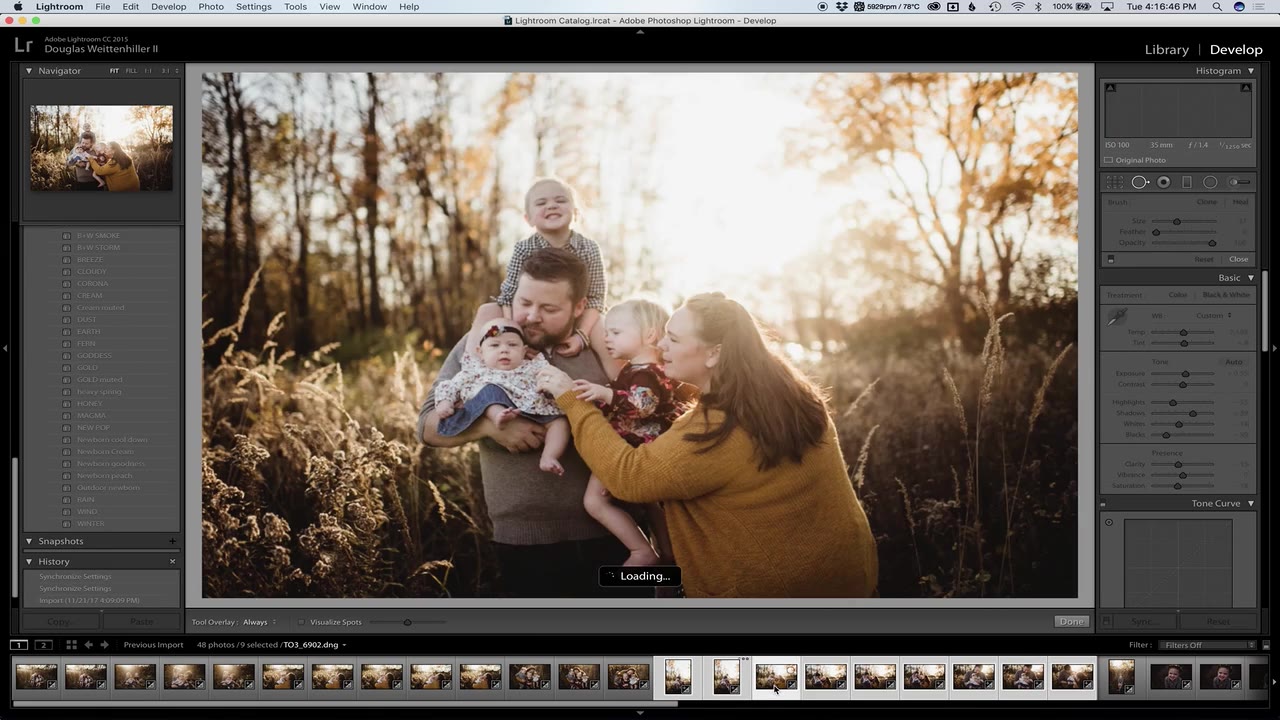
Follow Courtney from selecting photographs in Photo Mechanic to a finished gallery in Lightroom. She begins with an already backed-up working copy, compares expressions and variety, then uses a consistent starting edit while checking each photograph.

WHAT YOU GET

Read it. Watch it.
Use it in your own work.

01

Seven photography guides

Seven guides you can keep open while you plan, direct and finish a family session. The Family Guide and Family Posing Guide walk you through how a session flows and how to build combinations that look natural. Lighting, Lens Selection, and Exposure and Color help you feel sure about your technical choices. Family Session Story and Working With Kids show all of it at work in real sessions, with photographs and practical examples you can pull up before your next shoot.

02

Seven supporting documents

A good session starts long before the camera comes out. These seven documents help with everything around it, from answering the first inquiry to telling clients what happens next. You’ll find common questions, client emails, contracts, useful resources and workshop terms. The Email Templates file gives you 22 messages to adapt, plus guidance on using AI assistants while keeping your own voice.

03

Editable client templates

Start with our client resources and make them your own. Email Templates and the Portrait Contract Template come as editable Word files, and the What’s Next Card includes Photoshop files. Add your studio details and start using them with your clients. One note: the contract is an educational template and isn’t legal advice, so have a qualified lawyer help adapt it for your business and location. The templates are yours to use in your own business. Please don’t resell them or share them as templates.

04

Two quick references

Find what you need without hunting through every guide. The Client Journey Map follows each stage, from first inquiry through follow-up, and points you to the email, contract clause and guide page that go with it. The Session Reference is compact enough to keep on your phone or print, with quick reminders about light, lenses, directing different ages and working with parents.

Put it into practice

The Working With Kids guide includes a self-directed eight-week practice plan. Try the exercises with friends, family or model sessions, then review what worked before your next session.

Your workshop access

Videos stream separately from the document download. Your purchase is accessed through My Account.

Part of the bundles

This workshop is included in Portrait Photography Online Workshop and Complete Photography Online Workshop. If you already own either bundle, check your existing course access before purchasing again.

BEFORE YOU BEGIN

Grab a coffee and find a quiet spot.

A working knowledge of your camera

The technical lesson explains photographic decisions, but the demonstrations use specific cameras. Have your own camera manual available for its controls.

Your own editing software

The editing recording demonstrates Photo Mechanic and Lightroom. Software and the preset shown in that recording are not included. Current written guidance explains changes in the Lightroom Classic interface.

Internet for streaming

The lessons are separate from the downloadable PDFs and templates. Use a current browser for the workshop and a PDF reader for the guides.

A way to edit the templates

Client templates include editable Word files and PDF references. Adapt names, prices, deadlines and policies to the agreements you actually offer, then send the edited versions to your own clients. Do not resell or share the templates.

QUESTIONS

Before you choose.

For help with existing access, email [email protected].

Is this a live workshop?

No. These are recorded lessons that you can watch at your own pace, with downloadable guides and resources.

Does it include full sessions or only short demonstrations?

You get full sessions. There are multiple full family sessions, including a mini session, a larger-family session, a narrated behind-the-scenes session and a family prop session. Full camera technique and editing lessons are included too. Watch how each decision plays out, then come back to the parts you want to practice.

Do I need the same camera or lens?

No. The recordings show the studio’s equipment at the time. Learn the choices being made, then use your camera manual and the updated guides to apply them to your equipment.

Will I receive future workshop updates?

Yes. You get lifetime access, and anything new we add to this workshop is yours at no extra charge.

Are there other online workshops or bundles?

Yes. Browse all of our Online Workshops to see the individual courses and bundles. The Portrait Photography Online Workshop pairs this Child and Family workshop with Newborn. The Complete Photography Online Workshop includes all five individual workshops: Child and Family, Newborn, Wedding, AI, and Business. This page is for Child and Family on its own. If you already own a bundle, check My Account first. You may already have this one.

Is the Portrait Contract Template included?

Yes. The editable Portrait Contract Template is included, along with instructions that explain each field and choice. Use it as a starting point for your own client agreement, and have a qualified lawyer help adapt it for your business and location.

How do I access my workshop?

Use the account associated with your purchase and open your workshop access in My Account. Contact us if your existing access is missing.

Build a session you can adapt.

Preparation, real families and the decisions behind the photographs.

Explore all Online Workshops ↗

Workshop material preview

Reviews

There are no reviews yet.

Only logged in customers who have purchased this product may leave a review.
Go to Top