
PHOTOSHOP CC ACTIONS1954
Light that feels remembered.
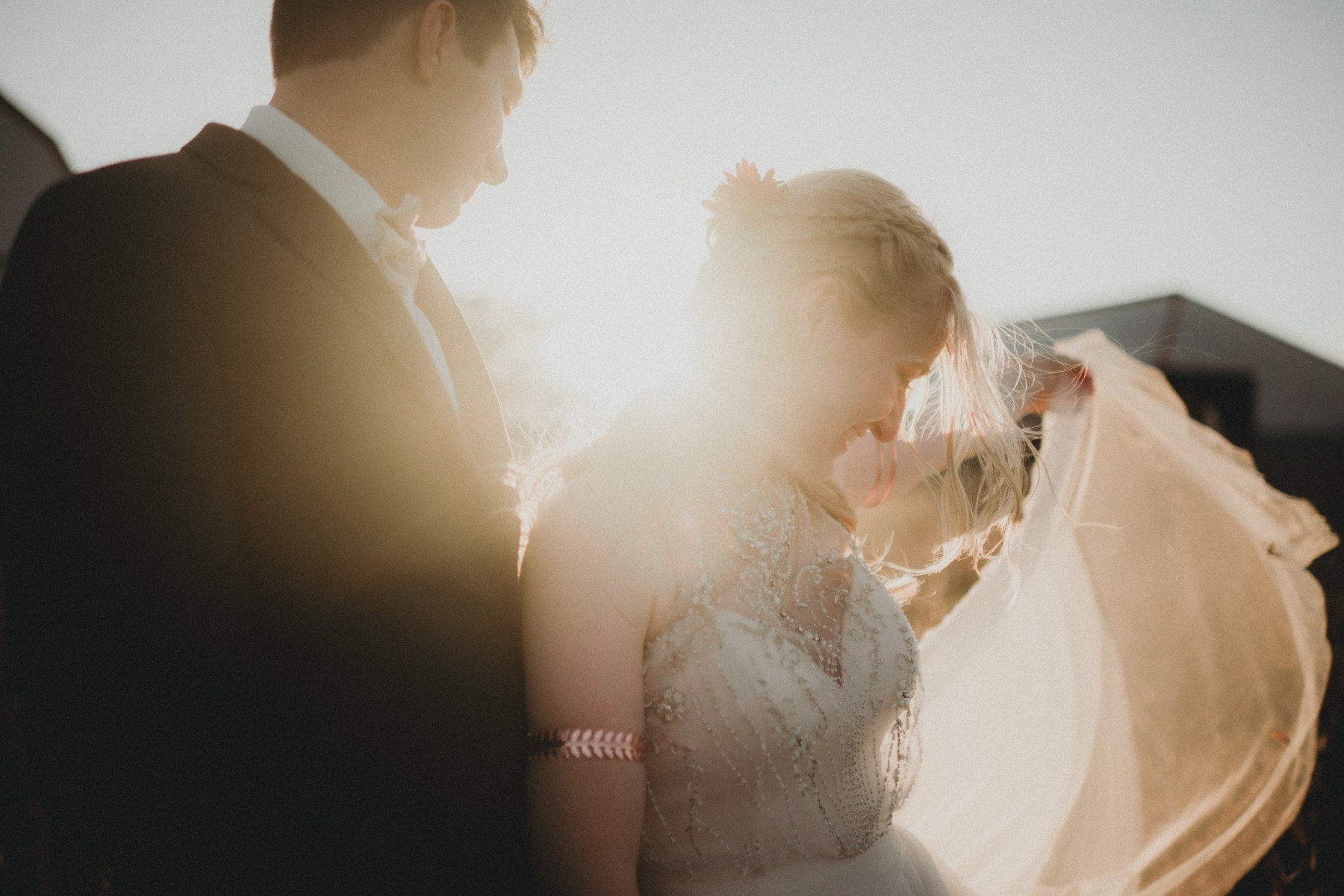
1954 brings 17 vintage film looks to Photoshop CC, with muted color, softened blacks and film grain on most looks, made for golden hour and backlit sun. Choose an action, then refine its layer to suit your photograph.
- Designed for
- Golden hour & backlit sun
- Inside the package
- Actions, two guides & license
- License
- One person or business
Original price was: $75.00.$37.50Current price is: $37.50.
50% Off
 View larger
No images selected for this view.
PHOTOSHOP CC ACTIONS Color with a little history. 1954 is our newest collection. It brings the feel of an old family album to your photographs, with muted color, softened blacks and film grain on most looks. It loves golden hour and backlit sun. Seventeen color looks give you different ways to work with the light already in your photograph. BEFORE & AFTER Choose an image and see the look! THE LOOKS Soft haze, golden light Golden glow, creamy tones Warm rust, faded whites Deep shadows, glowing sun Warm skin, soft contrast Muted greens, rich red Earthy greens, warm skin WHAT YOU GET One ATN action set with 17 color looks for Photoshop CC desktop, plus an installation guide, an editing guide and your license. One TOP 1954 CC.atn action set. Load it through the Actions panel in Photoshop desktop. Get the set loaded and playing in Photoshop, then find the layer controls you’ll use to adjust each look. The guide also walks you through preparing a working copy. Also included: Getting the Most from Your Actions. Choose a look for your photograph, compare it with the original, and adjust it with Opacity and a layer mask. Use 1954 for your personal photographs and paid client work. Your license covers the person or business named on your order. We claim no rights in your photographs. Keep the action files within that person or business. COMPATIBILITY 1954 runs in Photoshop CC on desktop. 1954 uses the Camera Raw Filter in Photoshop CC. It isn’t for Lightroom, Lightroom Classic, Lightroom mobile, Photoshop Elements or Photoshop CS2 to CS6. You’ll need your own copy of Photoshop and any Adobe plan it requires. 1954 also comes as Lightroom and Camera Raw presets. For Lightroom or Camera Raw, choose 1954 Lightroom & ACR Presets. Set Exposure and white balance first, in your RAW editor, before you open the photograph in Photoshop. The 1954 actions were made to finish a photograph that already has those corrections, and each look builds on top of them. JPEG and HEIC photographs work too, but detail that’s already lost can’t come back. Your light and starting exposure shape the result. 01 Set Exposure and white balance in your RAW editor first. Then open the photograph in Photoshop, save your layered master and flatten a working copy. 02 In Photoshop desktop, open Window > Actions, select a named 1954 action and choose Play. Each action adds one layer named for its look. 03 Click the layer’s eye icon to compare. Lower Opacity to soften the look, or add a layer mask to pull it back in places. Save a layered file so you can adjust it later. Your download includes an installation guide and the “Getting the Most from Your Actions” editing guide. 1954 brings 17 vintage film looks to Photoshop CC, with muted color, softened blacks and film grain on most looks, made for golden hour and backlit sun. Choose an action, then refine its layer to suit your photograph. One TOP 1954 CC.atn file containing 17 named looks, plus the installation guide, the editing guide and your license. Extract the ZIP you downloaded and open 03 Actions. In Photoshop desktop, choose Window > Actions. Choose Load Actions from the Actions panel menu and select TOP 1954 CC.atn. Step-by-step help is on Actions & Presets Help. Yes. Set Exposure and white balance in your RAW editor before you open the photograph in Photoshop. The actions were made to finish a photograph that already has those corrections, so a look can feel too warm or too dark on an uncorrected file. No. This package contains Photoshop actions. For Lightroom or Camera Raw, choose 1954 Lightroom & ACR Presets. Yes. Select the action’s layer and lower Opacity in the Layers panel for a softer look. A layer mask lets you hide part of the effect. Black hides and white reveals. The light, camera, subject and your starting edit all matter. The examples show finished 1954 edits. Correct Exposure and white balance before playback, then use layer Opacity and a mask to suit your photograph. Save a copy of your work first. Then email us the exact error message, the action name and your Photoshop version so we can help. You can also check Actions & Presets Help. 17 looks for Photoshop CC desktop, with installation and editing guides included. Original price was: $75.00.$37.50Current price is: $37.50.Add to cart
After payment, your order email includes a download link. Bought with an account? You can also find it in My Account → Downloads.
Light that feels remembered.
Meet 1954
See the edit
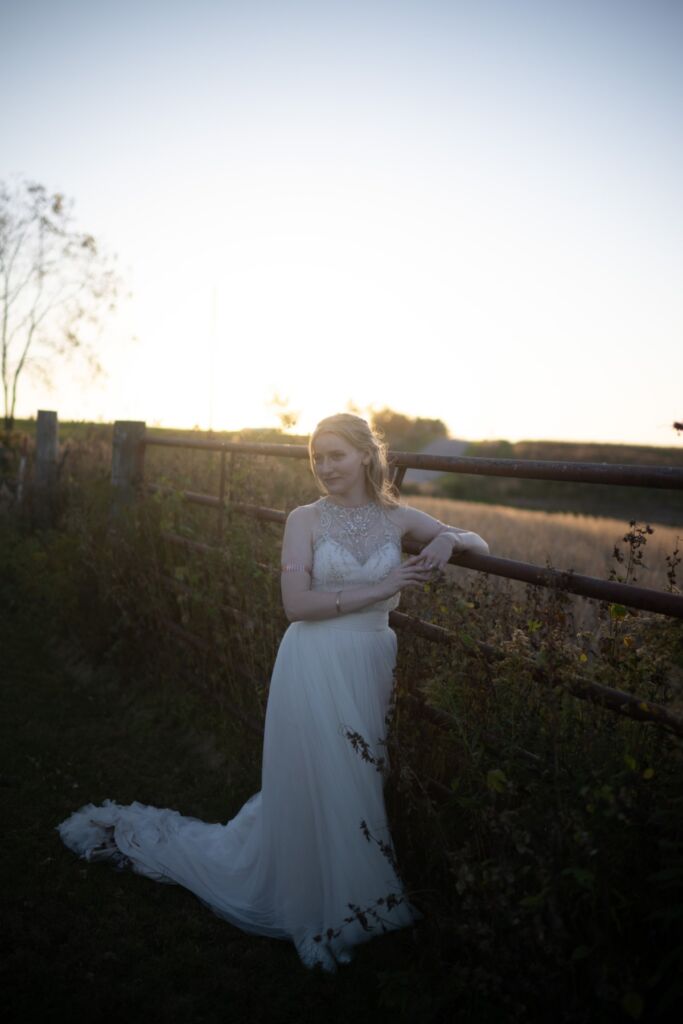
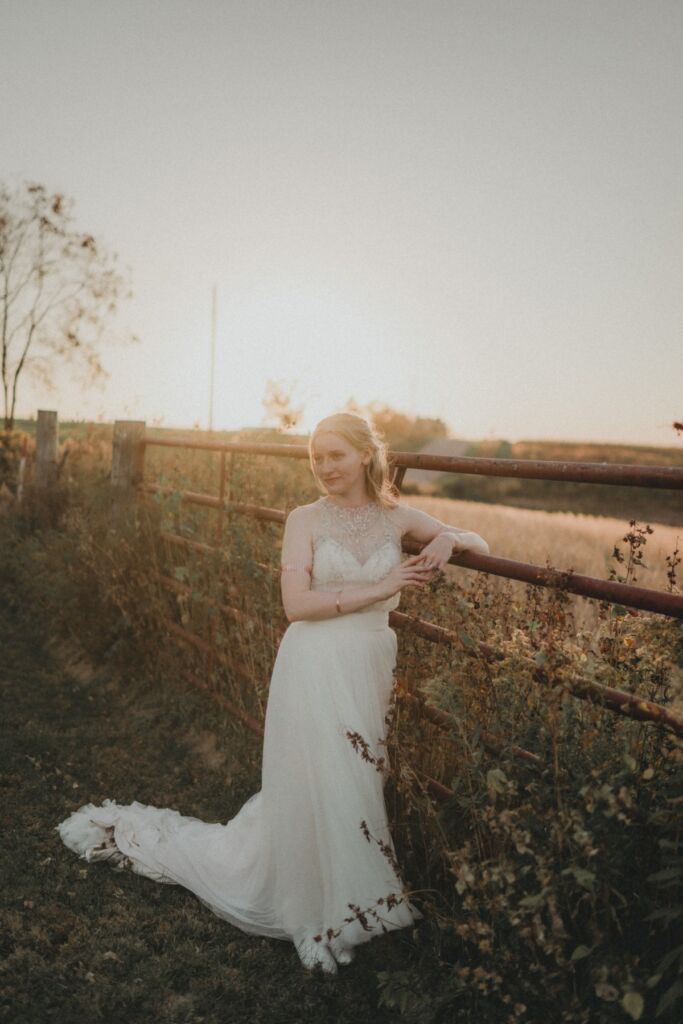 BeforeAfter · Firefly
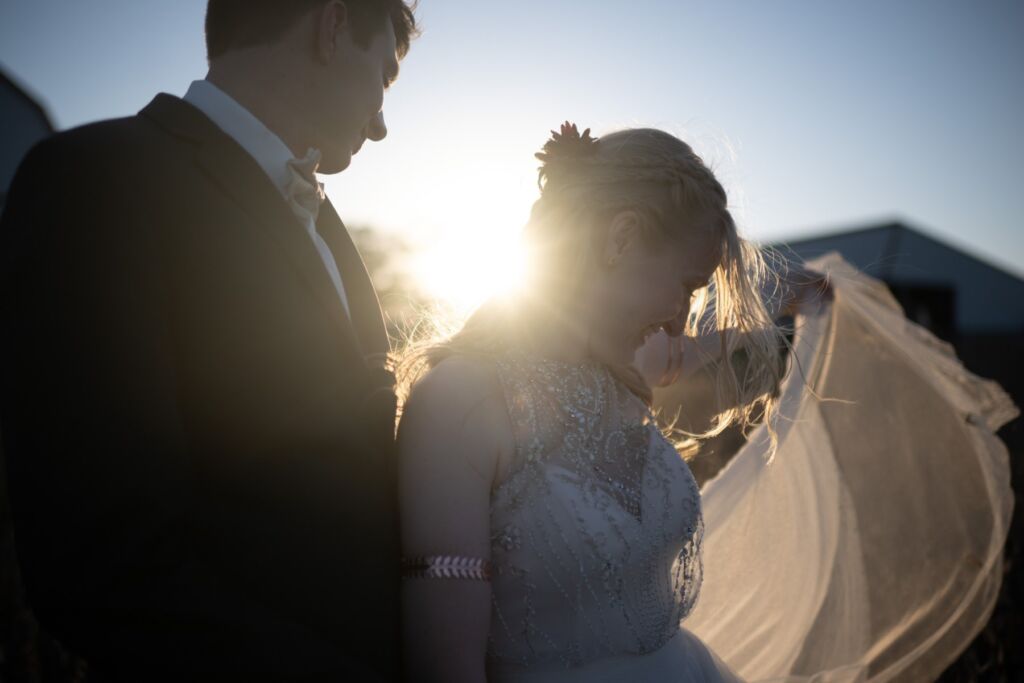
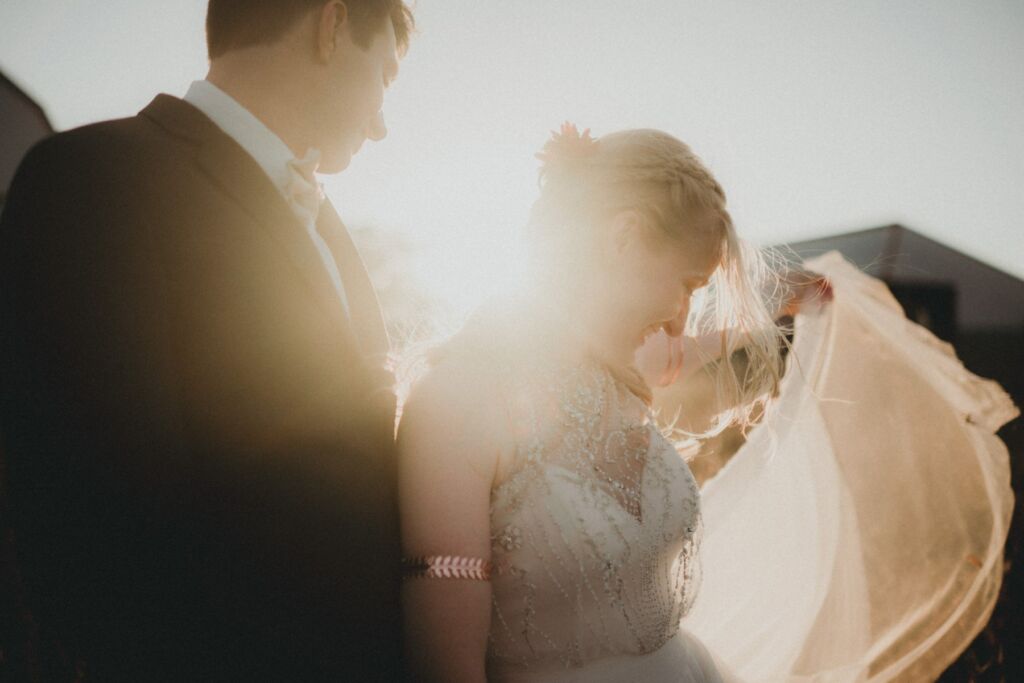 BeforeAfter · Polaroid
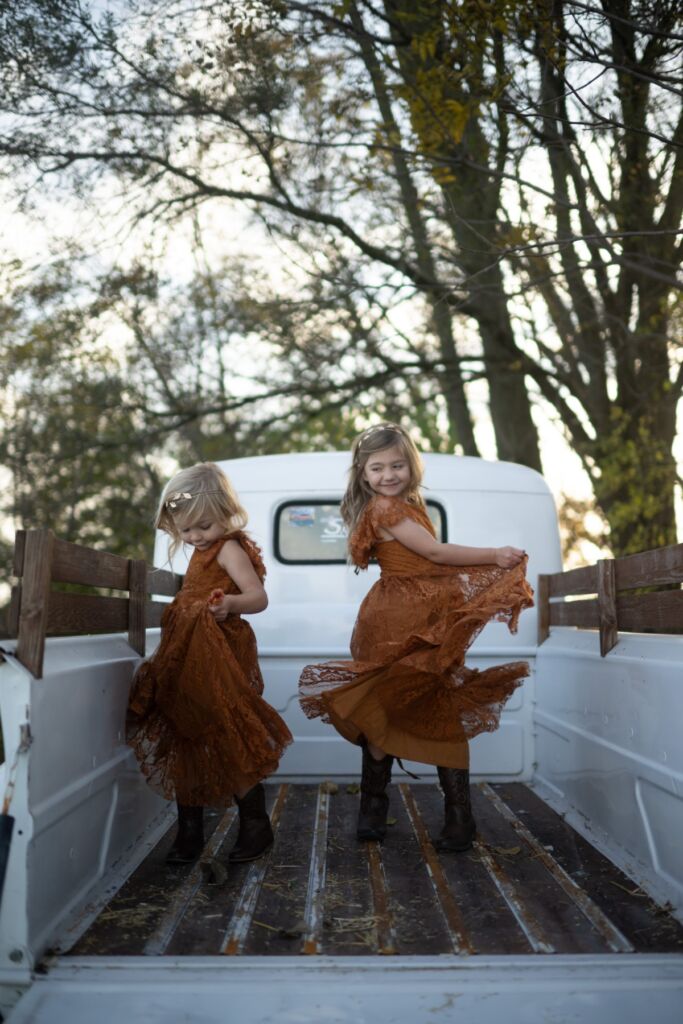
 BeforeAfter · Old Film
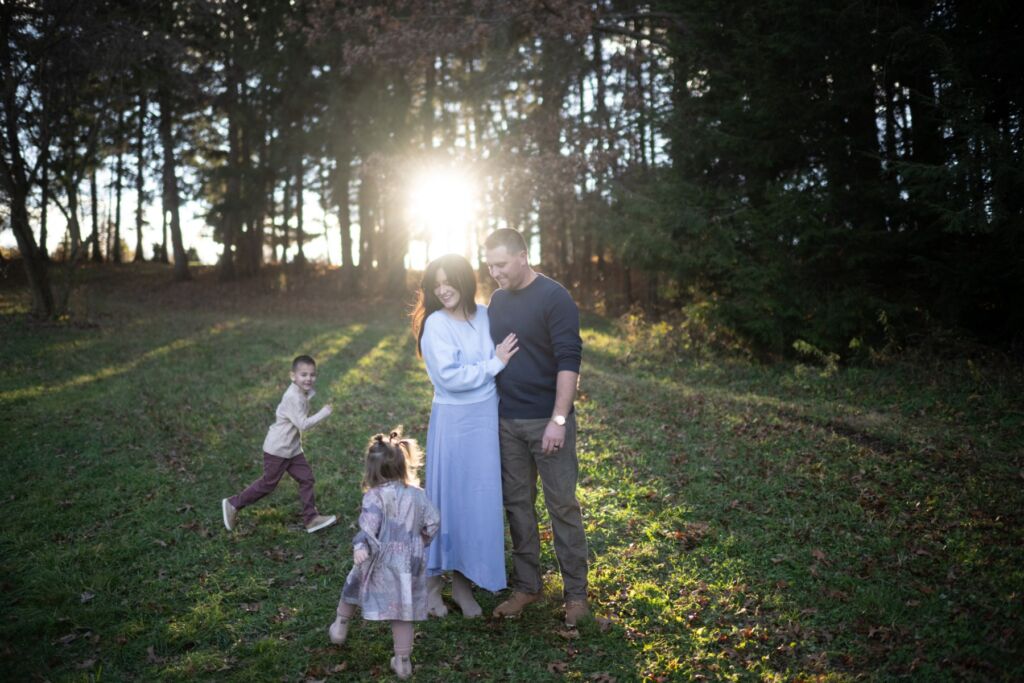
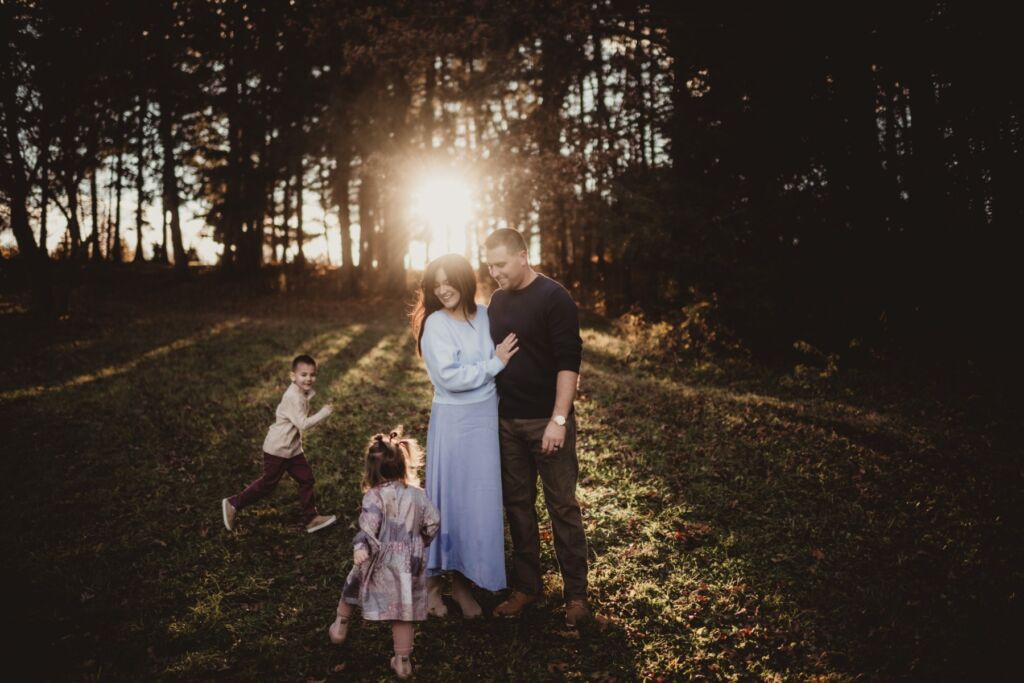 BeforeAfter · Shag Rug

 BeforeAfter · Sunflower Field
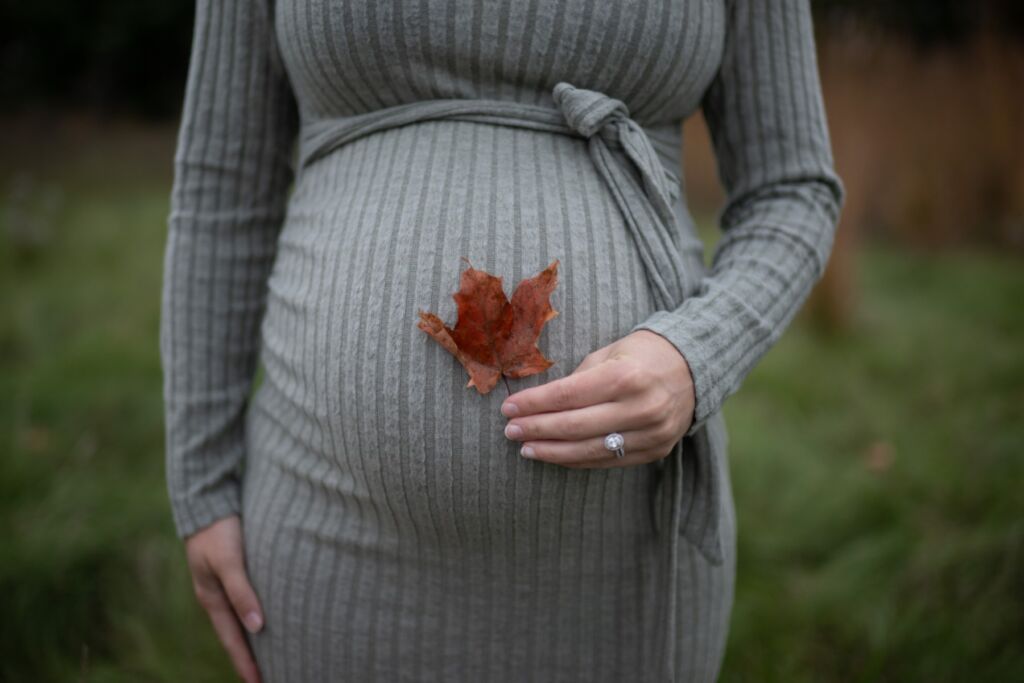
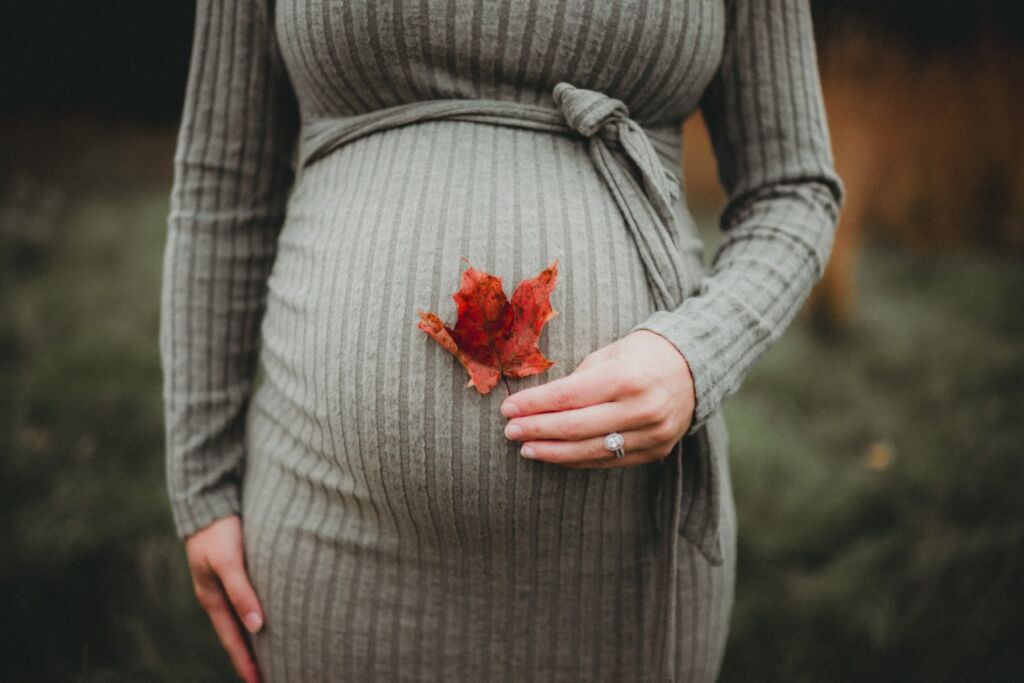 BeforeAfter · Playground
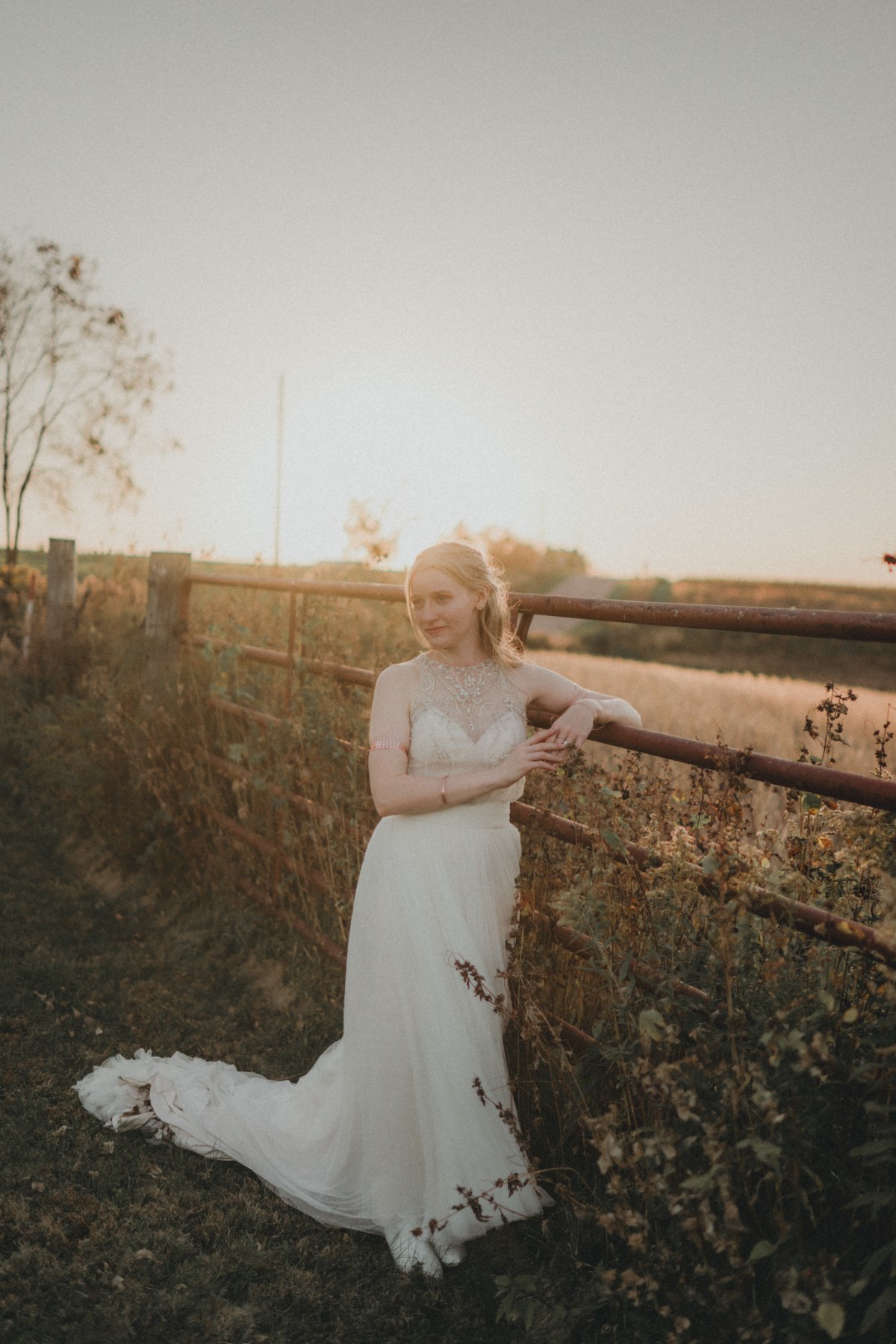
Firefly
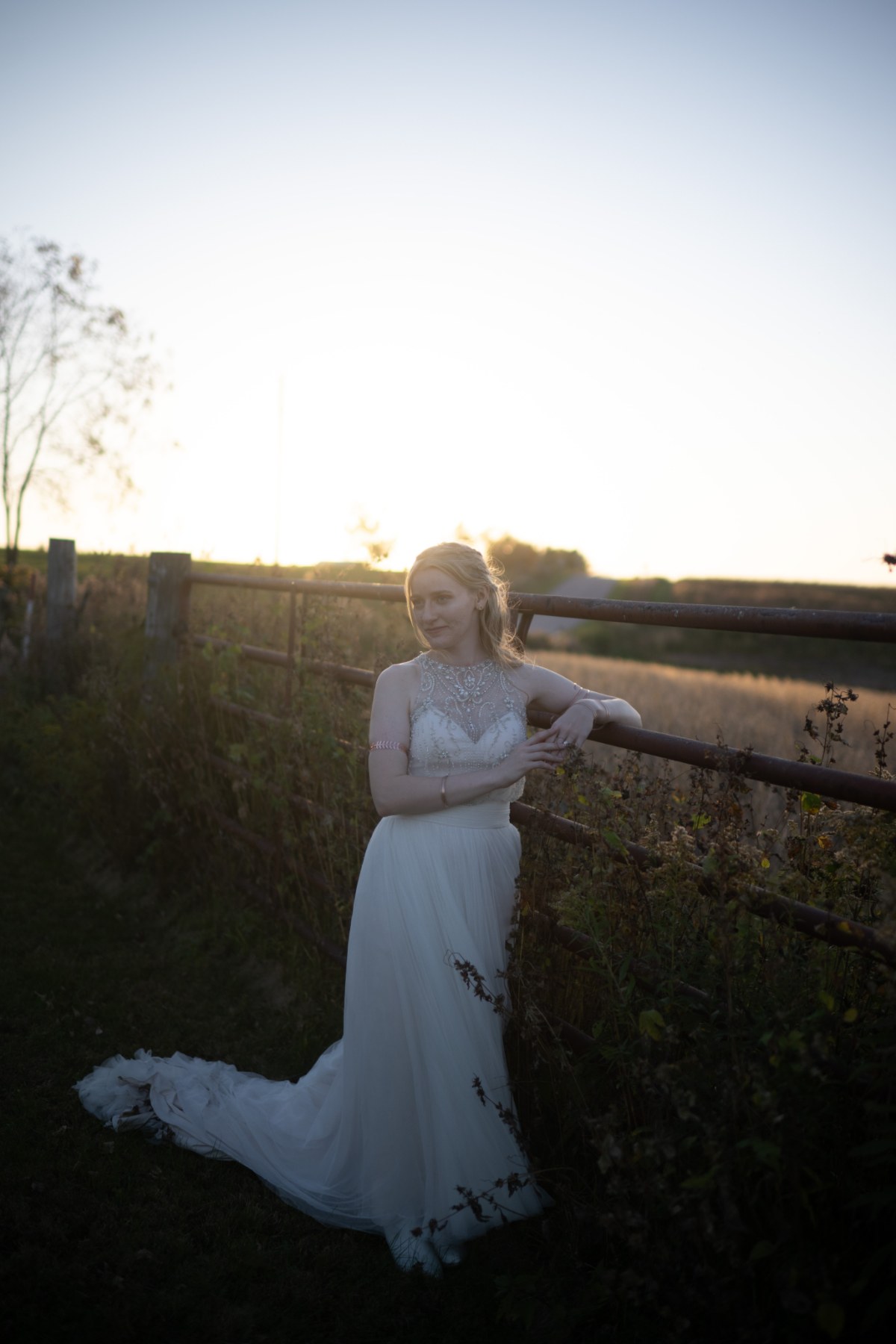
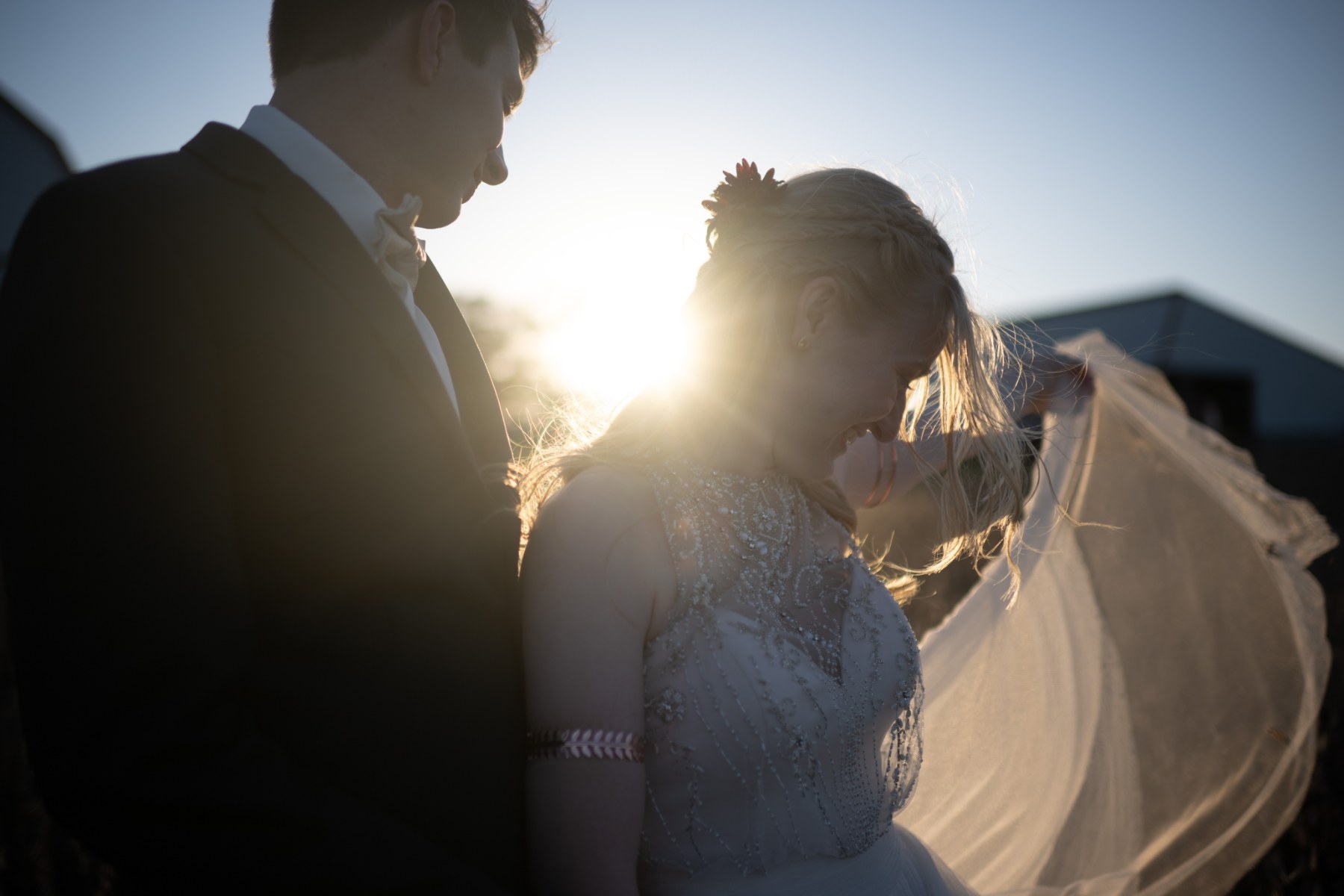
Polaroid
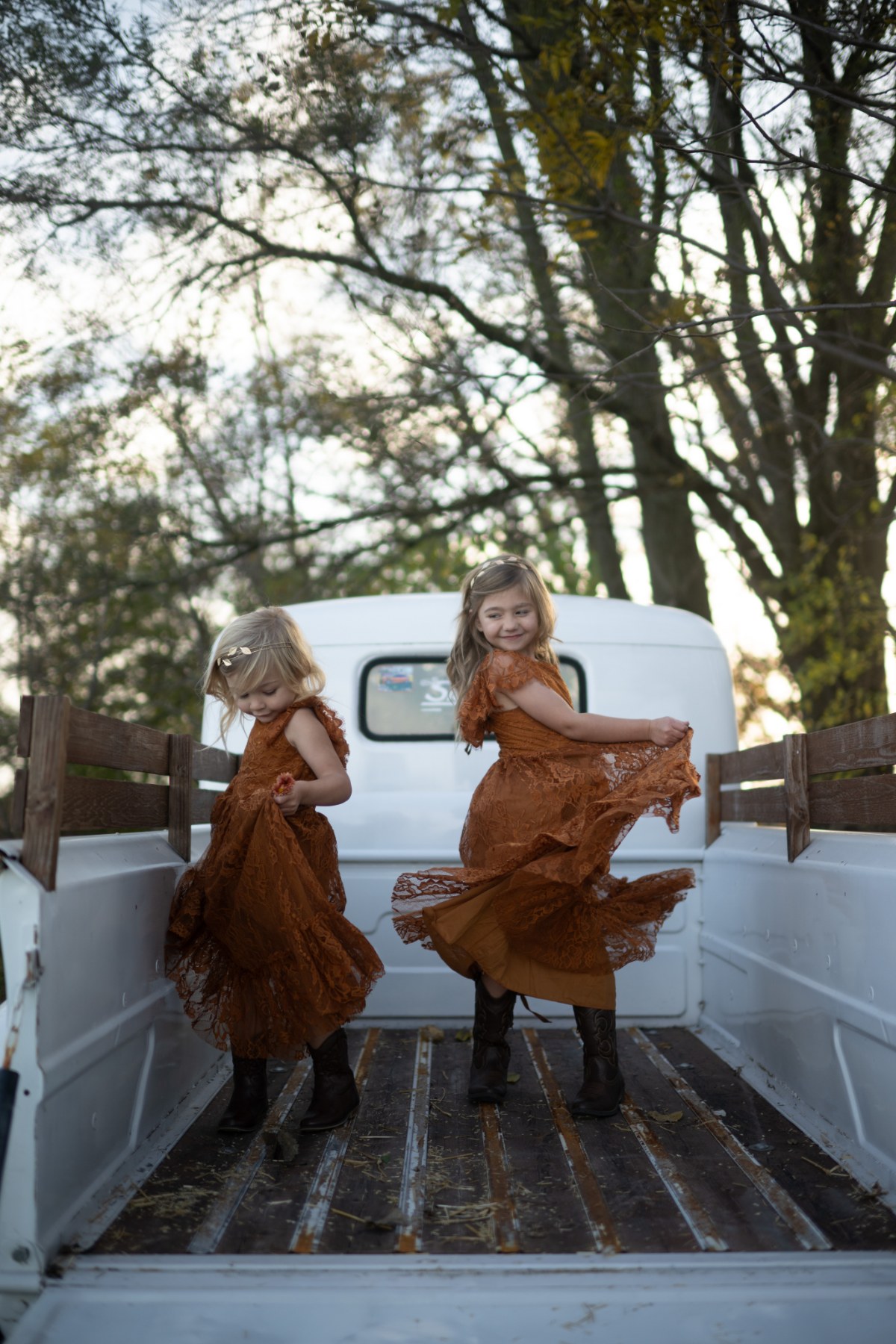
Old Film

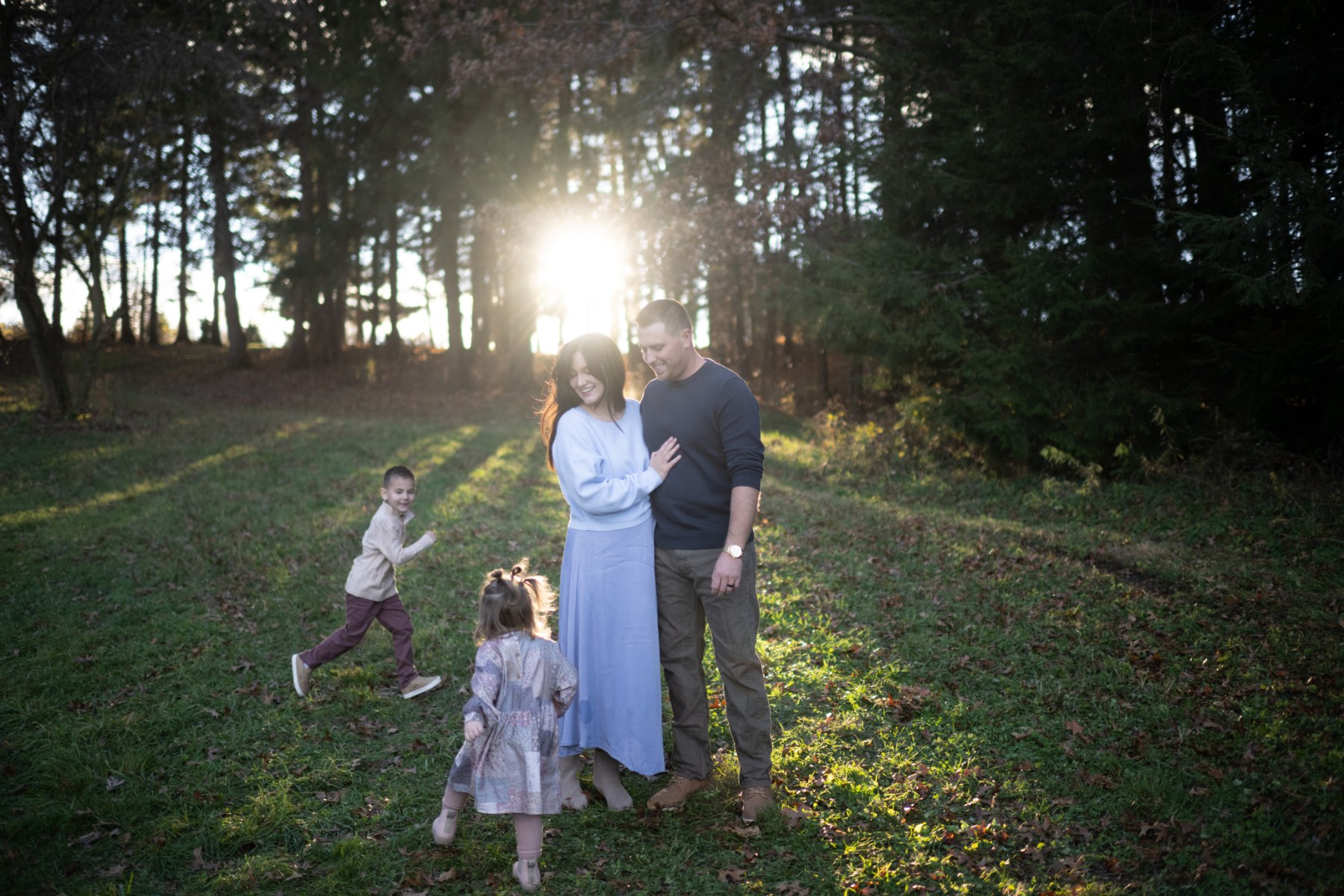
Shag Rug
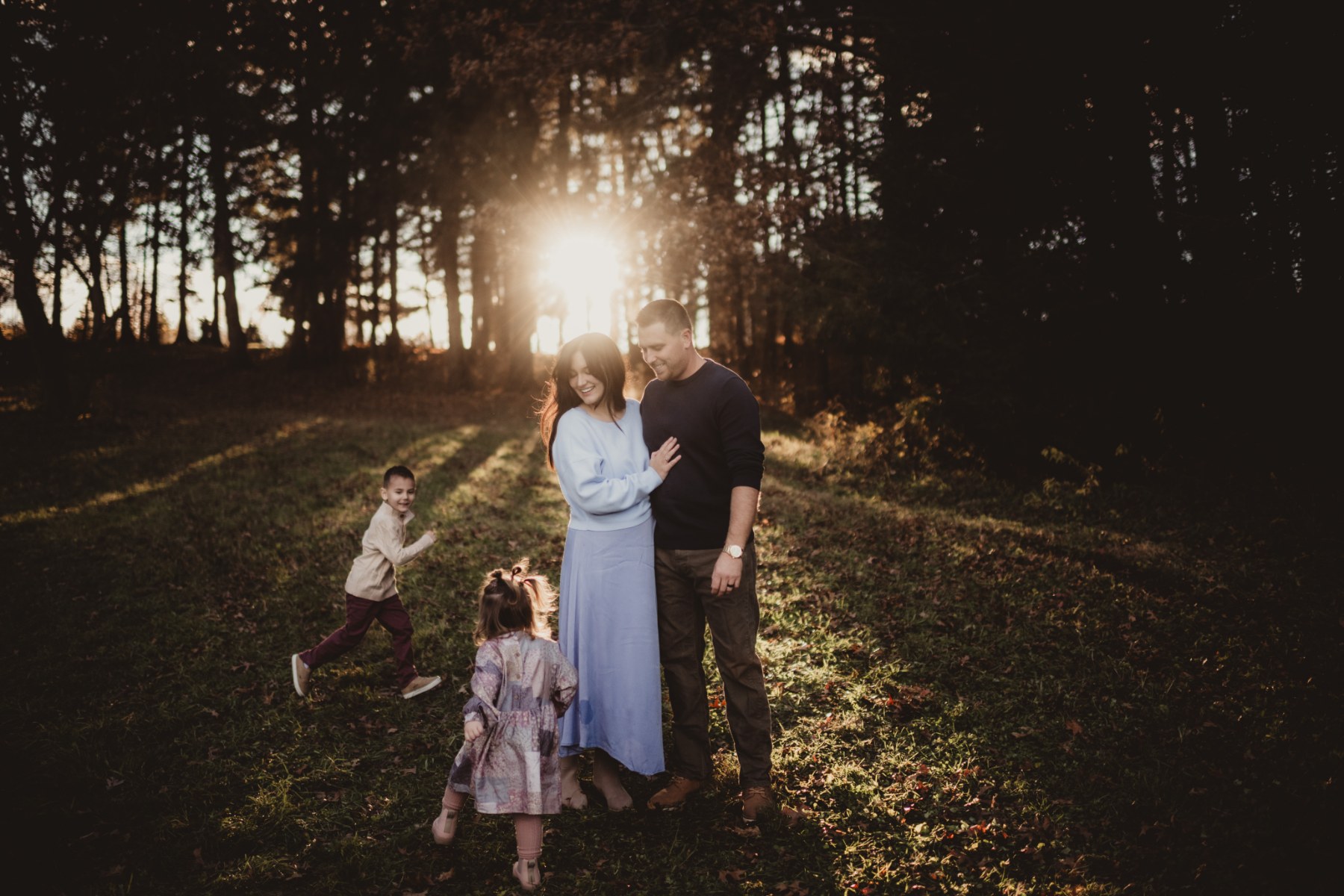
Sunflower Field
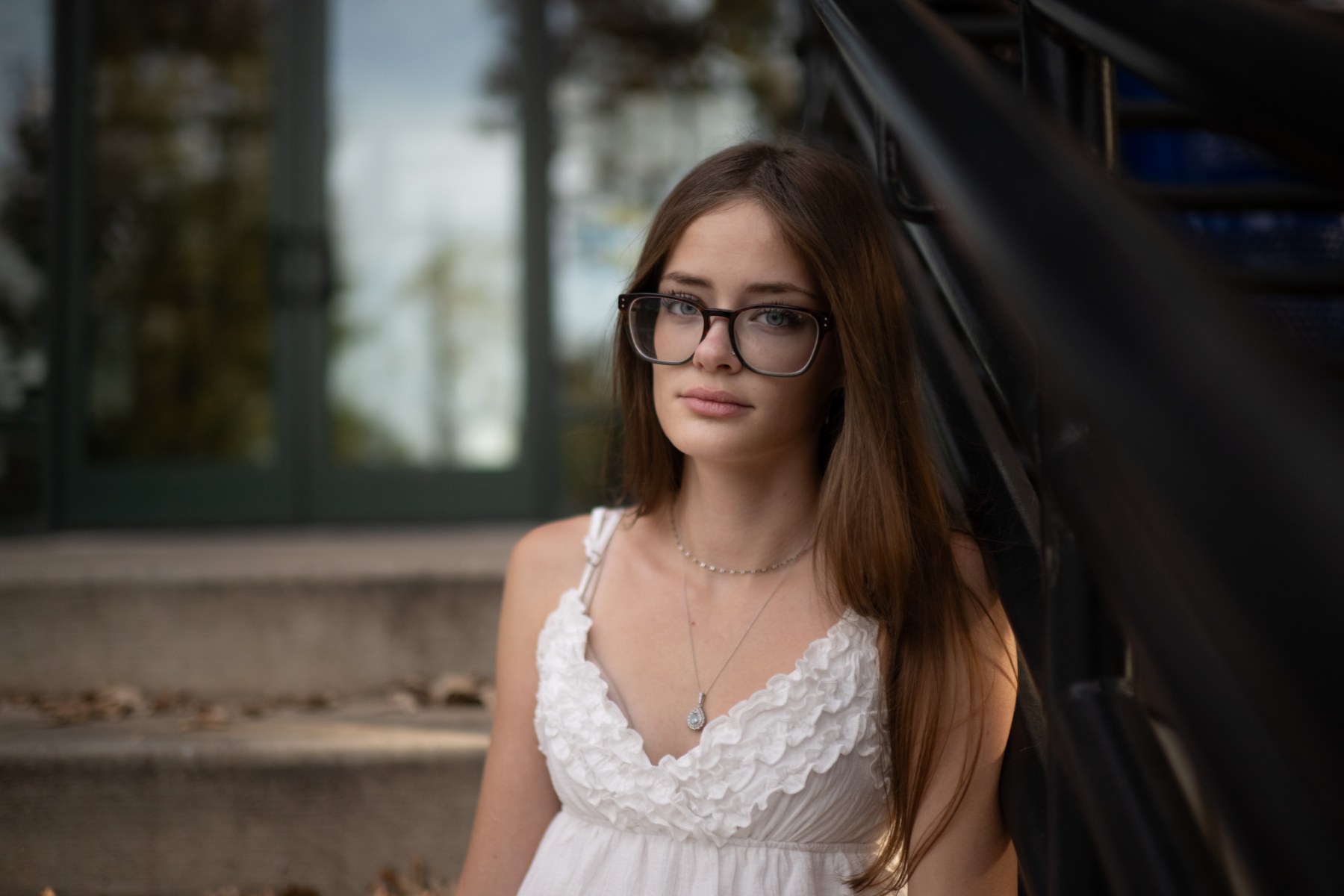
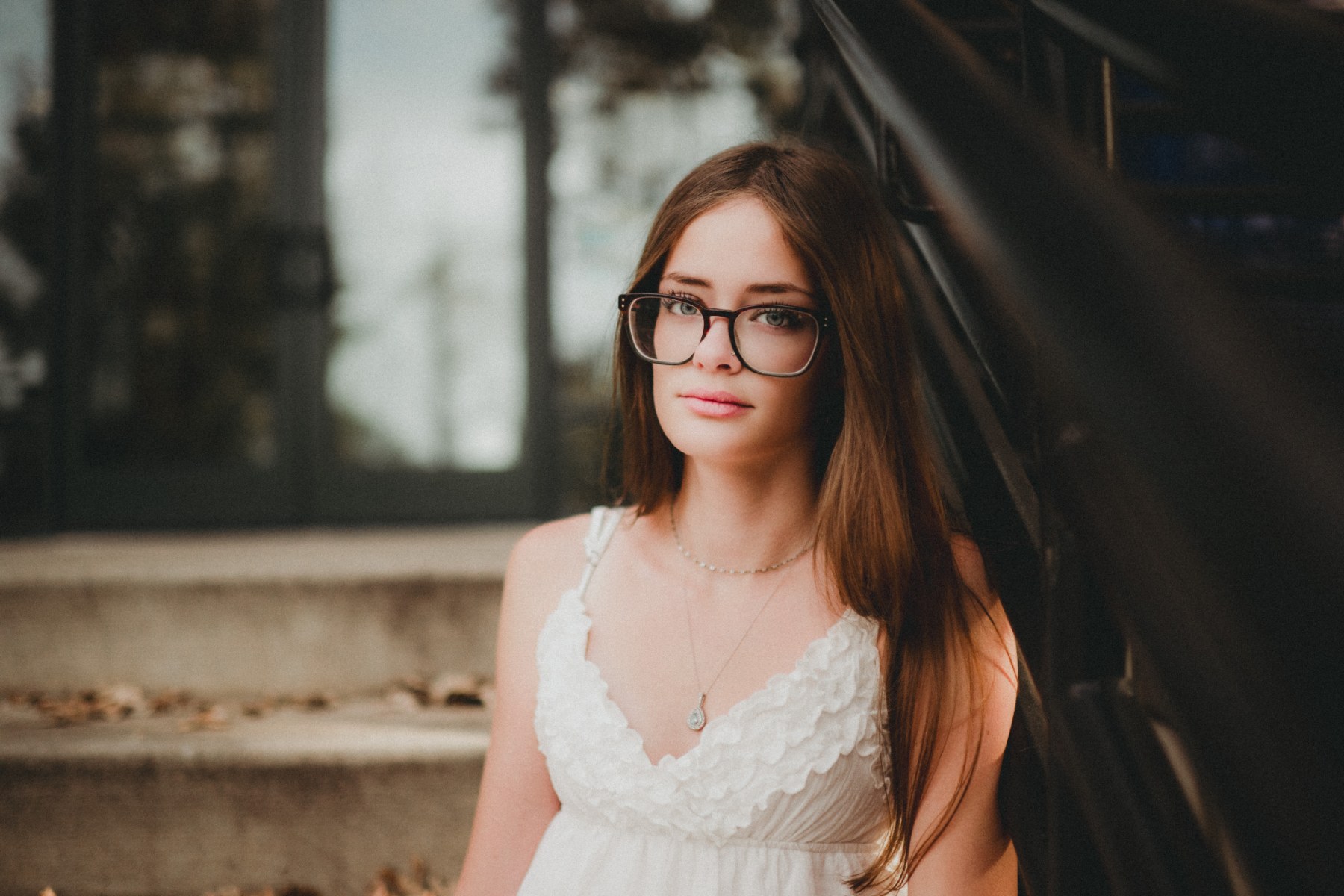
Playground
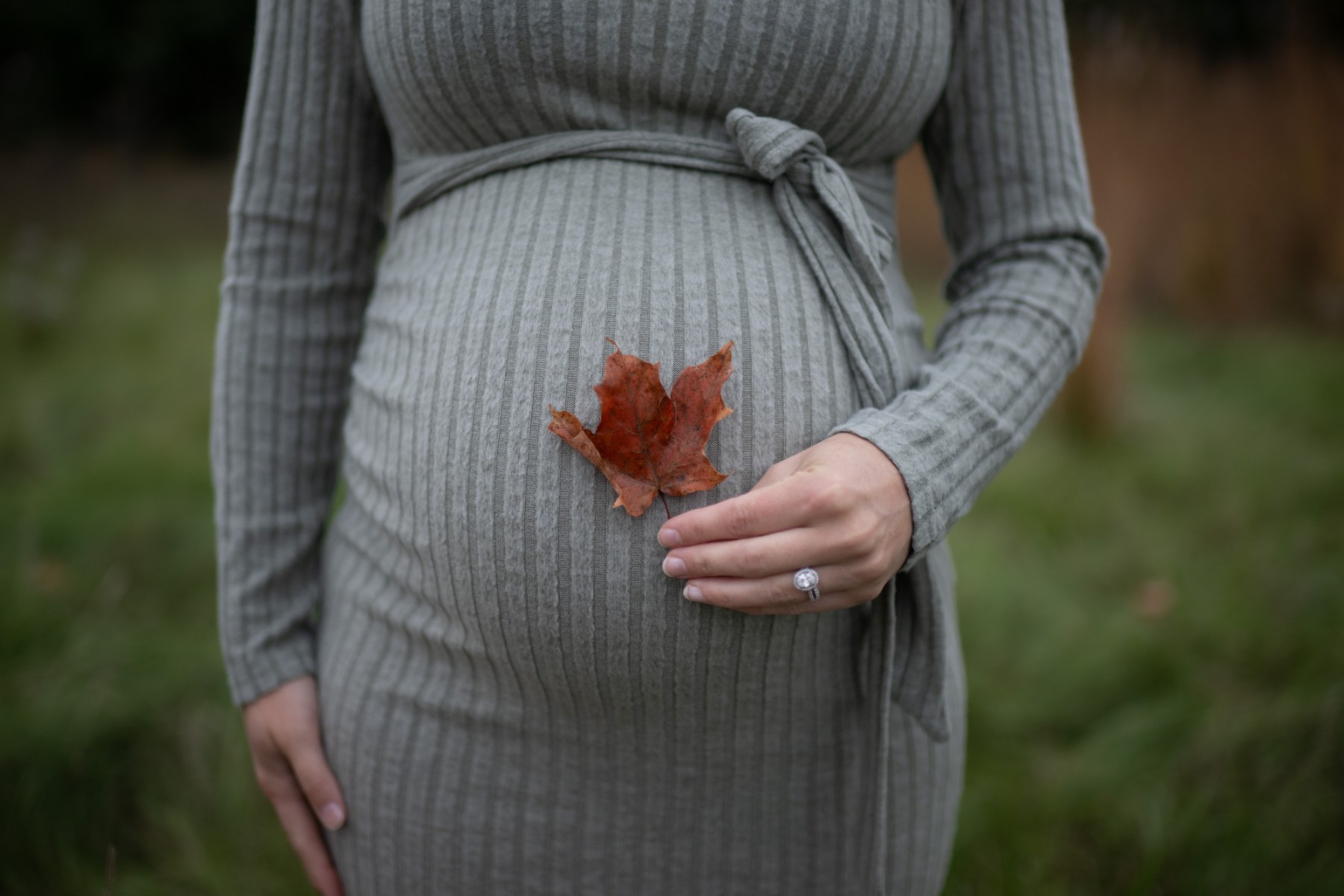
More Examples
A Closer Look
Firefly
Polaroid
Old Film
Shag Rug
Sunflower Field
Playground
Forest Floor
What’s in your download
The actions
Installation & tips
Your license
Every look in 1954
Make sure it fits
your workflow
Photoshop CC on desktop
Prefer Lightroom?
Your photographs
Make the finish your own
Prepare a working copy
Play one action
Adjust the finish
Need a hand?
Questions about 1954?
What is 1954?
What files are included?
How do I install the actions?
Do I need to correct my photograph first?
Will this work in Lightroom?
Can I make a look stronger or softer?
Why does my photograph look different from the example?
What if an action stops?
Bring 1954 to your next edit!
Refund Policy
Digital purchases are refundable before the download link has been accessed. Automated security scans or link previews don’t count as accessing it. Once the download link has been accessed, the purchase is final under our change-of-mind policy, and consumers in the EU or UK keep their 14-day cancellation right. Bought the same product twice? Contact us and we’ll refund the duplicate, even if you’ve downloaded it. To request a refund, or if files are missing, damaged or don’t match the description, contact [email protected]. This policy does not limit your rights under applicable law. Read our full Return & Refund Policy.
Terms & Conditions
- Agreement and Acceptance
These Terms & Conditions constitute the entire agreement between Twig & Olive Photography LLC (“we,” “us,” or “our”) and the Purchaser (“you” or “your”), as identified on the Bill of Sale, and supersede any prior oral or written agreements. By purchasing any Photoshop Actions, Lightroom Presets, ACR Settings, Photography Education Courses, Guides, Templates, Marketing Materials, or Business Documents (the “Products”), you agree to these Terms & Conditions. If any provision of these Terms & Conditions is deemed invalid or unenforceable by a court of law, the remaining provisions will remain valid and enforceable. - Copyright and Ownership
All Products are copyrighted and owned by Twig & Olive Photography LLC. We retain all copyrights, moral rights, and intellectual property rights, including those not explicitly granted in this agreement. All instructional content and related materials are protected indefinitely. No ownership rights are transferred to you. - Permitted Uses
- You may use the Products in the production of personal and/or commercial works.
- Each purchase includes a single-use license for one individual or one business entity only.
- Prohibited Uses
- You may not resell, redistribute, share, mimic, reproduce (in whole or in part), or disseminate the Products in any way to any third party.
- Sharing Products with individuals outside your business or transferring licenses is strictly prohibited.
- Refund Policy
Digital purchases are refundable before the download link has been accessed. Automated security scans or link previews don’t count as accessing it. Once the download link has been accessed, the purchase is final under our change-of-mind policy, and consumers in the EU or UK keep their 14-day cancellation right. Bought the same product twice? Contact us and we’ll refund the duplicate, even if you’ve downloaded it. To request a refund, or if files are missing, damaged or don’t match the description, contact [email protected]. This policy does not limit your rights under applicable law. Read our full Return & Refund Policy.
- Breach of Terms
If you violate these Terms & Conditions, it will result in irreparable harm to Twig & Olive Photography LLC, for which monetary damages may be insufficient. In such cases, we are entitled to seek injunctive relief (court orders) to enforce compliance with these Terms. If we prevail in legal action, we may recover reasonable costs, compensatory and punitive damages, and attorneys’ fees from you. - Dispute Resolution
Any disputes arising from these Terms & Conditions will be resolved through binding arbitration in accordance with Chapter 788 of the Wisconsin Statutes.- A panel of three arbiters will be selected: one by each party, and a third by agreement of the party-appointed arbiters.
- Arbitration will take place in Dane County, Wisconsin.
- The arbiters’ decision will be final and binding on all parties.
- Governing Law
These Terms & Conditions are governed by the laws of the State of Wisconsin, without regard to its conflict of law principles. - Acknowledgment of Terms
By completing your purchase, you acknowledge that you have read, understood, and agreed to these Terms & Conditions in their entirety.
Reviews (0)
Only logged in customers who have purchased this product may leave a review.


Reviews
There are no reviews yet.