

Mac apps for photographers
App Suite
The Twig & Olive apps are Mac tools for the work around your photos: resizing and converting, renaming, checking your web pages, editing, and recovering deleted photos. Each one has a free way to start.
Mac apps
The apps
Each app has its own page with what it does, what is free and where to get help. The price on each card is what the app costs to buy.
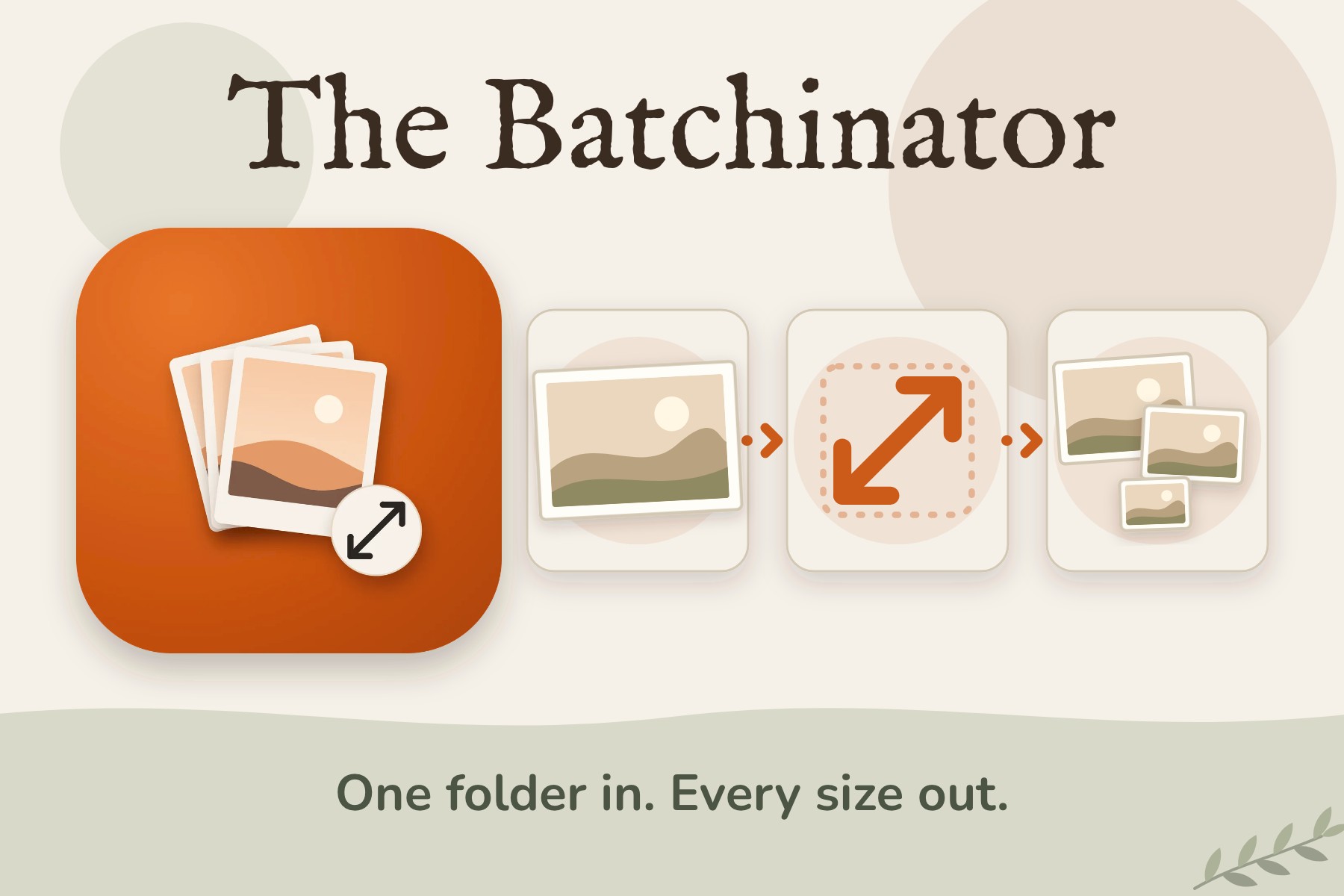
Resize and convert a whole shoot into several finished outputs in one batch, then save the setup as a profile and run it again on the next job. Sign in with a free account to convert your first 100 photos on each Mac, and a $39 license unlocks unlimited batches.
$39.00Add to cart
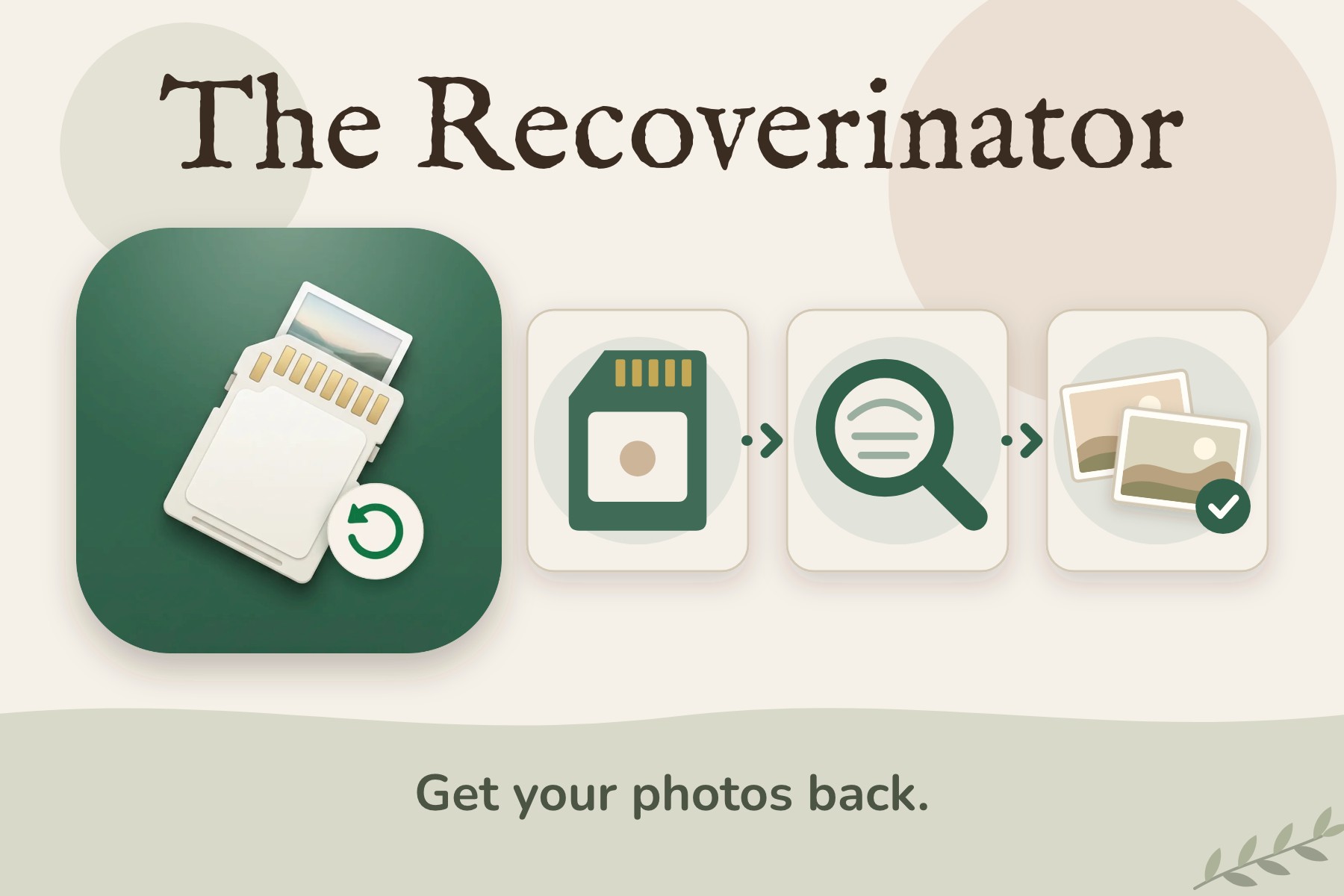
Recover deleted photos and videos from memory cards on your Mac, starting with a read-only scan that is free. Sign in with a free account for your first 100 successful full-size recoveries on each Mac, and a $59 license removes that limit.
$59.00Add to cart

Check a web page or draft, see what needs attention, and follow the steps to improve it. Run 10 page checkups on each Mac with no account, or 100 a month with a free account.
Free downloadAdd to cart
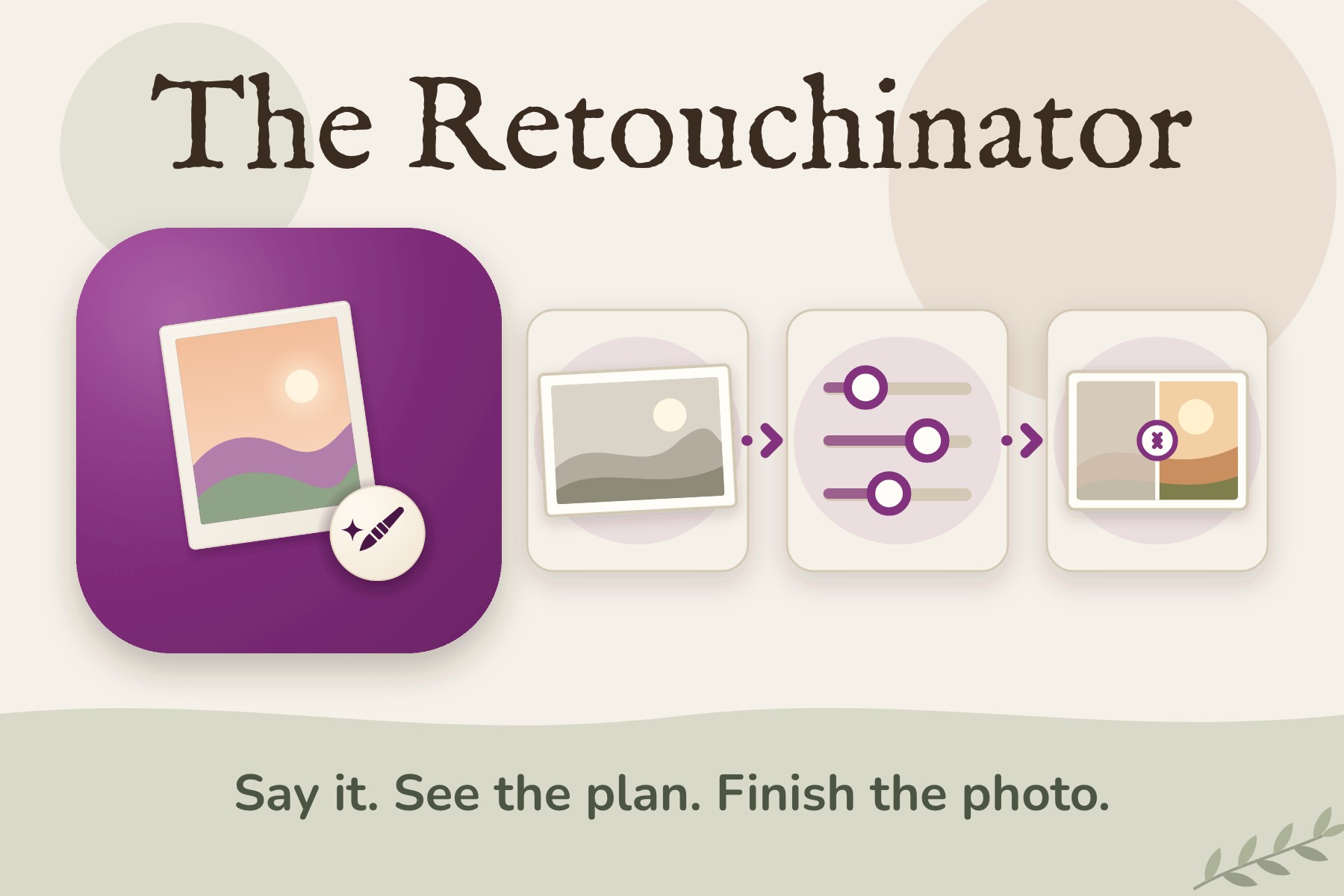
Finish photos on your Mac with tone and color, straightening, cleanup and portrait touch-ups, and follow every change with Before, History and Undo. Importing, editing on your Mac and exporting are free and need no account.
Free downloadAdd to cart
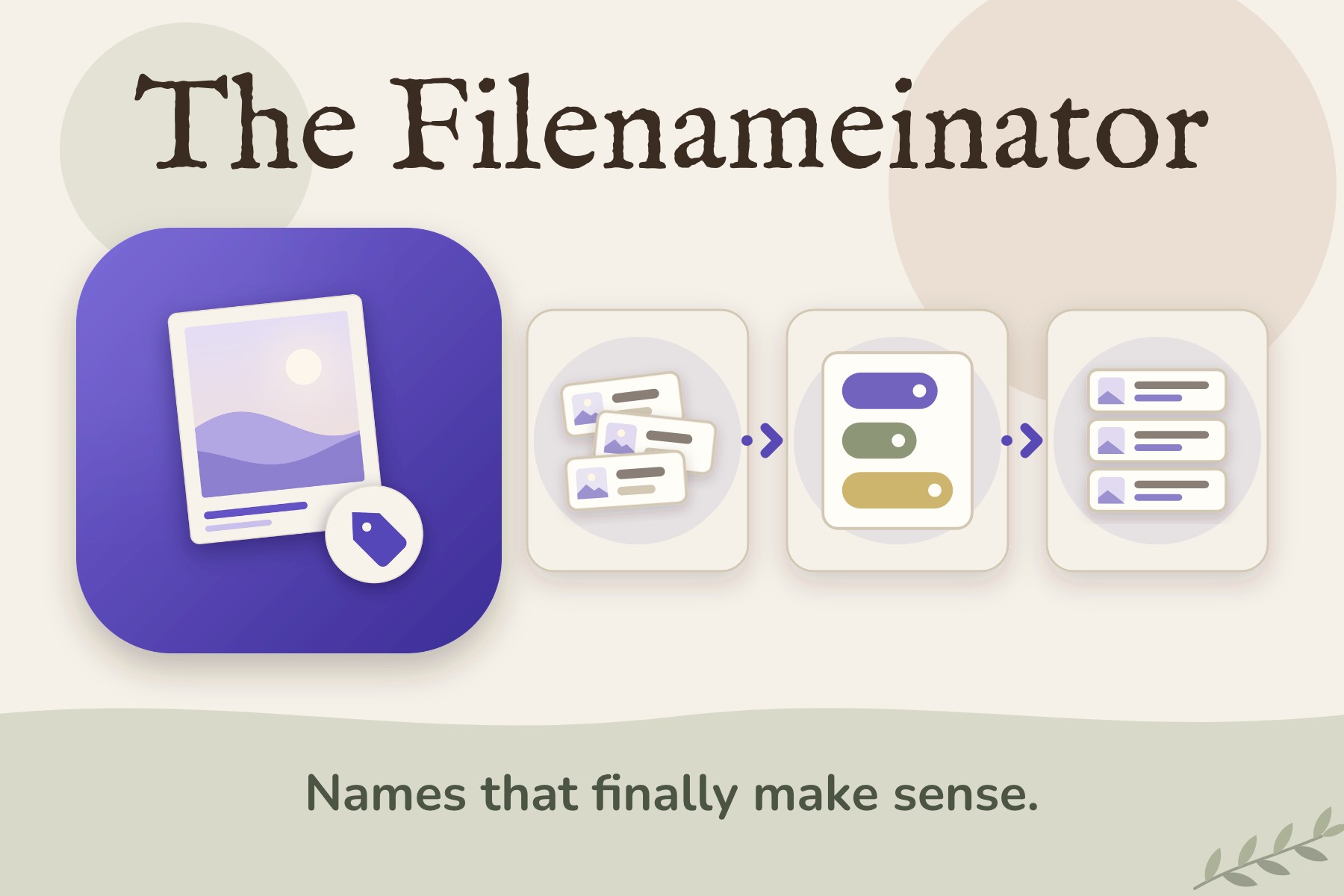
Build clearer file names with reusable recipes, and review the proposed names before you rename. Renaming, recipes, Filename Doctor, Undo and updates are free and need no account.
Free downloadAdd to cart
Coming soon
The Pipelineinator
The Pipelineinator is on the way. Check back soon for details.
Plans and usage
Twig & Olive usage plans
Every app works on your Mac with no plan. A plan adds monthly usage for the AI steps that run on our service. One account and one plan work across every Twig & Olive app, and the same Mac counts once.
- Free. $0. Editing on your Mac is free without a card. Sign in for a one-time starter allowance.
- Plus. $12 a month or $120 a year. A monthly AI usage allowance on up to 2 Macs.
- Pro. $29 a month or $290 a year. A monthly AI usage allowance on up to 2 Macs.
- Studio. $69 a month or $690 a year. A monthly AI usage allowance on up to 3 Macs.
- Extra usage packs. One-time purchases of $6, $15 or $36. Extra usage never expires and works on Free too.
Plan checkout is not open yet. See the plans
The full list
All Apps
Every app in the suite with its price. Open any one to see what’s free and what it does.


Before you download
Questions about the apps
Quick answers on what you need, what’s free, accounts, updates and help.
What do I need to run the apps?
A Mac with macOS 14 or later. The Batchinator, The Recoverinator, The Contentinator and The Filenameinator pages say an Apple silicon or Intel Mac works, and The Retouchinator page says macOS 14 or later. There is no Windows version yet. The Batchinator page says a PC version is coming soon, and The Recoverinator does not run on Windows.
What is free in each app?
The Batchinator: sign in with a free account and convert your first 100 source photos on each Mac. The Recoverinator: scans are free, and a free account covers your first 100 successful full-size recoveries on each Mac. The Contentinator: 10 page checkups on each Mac with no account, or 100 a month with a free account. The Retouchinator and The Filenameinator: their everyday tools on your Mac are free and need no account. Each app page has the full list.
Do I need an account?
It depends on the app. The Retouchinator and The Filenameinator need none for their free tools, and The Contentinator needs none for its first 10 checkups. The Batchinator and The Recoverinator use a free Twig & Olive account for their free allowance, though The Recoverinator lets you scan without one. Some optional features run on our service and use cloud usage on a connected account: The Contentinator’s improvements, and hosted editing and hosted naming in The Retouchinator and The Filenameinator when they’re available for your account. See the plans for The Contentinator.
How do I get an app?
For The Contentinator, The Retouchinator and The Filenameinator, add the app to your cart and check out to get it. A license for The Batchinator ($39) or The Recoverinator ($59) is a one-time purchase for two personal Macs, with no subscription. Connect your purchase to the Twig & Olive account you use in the app.
How do updates work?
Updates are free in all five apps. The Recoverinator, The Contentinator, The Retouchinator and The Filenameinator pages also say updates need no account. The Recoverinator, The Retouchinator and The Contentinator install an update only when you choose it.
Will The Recoverinator get back every photo?
No. Results depend on the card, and overwritten, fragmented or damaged photos may be incomplete or unrecoverable. A license removes the recovery limit, but it can’t make damaged or overwritten photos recoverable. Scanning is read-only, and you save recovered copies to separate storage, never back onto the card.
Where do I get help?
Every app page links to its own support guide, and the product help page has them in one place. You can also email [email protected].
What if The Batchinator or The Recoverinator isn’t right for me?
Email us within 14 days of purchase with your order number, and we’ll refund you. Your license ends when the refund is issued. Your rights under consumer protection law still apply. The full wording is in the Return & Refund Policy.
Need more help? Visit product help.
Connect with Twig & Olive
Not sure which app fits your work? Email [email protected] and we’ll help you choose. For setup help and troubleshooting, see product help.